22. Logo.
The logo associated with the article is programmed here. The
scale has one set of programmed logos.
Press
∗
∗∗
∗
in order to save
23.- Alter price
When this field is programmed to “Yes”, it is possible to modify
the price of the article by pressing on its direct key.
The procedure is the following:
1. Keep pressed the direct key of the article
2. Enter the new price
3. Press
: ∗
∗ ∗
∗
When all the details referring to the article have been entered,
press ∗
∗∗
∗ to memorise the data.
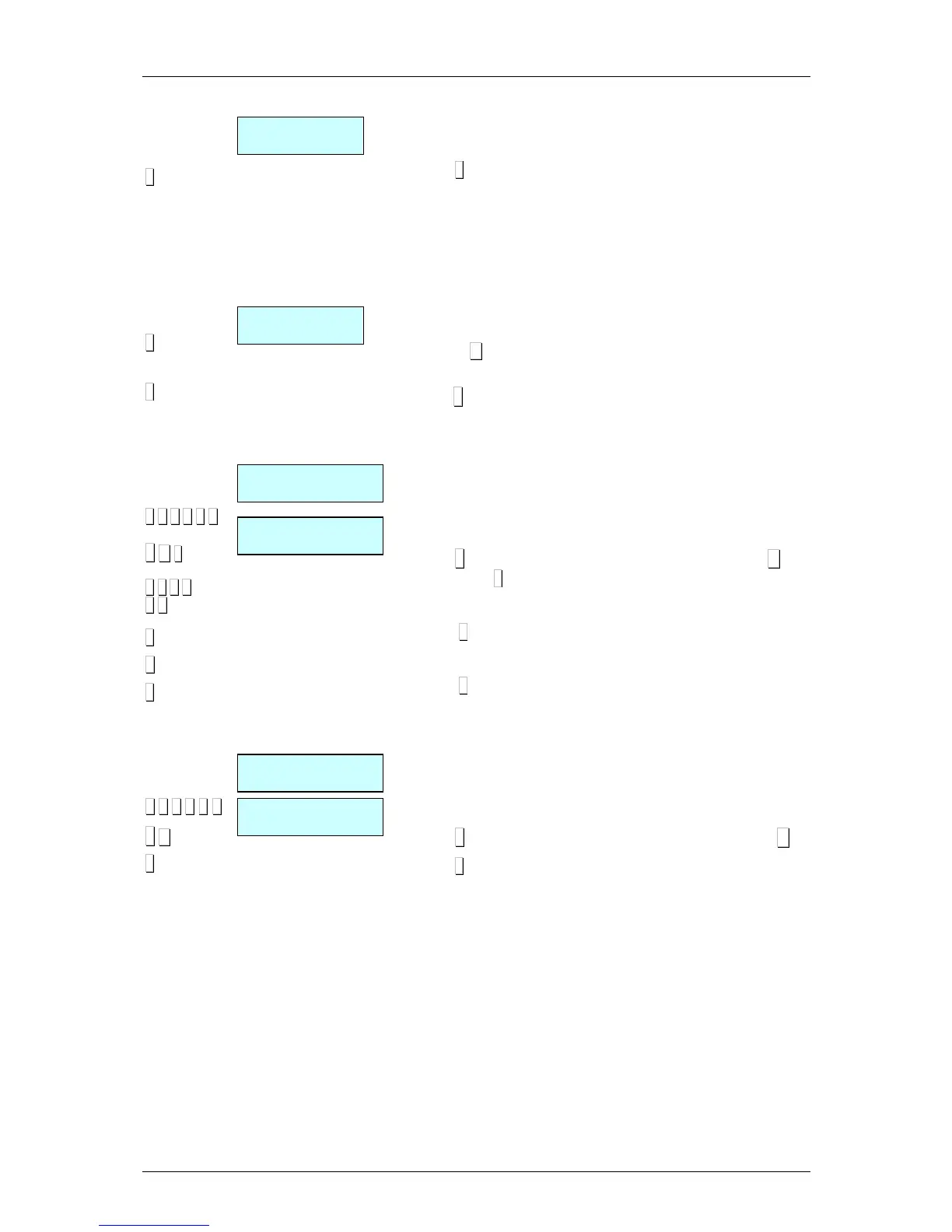
3.1.2.Copy An Article
Effect the following operation:
1. Enter article programming on the scales.
2. Select the article code to be copied.
3. Press ◊
◊◊
◊ and select the option Copy Article with the key C and
confirm with
∗
∗∗
∗
4. Select the new article code.
5. Press
∗
∗∗
∗
6. Press the new direct key associated to this article.
7. Press
∗
∗∗
∗
3.1.3. Delete Article
Effect the following operation:
1. Enter article programming on the scales.
2. Select the article code to be deleted
3. Press ◊
◊◊
◊ and select the option Delete Article with the key C.
4. Press
∗
∗∗
∗



 To Next Page