Therefore, if letter type 74 is selected, this means that the base
letter type is 60, size 16 x 32 and it is increased by 14, which
means that the letter width is multiplied by 2 and the height by 5,
and the final letter size will therefore by 32 x 160.
Press + or – to go up or down, respectively, to the next section.
Press ∗
∗∗
∗ to change parameter and at the last parameter in the
section, the next section is accessed.
Press ◊
◊◊
◊ to delete an undesired section. The scales will request
confirmation. Pressing C. we select delete (Yes or No) and
pressing on ∗
∗∗
∗ accept.
To delete the last sections from a format, select the first to be
deleted and then in the section number enter 00.
When all the sections have been programmed, section 00
appears. Press ∗
∗∗
∗ to record data. The scales will confirm that the
label format has been recorded.
When a label format is being designed, if you wish to print a
sample label, press T/FT. To print a list of sections with their
parameter values, press PRINT.
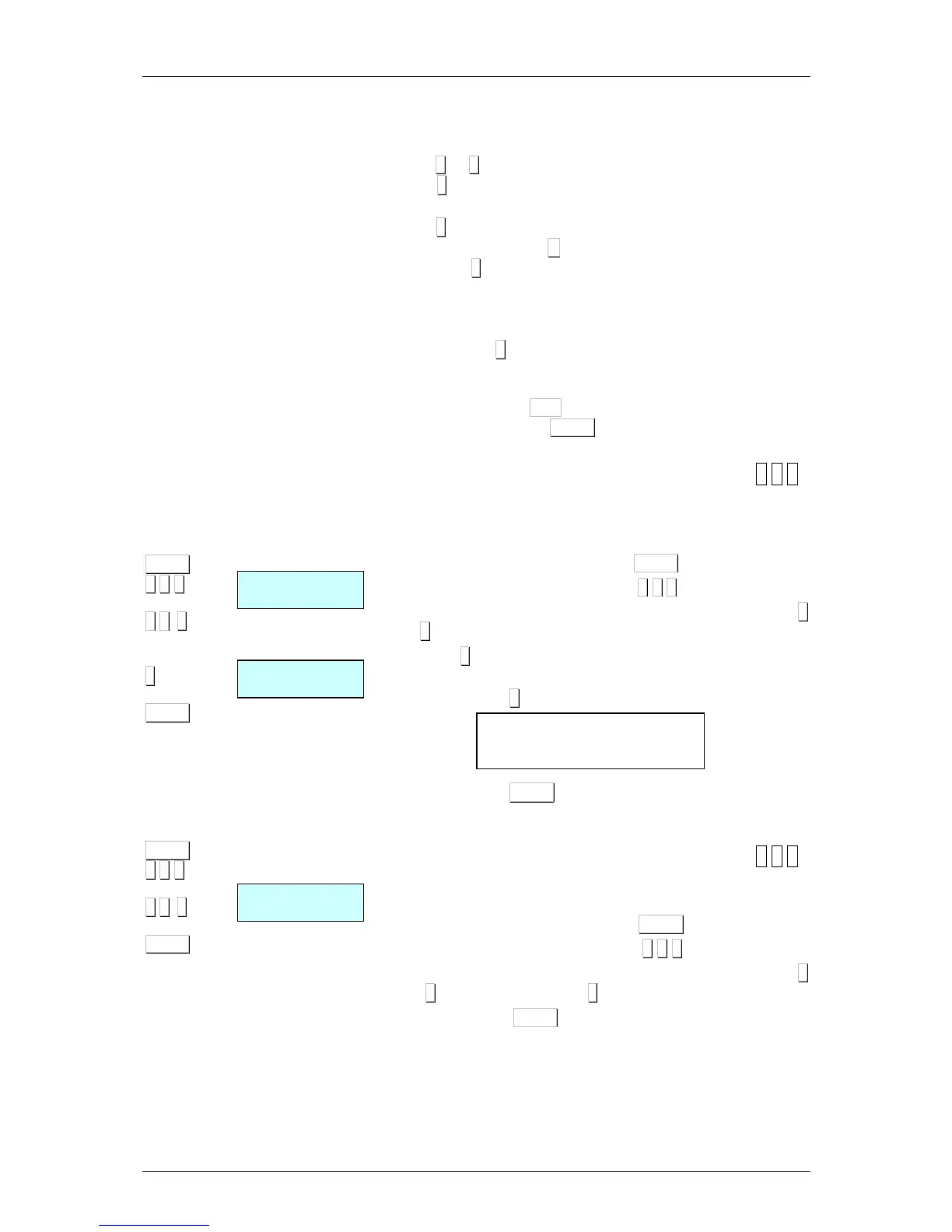
9.1.2.Copying a label format [ 6 1 2 ]
It is possible to copy one label format to another provided that the
latter is a programmable type. To do this:
1. Check that the scales are the MASTER.
2. Access programming by pressing MENU
3. Enter the label programming code 6 1 2
4. Enter the original format number using 2 digits (for example 0
2 for format 2)
5. Press ∗
∗∗
∗.
6. Enter the target label format number to be designed (from 21
to 30*). Press ∗
∗∗
∗ as many times as required to save all fields.
7. Then, press MENU 2 seconds to quit the programming
menu.
9.1.3.Deleting a label format [ 6 1 3 ]
It is possible to delete one of the programmed label format. To do
this:
1. Access programming by pressing MENU.
2. Enter the label programming code 6 1 3.
3. Enter the source format number using 2 digits (for example 0
2 for the format 2). Press ∗
∗∗
∗
4. Then, press MENU 2 seconds to quit the programming
menu.
* Models.
•: W-015 & M-515 Maximum 25
•: W-025 & M-525 Maximum 30



 To Next Page