6.5.2.Product programming [ 4 5 1 ]
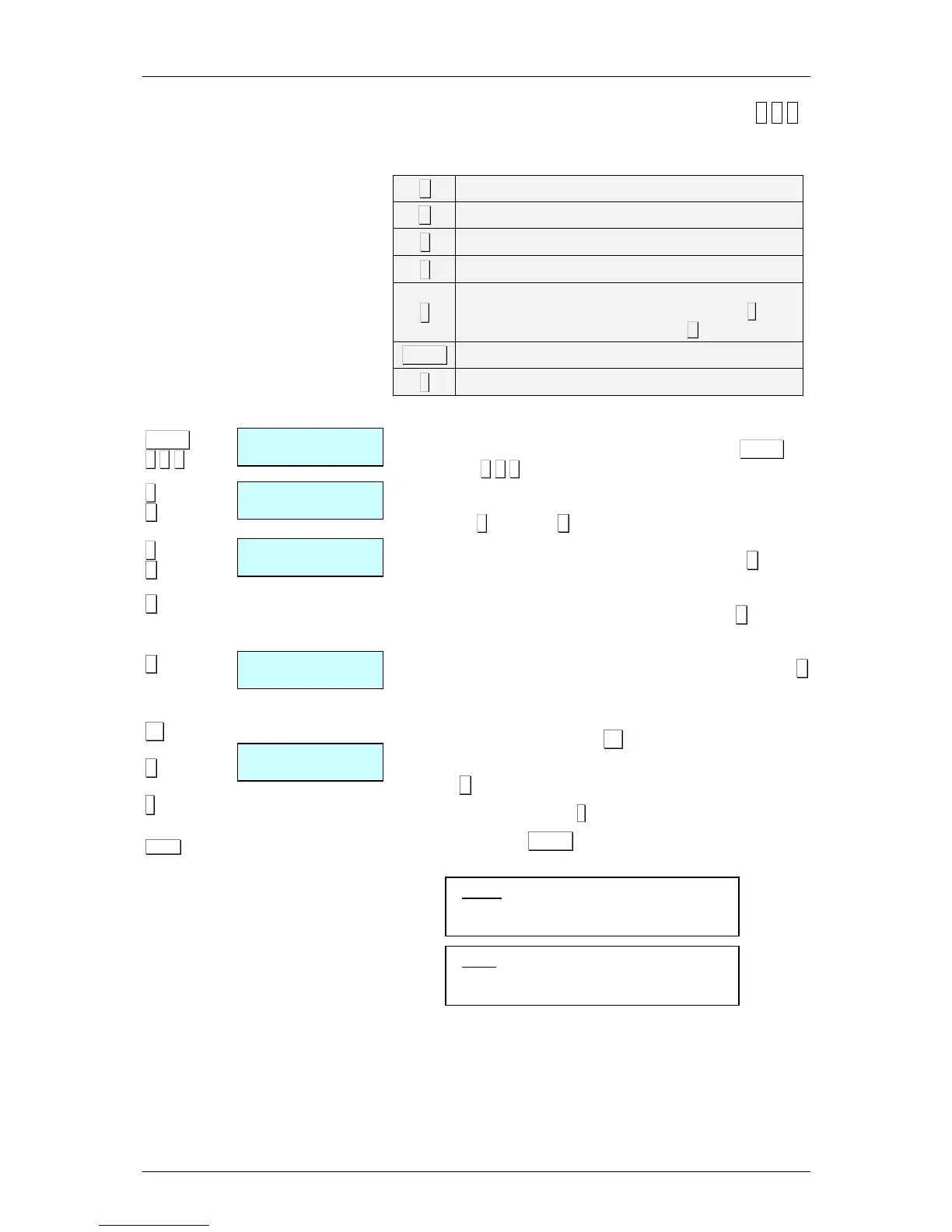
The following keys are useful in programming product
characteristics:
X
Change field and record
C
Delete the character that is being edited.
+
++
+
Move the cursor forwards.
−
−−
−
Move the cursor backwards.
◊
◊◊
◊
Delete a previously recorded product. The scales will
request confirmation. If you wish to delete it press ∗
∗∗
∗, again,
and if you do not wish to delete it, press C.
PRINT
Print programmed texts
∗
∗∗
∗
Record product set-up.
To define the product characteristics, proceed as follows:
1. From the Traceability programming position, MENU (2
seconds) 4 5 1.
2. Enter the IDN, product, (1-20*), defined by the keypad for
example 2 and press X.
3. Define the class(1-2*) to which it belongs and press X again.
4. Then program the TEXTS (answers) associated with the
Table of Text (questions) from 1 to 20 *. Use the X button to
change from lineof text to next line.
5. Programme the N. Identification (Given by default). Press X
to be changing the next field edited in the section 6.5.3. Table
of Text programming.
6. To pass to text of lines press F2.
7. Program the field SLAUGHTERING HOUSE NUMBER.
Press X to g oto the next field.
8. To exit and record press
∗
∗∗
∗
9. Pulsar la tecla PRINT para imprimir las líneas de texto
introducidas.
*
NRP:
• Models: W-010, W-015 & M-510,M-515 Max 10
• Models: W-020, W-025 & M-520,M-525 Max 20
*
Class:
• Models: W-010, W-015 & M-510,M-515 Max 1
• Models: W-020, W-025 & M-520,M-525 Max 2



 To Next Page