9.FORMATS [ 6 ]
This section is for programming the characteristics of the receipt
and label.
Access to the main menu is gained by pressing MENU 2
seconds.
In the programming menu, the selected option always appears in
black.
To move from one option to another use F2 to go down through
the menu and F1 to go up.
In programming mode, select option 6 Formats, press
∗
∗∗
∗
and
then choose one of the 2 options:
Select option 1, Programme Labels and press
∗
∗∗
∗
to programme
the label formats.
Select option 2, Programme Receipts and press
∗
∗∗
∗
to
programme the receipt formats.
To exit programming press MENU 2 seconds.
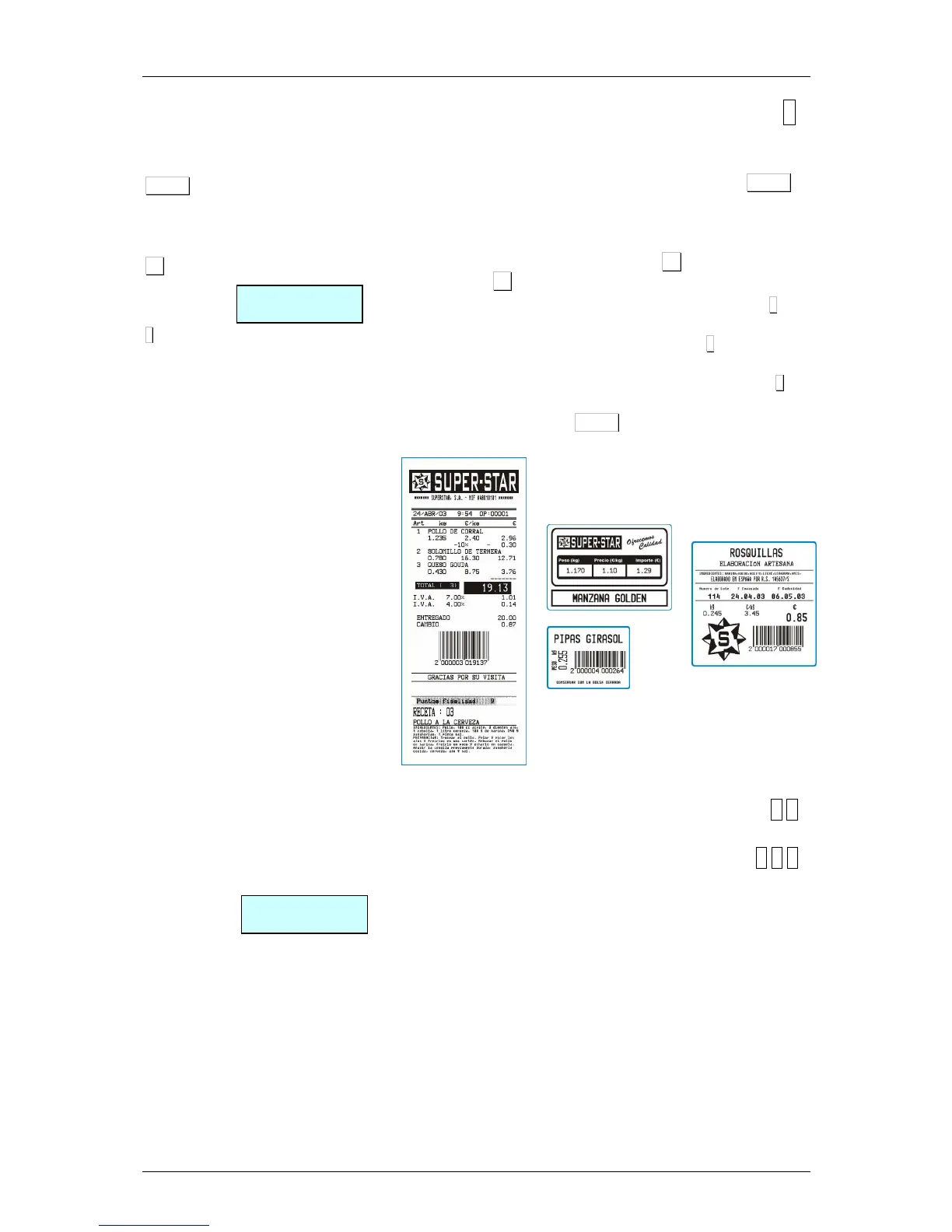
Examples of receipts and labels:
9.1. LABEL [ 6 1 ]
9.1.1.Program label format [ 6 1 1 ]
DIBAL 500 Range Scales has different label formats that can
be programmed by the user. This section explains how to design
(the size and fields to print) these special labels. The fields that
can be programmed on the label are described in the table
below. Depending the model of scale



 To Next Page