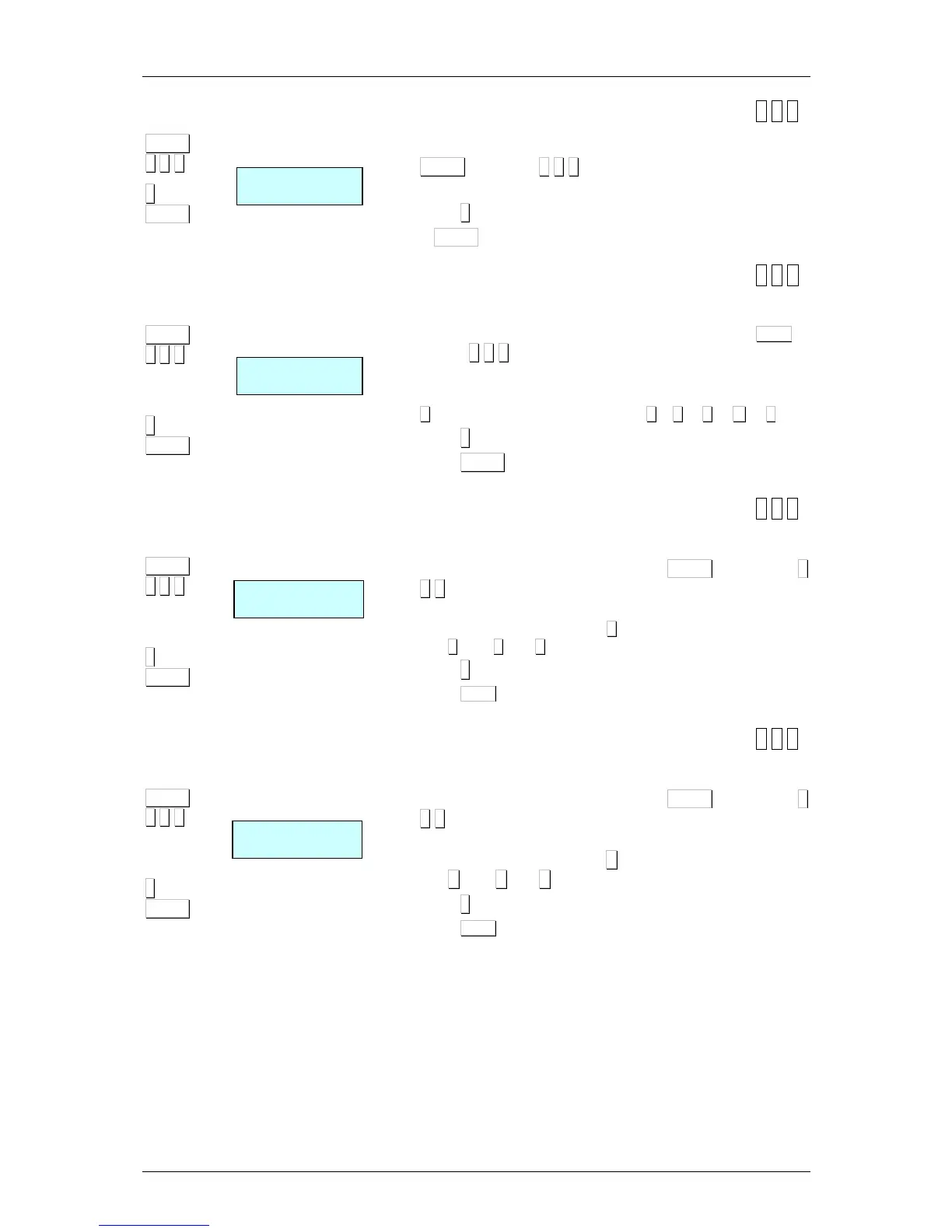
7.1.5.Configure the TCP RX Port [ 5 1 5 ]
1. Access to the configuration of the RX port by pressing the
MENU (2 secons) 5 1 5
2. Program Rx TCP port=3000 (always)
3. Press ∗
∗∗
∗ to save.
Press MENU (2 seconds) to quit the programming menu.
7.1.6.MAC Address [ 5 1 6 ]
Display the scale’s MAC address.
1. Access to the MAC Configuration by pressing the
MENU (2
seconds)
5 1 6 keys.
2. Enter the password. Consult to the Technical support.
3. Enter the MAC address in groups of two characters, pressing
X
alter the second carácter. E.g.: 01
X
10
X
01
X
00
X
12
X
15
4. Press ∗
∗∗
∗ to save.
5. Press MENU (2 seconds) to quit the programming menu.
7.1.7.Subnetwork Mask [ 5 1 7 ]
This sets up the subnetwork mask.
4. Enter master-slave set-up by pressing MENU (2 seconds) 5
1 7.
5. Enter the subnetwork mask progressing through three by
three characters, and press
X
after the third character. Eg:
255.
X
000.
X
000.
X
000
6. Press ∗
∗∗
∗ to save.
7. Press
MENU
(2 seconds) to quit the programming menu.
7.1.8.Gateway Address [ 5 1 8 ]
This sets up the gateway address.
1. Enter master-slave set-up by pressing MENU (2 seconds) 5
1 8.
2. Enter the subnetwork mask progressing through three by
three characters, and press X after the third character. Eg:
255.X 255.X 255.X 255
3. Press ∗
∗∗
∗ to save.
4. Press
MENU
(2 seconds) to quit the programming menu.



 To Next Page