6.3. SECTIONS [ 4 3 ]
This parameter allows to program the section names and the
barcode format for each section.
The names of 100 sections, as well as logo an barcode format
EAN-13.
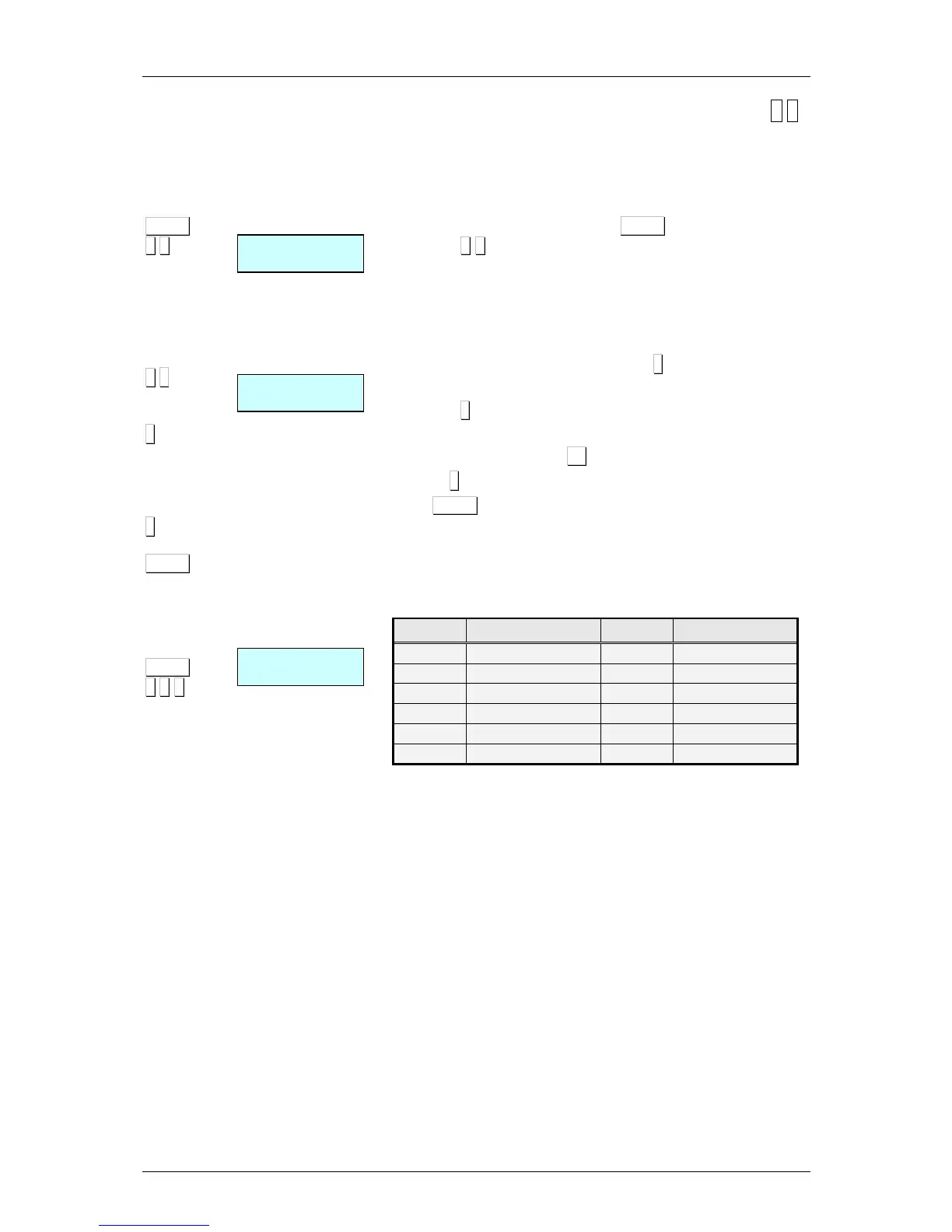
To access to the setting up, press MENU (2 seconds) and then
code 4 3
6.3.1.Section names
The section names with a maximum of 20 characters, are
programmed. The process is as follows.
1. Enter the section number and press ∗
∗∗
∗
2 Enter the name of the section, a maximum of 20 characters.
3. Press ∗
∗∗
∗
4. Select the section logo. To do this press + to view the logo.
To quit programming press F4 and return to working mode.
5. Press ∗
∗∗
∗ to record and pass to next section.
Press MENU to exit from the programming menu.
6.3.2.Ean13 per Section
1. Introduce the EAN-13 code format associated to the section
as the Table 6.2 shown below
Code DESCRIPTION Code DESCRIPTION
A
Group number
G
Nº of articles
B
Customer number
H
Weight
C
Article code
I
VAT rate
D
Employee code
K
Section
E
Total amount of receipt.
L
Manufacturer’s code
F
Sign of amount
Q
Control check
Table 6.2



 To Next Page