17.2.1.Display Formats
The selection of the display format is done by pressing the keys: Shift, F4 (long pressing, wait until the
second beep).
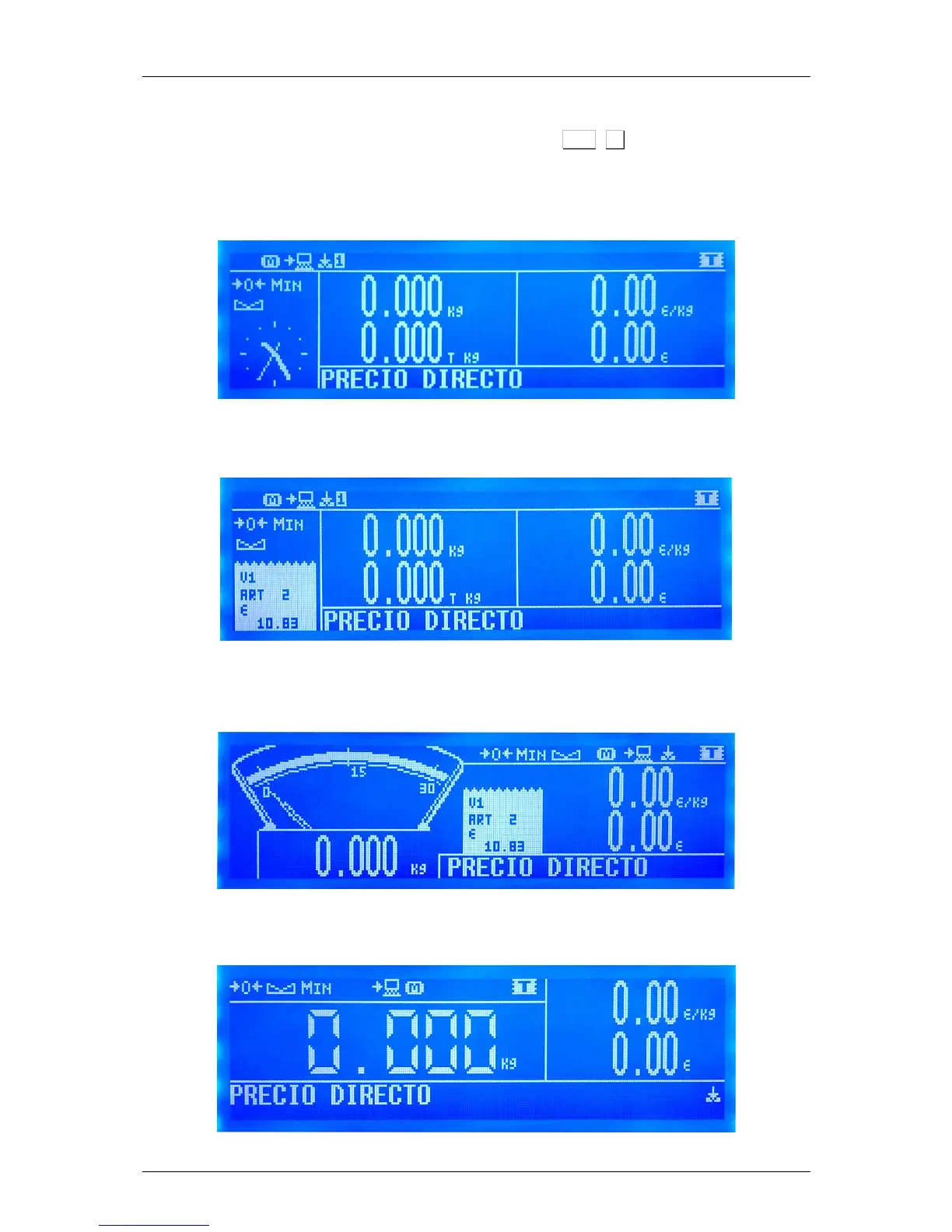
17.2.1.1. Format 1
Complete classic screen with logo section and optional analog clock.
17.2.1.2. Format 2
Complete classic screen with vendors and subtotal indicator.
17.2.1.3. Format 3
"Retro" Weight Screen with simulated analog weight indicator, without tare, without vendors icons (with
open tickets icon) and with subtotal indicator.
17.2.1.4. Format 4
Weight screen with big digits, without tare and without vendors.( Preset Tares not allowed)



 To Next Page