OPTION 2:
OPTION 2:OPTION 2:
OPTION 2:
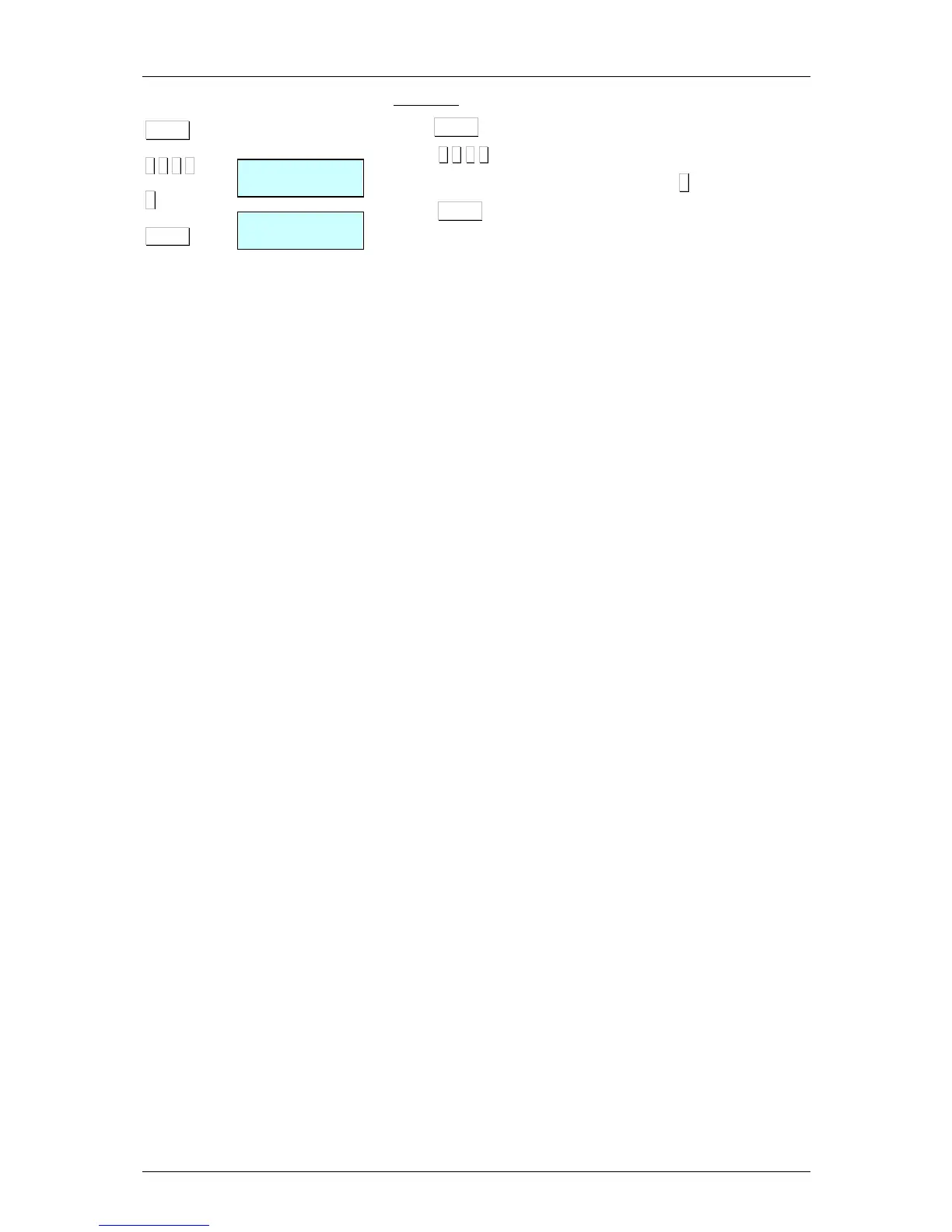
Press MENU
Pressr
7 4 1 3
Enter the value of the parameter, in this case 5.
Press MENU to exit the Programming menu.
The menus structure is the following:
ARTICLES
Articles programming
SALES ASSISTANTS (VENDORS)
Registration, removal and details of sales assistants
CONFIGURATION
Programming of PC Configuration, keyboard, label,
ticket, printing and EAN.
TEXTS
Programming of heading lines, publicity, sections,
payment modes and traceability.
COMUNICACIONES
Programming of communications parameters and
operations with PC.
FORMATS
Receipt and label programming formats.
DATA
Programming of data, selef-service mode, passwords
and printing parameters.
REPORTS
Printing of reports.
DELETIONS
Deletion of data.



 To Next Page