Default formats are automatically generated by the scale while the
special formats are those defined by the user in configuration
parameters (EAN 13 LABEL).
The configuration parameter EAN 13 Label is the special bar code
that is printed in the label. It is an alphanumeric text with 12
positions. They must be programmed like the text for headers and
the name of the article.
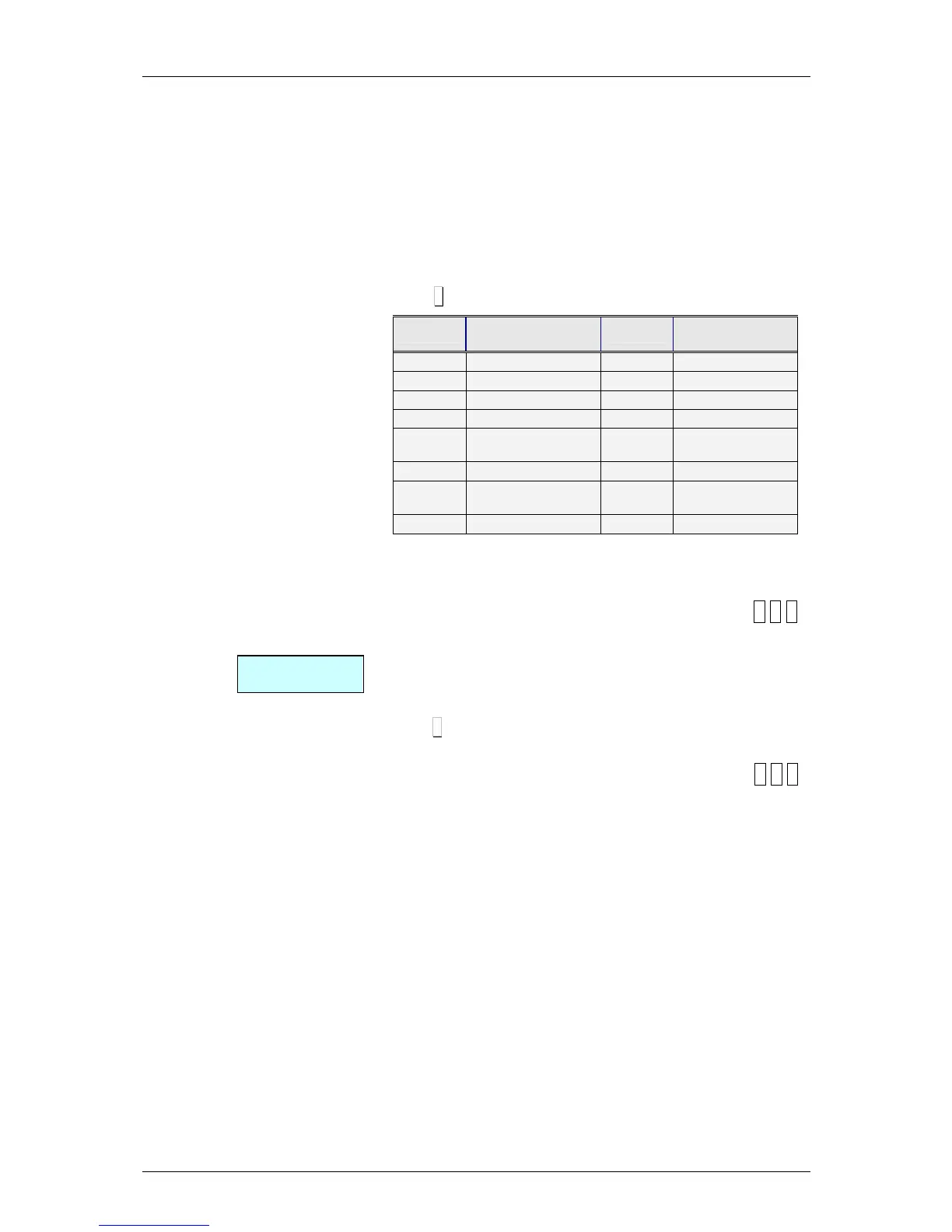
The numbers are symbolized directly on the bar code, and the
meaning of the different letters is shown Table 5.2 below.
The default bar code for the receipt and label is:
‘2AABBBBEEEEE’
Press ∗
∗∗
∗ to go to the next parameter
Code
Representation
on the bar code
Code
Representation
on the bar code
A
Group number
I
VAT rate
B
Customer number
K
Section
C
Article code
N
Receipt Number
D
Employee code
Q
Control Check
E
Total sum of the
receipt
R or T
Weight with 2
decimal
F
Sign of the amount
X
Price (in scanner)
G
Number of articles
Y
Total moneda
secundaria
H
Weight
Table 5.2
5.1.6.7. EAN 13 Label
[ 3 6 7 ]
Here the overall EAN13 bar code global is defined for the label
(special bar code).
The numbers are symbolized directly on the bar code, and the
meaning of the different letters is shown in Table 5.2.
Press ∗
∗∗
∗ in order to go to the next parameter.
5.1.6.8. EAN 128 Format
[ 3 6 8
]
Not available.



 To Next Page