VX222
v2
User’s Manual
17
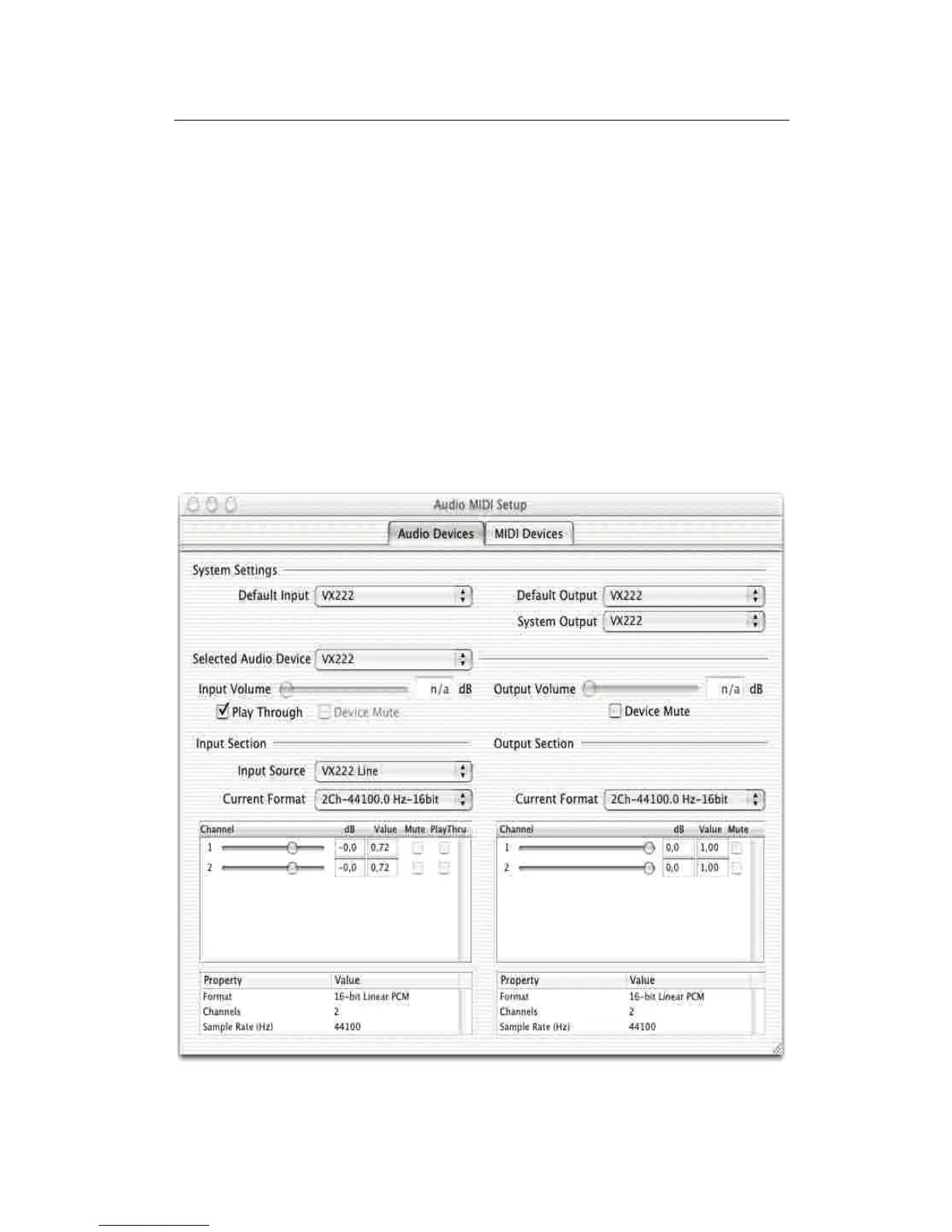
Audio Midi setup panel
This panel is accessible via Applications, Utilities.
Use the Audio Midi setup panel to set the following parameters of your VX
card:
• Hardware monitoring: Play through.
• Mute of the output: Device Mute.
• Source: digital (VX222 Digital), line (VX222 Line), line with digital
synchronization (VX222 Line + Sync).
• Audio format for input and output Current Format): sample size,
sampling frequency.
• Digital input gain for each input channel (from –72 dB to +18 dB).
• Analog output gain for each output channel.



 To Next Page