VX222
v2
User’s Manual
23
ASIO CONTROL PANEL FOR PC
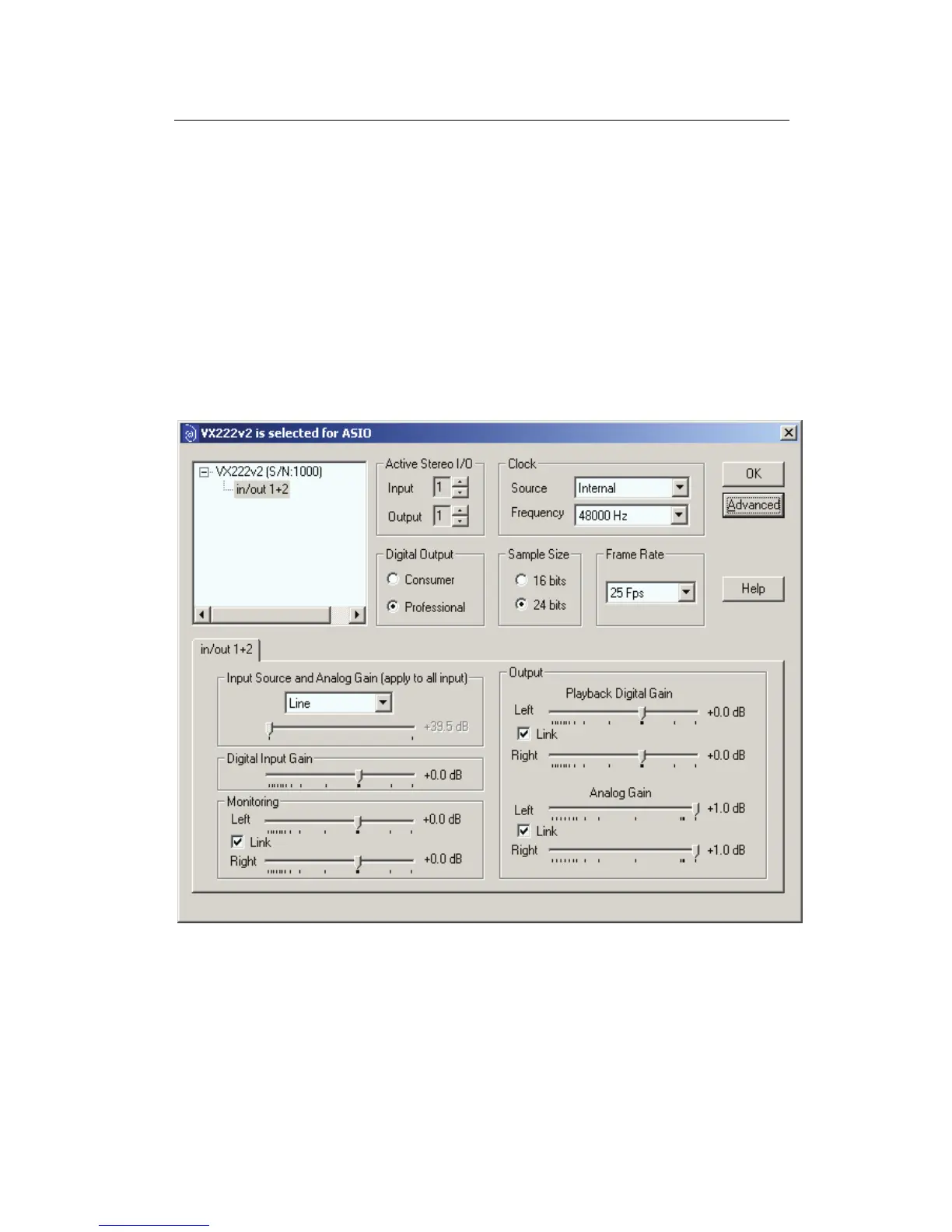
The purpose of this control panel is to set all the parameters of your Digigram
card when used with its ASIO2 driver. It must be launched from the ASIO
compatible application you use.
Detected Digigram boards are displayed in the left upper corner with their
serial number and their I/O stereo pairs. General settings of the selected card
are displayed in the right upper corner. IN and OUT settings of the selected
device are displayed underneath.
General settings
Active stereo I/O
It is recommended to activate only the required I/Os in order to save CPU
resources.



 To Next Page