D i g i g r a m
18
VX222
V2
SETTINGS UNDER WINDOWS
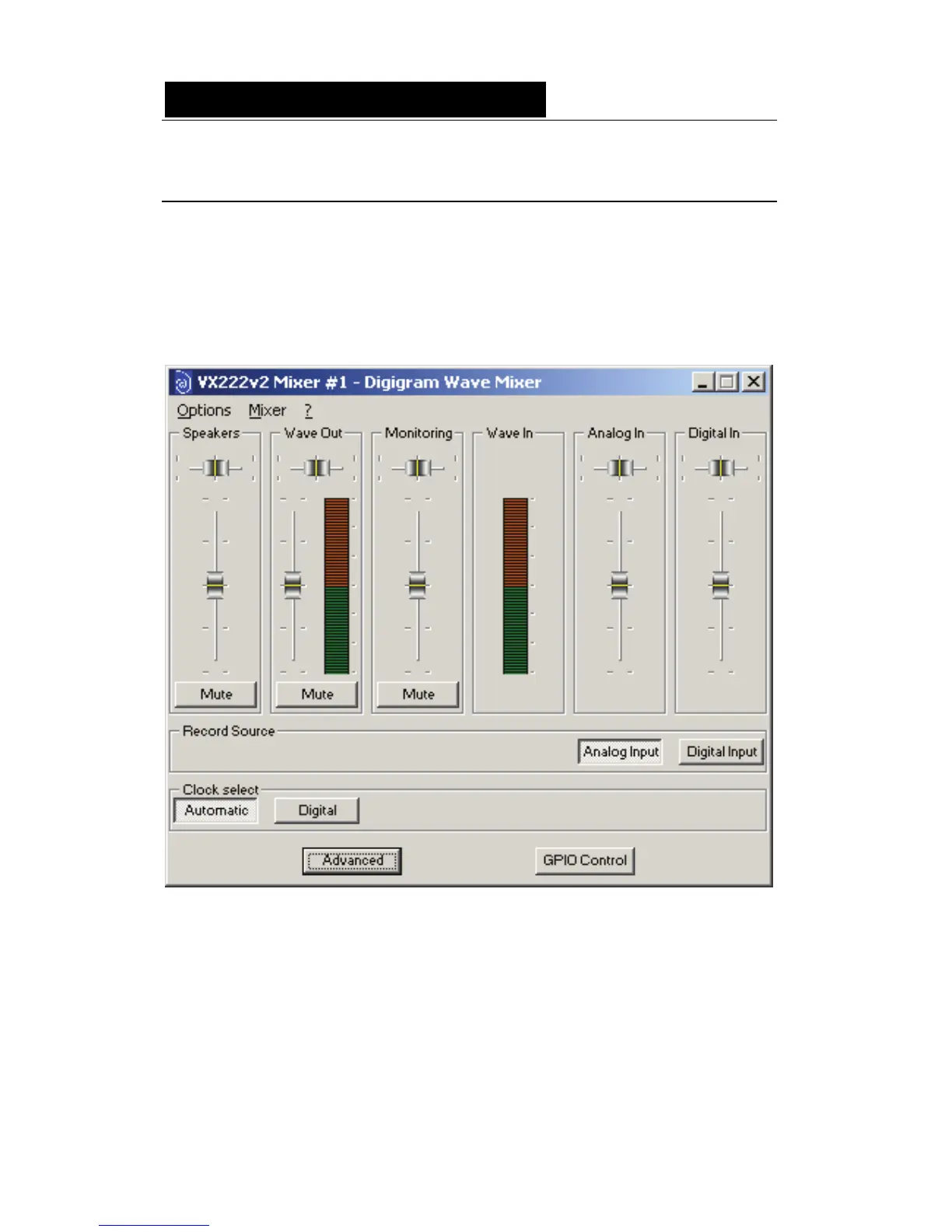
DIGIGRAM WAVE MIXER
Note: The Digigram Wave Mixer is only available if the Digigram Wave
driver has been properly installed!
The Digigram Wave Mixer serves to set input and output levels as well as
other settings such as input type and digital data format.
General operation
Running the program
The installation routine installs the Digigram Mixer icon in the Windows
taskbar. By default, the program is automatically launched at system start-up.
To access the program, double click on its icon or right click on it for a
context menu.



 To Next Page