VX222
v2
User’s Manual
29
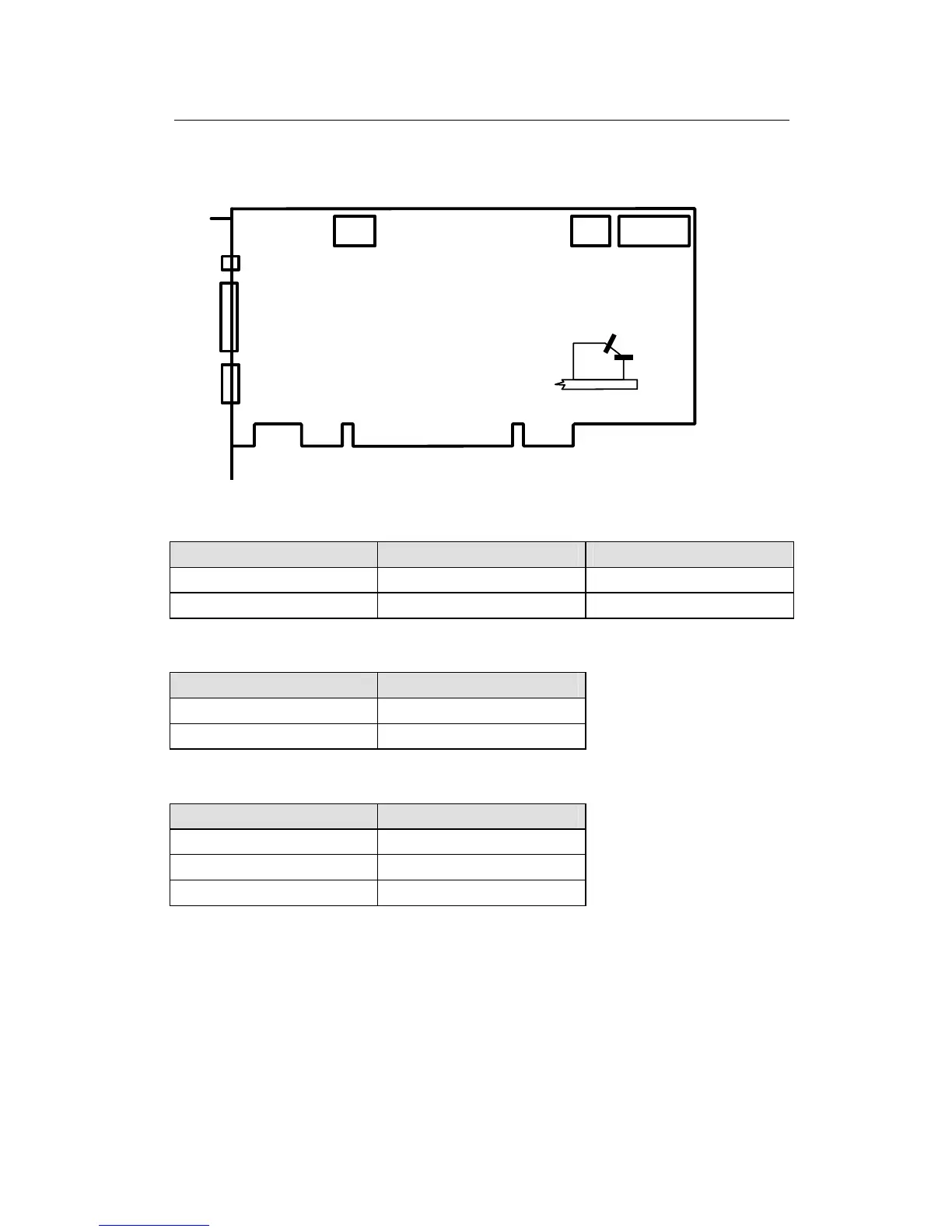
LAYOUT
J 2
J 1
J 3
VX222
v2
SW2
J 5
Switch position (SW 2)
Up = OFF (open)
Down = ON (closed)
OFF
ON
SW1
Jumper
SW1: Jumper input impedance:
Position Nominal Input Level Maximum Input Level
ON +4 dBu +22 dBu
OFF -10 dBV +10 dBu
SW2: Inter board synchronization:
(both levers must be set together)
Position Status
OFF Slave card
ON Master card
J1: Headphone connector:
(3.5 mm TRS female jack)
Contact Signal
Sleeve Ground
Tip Left channel
Ring Right channel
J2: Analog cable connector
J3: Digital cable connector
J5: Inter-card synchronization connector



 To Next Page