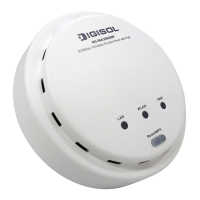
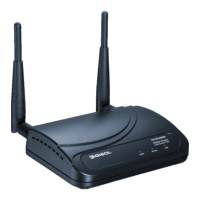
DG-WA30002NP User Manual
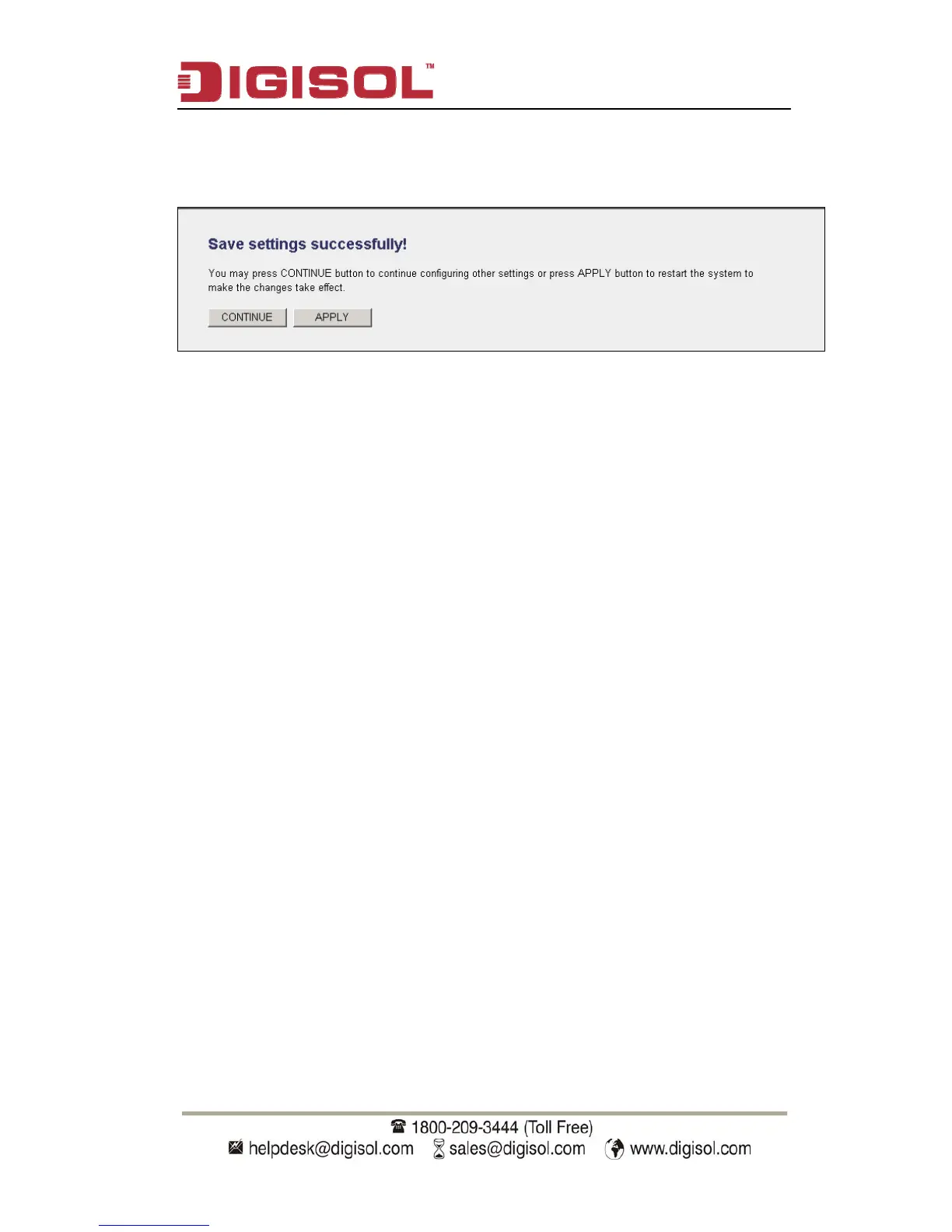
After you finish with setting, please click ‘Apply’, and the following message
will be displayed:
When you see this message, the settings you made are successfully saved.
You can click on ‘Continue’ button to go back to previous page and continue
with other settings, or click ‘Apply’ button to restart the wireless Access Point
and the changes will take effect after about 30 seconds
54


 To Next Page
 Loading...