Connecting Cables
5-10 Connecting and Removing Cables and Adapters
Connecting the Power Cable
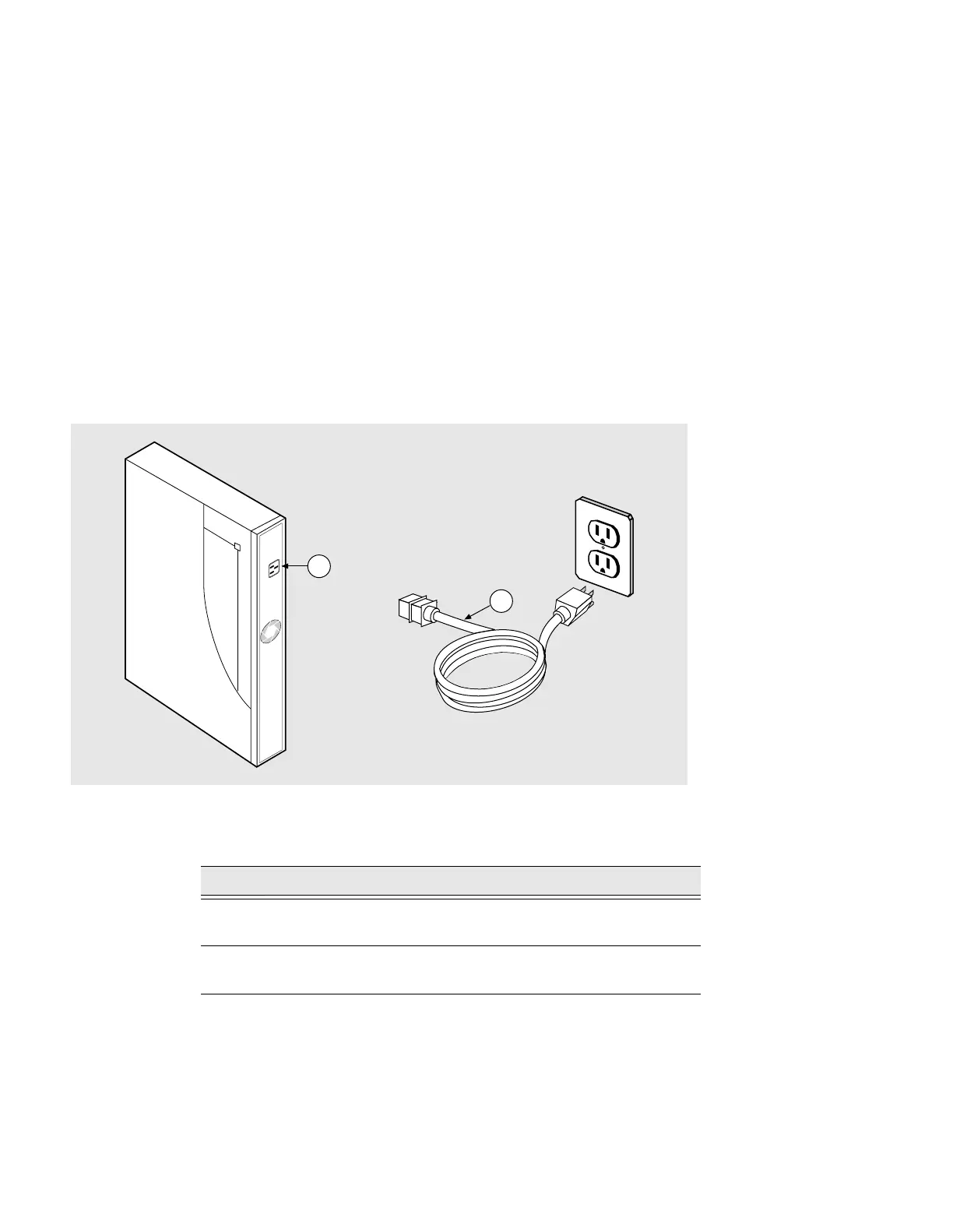
Figure 5-8 shows how to apply power to the DECserver.
Figure 5-8: Connecting Power Cable
To connect the power cable on the DECserver, complete the following steps:
Step Action
1 Plug the ac power supply cable (2) into the server power cable
receptacle (1).
2 Plug the other end of the ac power supply cable (2) into a wall
outlet.
3505-15
2
1



 To Next Page