Removing the Cables
5-12 Connecting and Removing Cables and Adapters
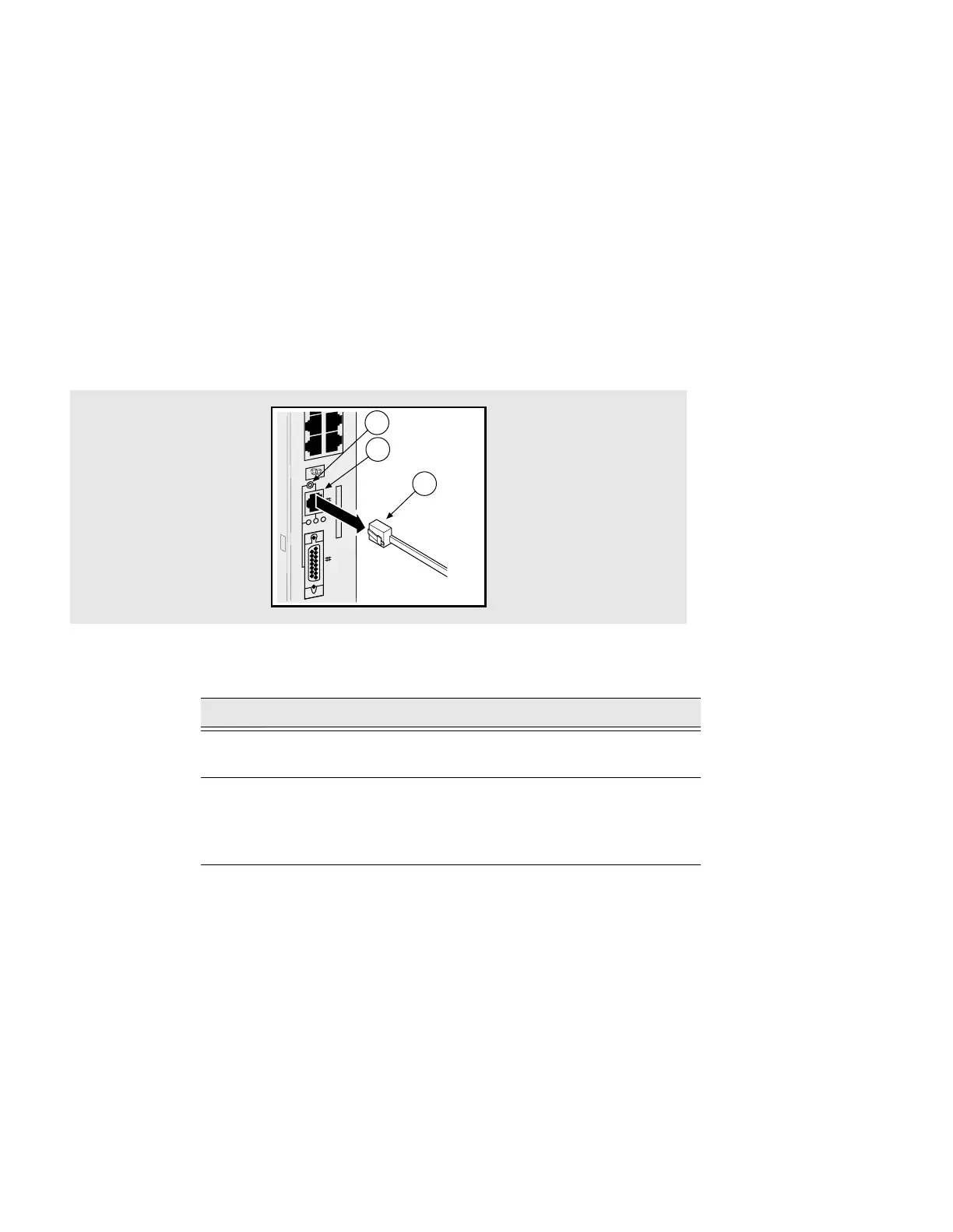
Removing the 10BASE-T Cable
Figure 5-10 shows how to remove the 10BASE-T cable from the DECserver.
Figure 5-10: Removing the 10BASE-T Cable
To remove the 10BASE-T cable, complete the following steps:
Step Action
1 Press in the release tab on the cable plug (1), remove the connector
from the DECserver 10BASE-T port connector (2).
2 Check the setting on the selection switch (3). This switch allows
you to switch between 10BASE-T and AUI ports on the server:
Up: 10BASE-T port is selected.
Down: AUI port is selected.
3505-19
30 32
29 31
LNK
1
2
3



 To Next Page