B-5
Connector Pin Descriptions
DECserver 8-Pin MJ Ports
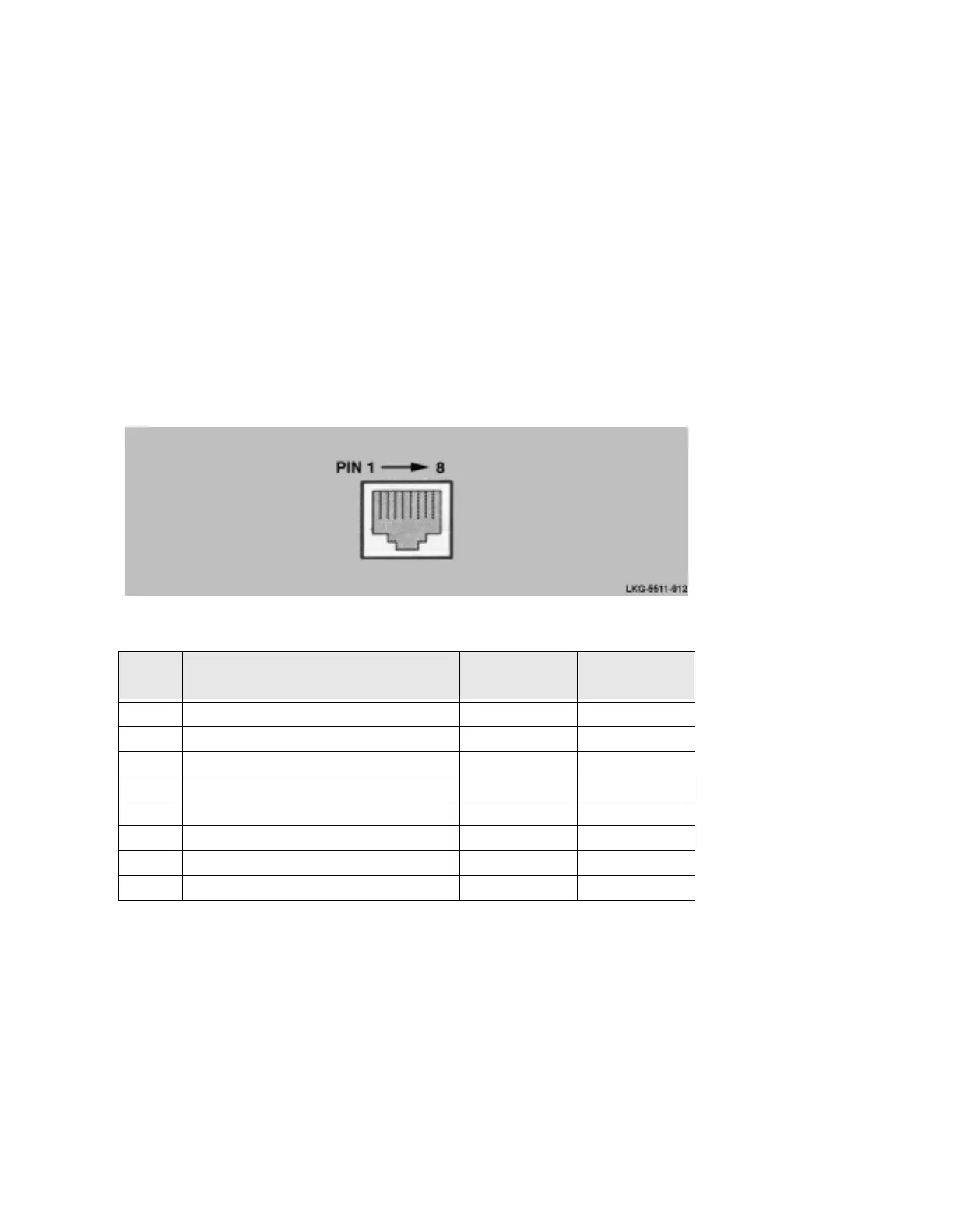
The DECserver uses an 8-Pin MJ connector on the serial ports. Figure B-3 shows how
the pins are numbered on the 8-Pin MJ connector and Table B-3 lists the signals on the
pins. You can set pins 4, 5, and 8 to either CTS, RTS, DSR or RI, DSRS, DCD.
Figure B-3:
Pin Numbers and Signals for the 8-Pin MJ Connector
Table B-3: Signal Names and Default Values for 8-Pin MJ Connector Pins
Pin No. Signal Name
Software
Default
Software
Alternative
a
a. To change default values, refer to the Network Access Software Management Guide.
1 RXD GND
2RXD
3 TXD GND
4 CTS or RI (selected by software) CTS RI
5 RTS or DSRS (selected by software) RTS DSRS
6TXD
7DTR
8 DSR or DCD (selected by software) DSR DCD



 To Next Page