EasyManua.ls Logo

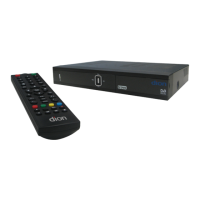
Dion DTR250SS10 - Remote control; Remote control overview

Dion DTR250SS10
32 pages
Print Icon
To Next Page IconTo Next Page
To Previous Page IconTo Previous Page
Loading...
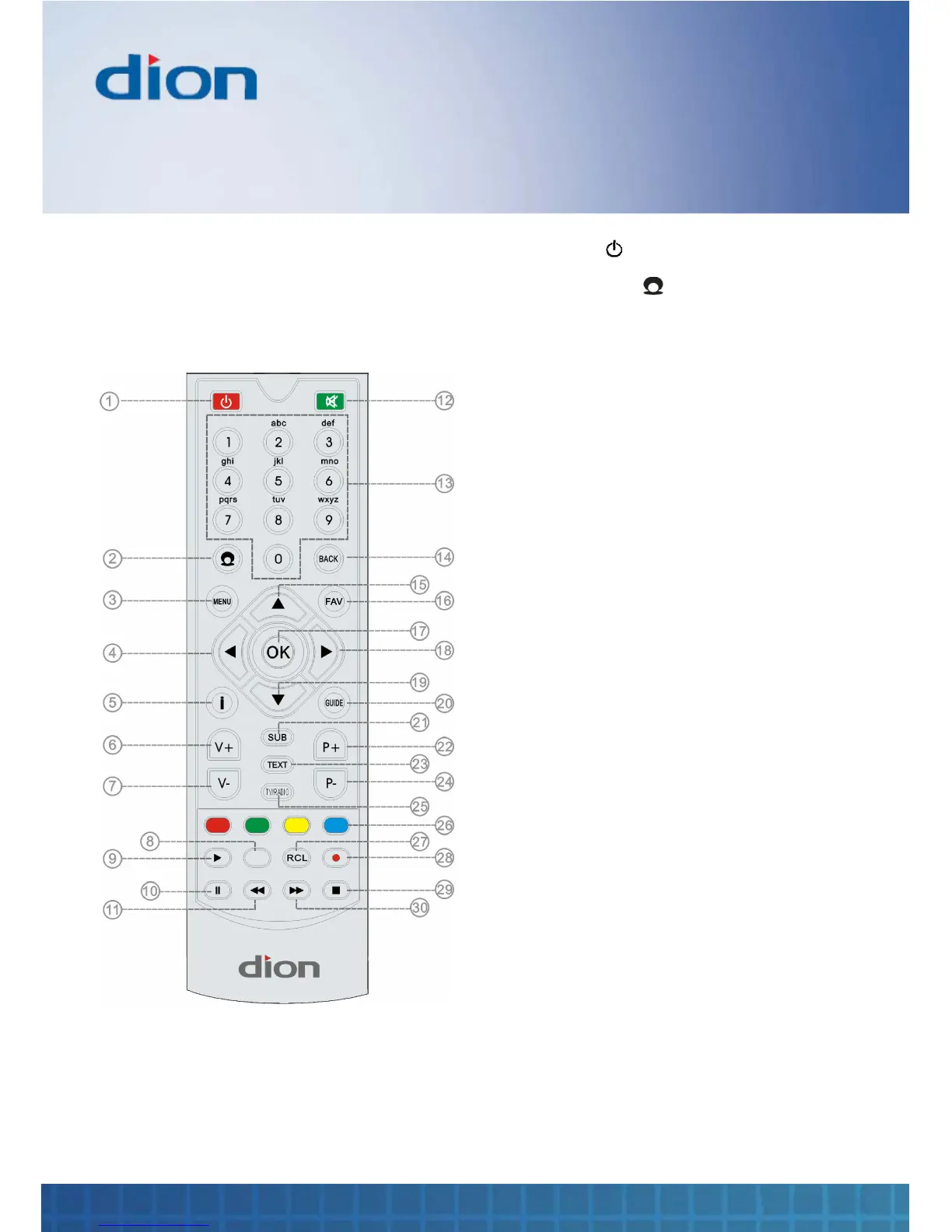
Remote control
10 Set Top Box
Remote control
When using the remote control, aim it towards the
remote control sensor on the box
1.
Standby ( )
Switch the box to
standby or on
2.
Channel Zero ( )
Select
Channel Zero
interactive services
3
.
MENU
Select the main
menu
4
.
Arrow Left
Navigates left
5
.
INFO
Display information
6
.
V +
Volume up
7
.
V
-
Volume down
8
.
(not used)
9
.
Play
Play programme
10
.
Pause
Pause the played
programme
11
.
Fast Reverse
Move fast backward
through programme
12
.
Mute
Mute sound
13.
Numeric buttons
Numbers ‘0’ to ‘9’
14.
BACK
Exits menu options
15.
Arrow Up
Navigate up
1
6.
FAV
Favourite channels
17.
OK
Select an option in
menus
18.
Arrow Right
Navigate Right
19.
Arrow Down
Navigate down
20.
GUIDE
TV Guide
21.
SUB
Selects subtitles
22.
P
+
Programme up
23.
TEXT
Digital text
24.
P
-
Programme down
25.
TV / RADIO
Switch between TV
and Radio
programmes
26.
Coloured buttons
Select actions
within interactive
services
27.
RCL
Switch between
current and
previous channel
28.
Record
Record programme
29.
Stop
Stop playing
programme
30.
Fast Forward
Move fast forward