Making recordings
DTR250SS10 19
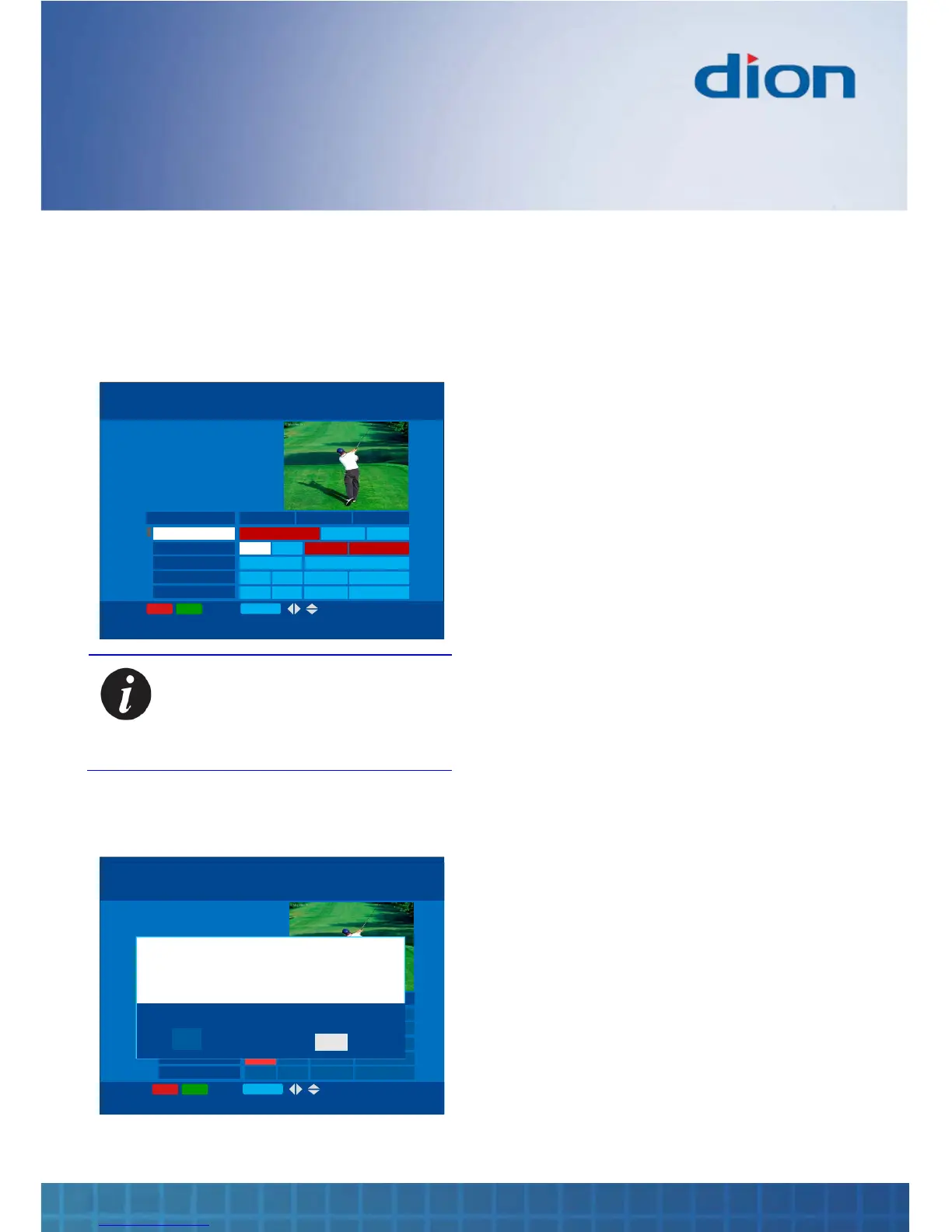
Multiple recordings
You can repeat this process to schedule up to 16
recordings in your box at any time. Each recording
will appear in red in the TV Guide.
15:00 15:30 16:00
Spoils of war Five lem… Pimlico…
BBC One
BBC Two
ITV
Channel Four
Five
Hop … Eastend… Edward Lear …Scie…
Friends Speilberg: Life and Times
Hop … Eastend… Edward Lear …Scie…
Hop … Eastend… Edward Lear …Scie…
HOPE SPRINGS ETERNAL
15:00 - 15:15 (1:15)
BBC Two
Press i for programme details
Wed, 16 Aug
TV GUIDE Tue, 15 Aug 15:07
-24hrs +24hrs P+/P- OK:Tune BACK
PLANNER
Note: You can watch one channel
when another is being recorded. If
you are not using the box you can
record up to two channels at the
same time
If you try to select too many programmes for
simultaneous recording an error message is
displayed
15:00 15:30 16:00
Spoils of war Five lem… Pimlico …
BBC One
BBC Two
ITV
Channel Four
Five
Hop … Eastend… Edward Lear …Scie…
Friends Speilberg: Life and Times
Hop … Eastend… Edward Lear …Scie…
Hop … Eastend… Edward Lear …Scie…
SPOILS OF WAR
15:00 - 16:15 (1:15)
BBC One
Press i for programme details
Wed, 16 Aug
TV GUIDE Tue, 15 Aug 15:07
-24hrs +24hrs P+/P- OK:Tune BACK
Do you want to go to Planner?
NO
You are trying to record too many programmes at once.
You must cancel a recording in Planner before you can
start another recording.
YES
PLANNER
15:00 15:30 16:00
Spoils of war Five lem… Pimlico …
BBC One
BBC Two
ITV
Channel Four
Five
Hop … Eastend… Edward Lear …Scie…
Friends Speilberg: Life and Times
Hop … Eastend… Edward Lear …Scie…
Hop … Eastend… Edward Lear …Scie…
SPOILS OF WAR
15:00 - 16:15 (1:15)
BBC One
Press i for programme details
Wed, 16 Aug
TV GUIDE Tue, 15 Aug 15:07
-24hrs +24hrs P+/P- OK:Tune BACK
Do you want to go to Planner?
NO
You are trying to record too many programmes at once.
You must cancel a recording in Planner before you can
start another recording.
YES
PLANNER
You can use Planner to choose which recording to
delete from the schedule if you want to record this
new programme
Automatic scheduling
Recordings automatically adjust the start and end
times according to signals sent as part of the digital
television service. As a result, you will not miss
your programme even when it is delayed.



 To Next Page