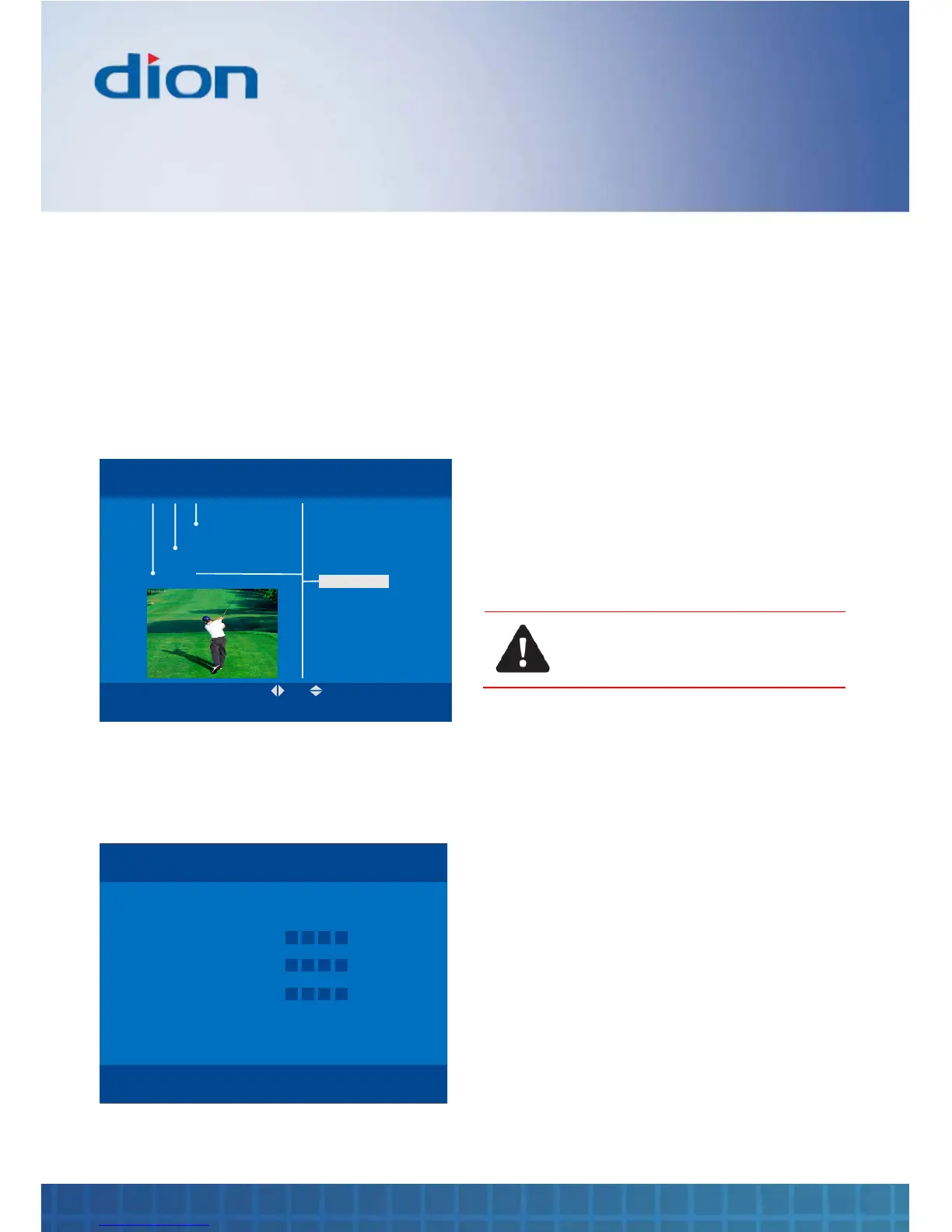
Parental pin
The Parental pin menu allows you to set a pin in
order to protect locked channels
To set a password and apply a parental rating,
1. Press the MENU button, then press the ▼ /
▲ / ► and ◄ buttons to navigate to the
‘Parental PIN’ label under the ‘Settings’
section in Menu
OK BACK
MENU Tue, 15 Aug 15:07
Install
Settings
Channels
Language
TV
Time
Parental PIN
Updates
2. Press OK
3. Press the NUMERIC buttons to enter the old
password. If you have not changed the
password before, the default is ‘0000’
OK:Save BACK
PARENTAL PIN Tue, 15 Aug 15:07
Old PIN
0 - 9
New PIN
Confirm new PIN
●
● ● ●
4. Press the NUMERIC buttons to enter the new
password
5. Confirm your new password by re-entering it
again using the NUMERIC buttons to enter it
again
Updates
Your box is capable of accepting occasional
software updates to improve or maintain its
operation. The Updates setting allows you to
control whether these updates occur.
‘Auto’ allows updates to occur automatically while
the box is in standby. This is the factory set value.
‘Manual’ allows updates to be downloaded
automatically when the box is in standby. You will
be asked to approve or reject them when you
switch your box on.
CAUTION: DO NOT SWITCH OFF
YOUR BOX DURING THE MANUAL
UPDATE PROCESS
‘Off’ disables the update feature for all except
urgent updates (which you can approve or reject).



 To Next Page