CHANNEL LIST Tue, 15 Aug 15:07
5 Five
3 ITV
0:All
All channels
Sue
Michele
Dad
GUIDE BACKOK:Tune
Press the 0 button to display all channels
Note: Refer to Channel groups on
page 23 for how to create groups of
channels
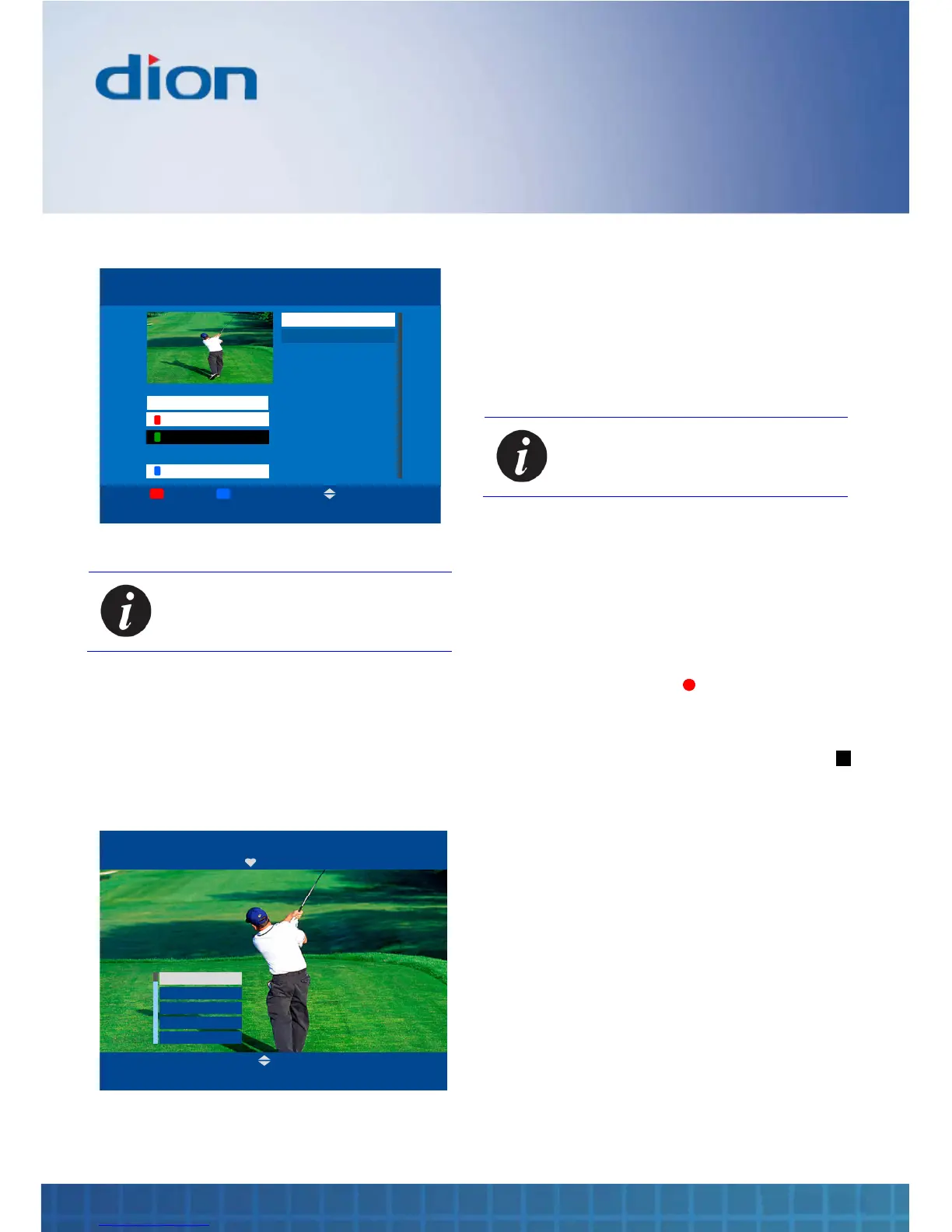
Channel favourites list
The Channel favourites list displays just your
favourite channels
1. Press the FAV button to display the Channel
favourites list
OK:Tune BACK
CHANNEL FAVOURITES Tue, 15 Aug 15:07
BBC One
BBC Two
ITV
Channel Four
E4
P+/P-
2. Press the ▲ or ▼ buttons to select a favourite
channel. Also, you can press the P+ and P-
buttons to scroll up and down a page of
channels at a time
3. Press the OK button to tune to the selected
channel
4. Alternative, press the BACK button to exit the
Channel favourites list without changing
channel
Note: Refer to Channel organiser on
page 22 for information on how to
mark channels as favourites
Manual recording
You can make a recording manually while you are
watching TV
1. Tune to your desired channel. See Channel
list on page 15
2. Press the Record button to start the
recording
Your recording will end automatically when the
programme finishes. Otherwise press the Stop
button to stop the recording before the scheduled
end
While making a recording, you can press the
Pause
▌▌
button to freeze the programme in case
of interruption. Press the Play ►
button to resume
viewing of the programme
A list of your recordings is shown in Planner. See
page 18



 To Next Page