Menus
DTR250SS10 27
Settings menu
You can customise the operation of your box
according to your needs and the type of equipment
that your box is connected to
1. Press the MENU button, then press the ▼ /
▲ / ► and ◄ buttons to navigate to the
relevant type of setting in the ‘Settings’
section in Menu
2. Press the OK button
3. Press the ► or ◄ buttons to obtain the
correct setting value
4. Press the OK button to save the settings and
return to the previous menu
OK BACK
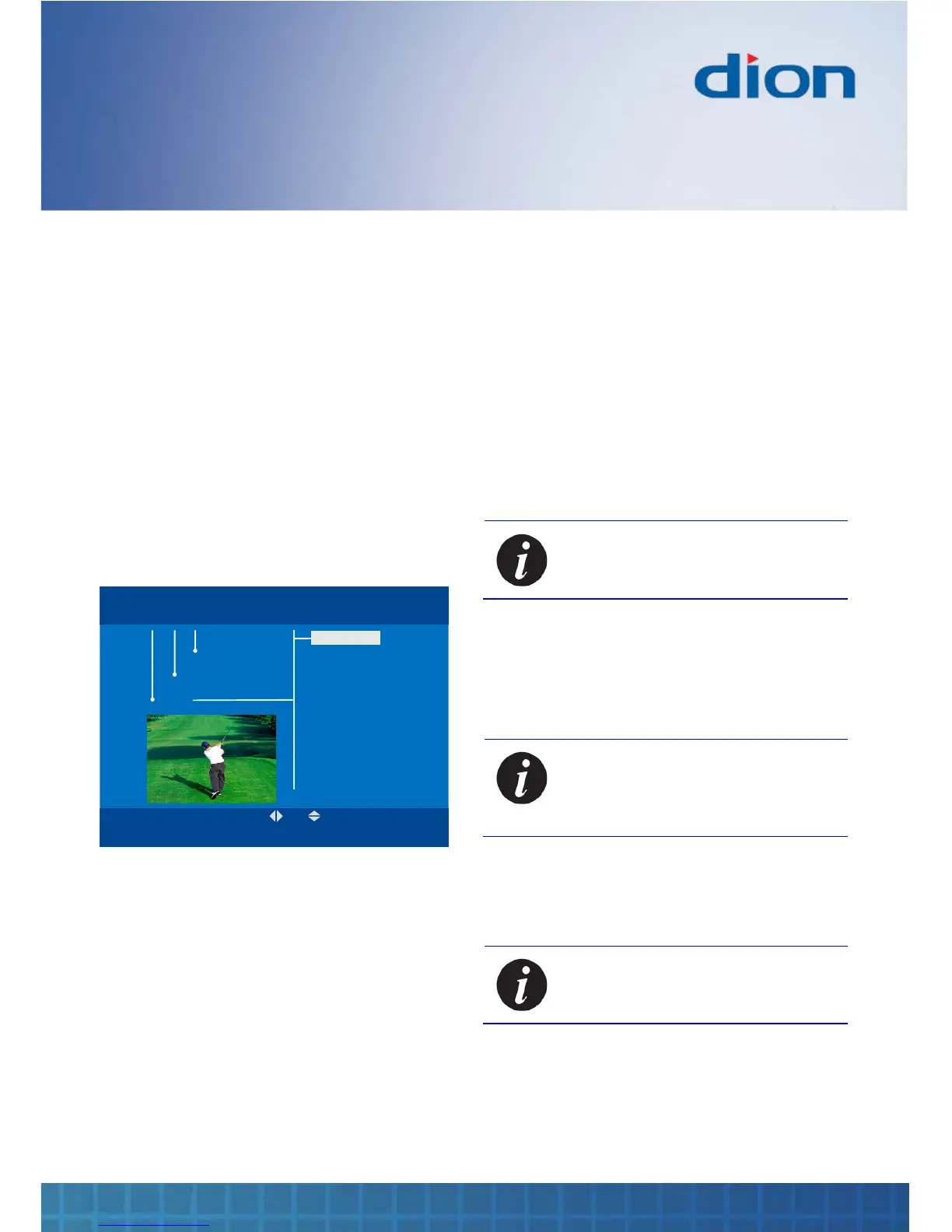
MENU Tue, 15 Aug 15:07
Install
Settings
Channels
OK BACK
MENU Tue, 15 Aug 15:07
Language
TV
Time
Parental PIN
Updates
Language
‘Preferred audio’ allows you to set your first choice
for audio
‘Alternative audio’ allow you to set your second
choice for audio
‘Subtitles’ allows you to set the language in which
subtitles are displayed (if subtitles are enabled, see
on page 22)
‘MHEG’ allows you to set the language in which
digital text is displayed (see on page 18)
‘Hearing impaired’ allows you to activate subtitles
for the hearing impaired (if they are available)
TV
‘Brightness’ allows you to optimise the display
brightness settings
‘Contrast’ allows you to optimise the display
contrast settings
‘Aspect ratio’ allows you to choose from 4:3, 4:3
pan scan, 4:3 letterbox and 16:9
‘Video output’ allows you to choose the output
signal type according to what your TV can display
Note: ‘RGB’ gives the best picture
quality, if it is available on your TV
‘Antenna power’ allows you to turn the aerial
power on or off
‘Auto standby’ allows you to set the period after
which the box will go into standby to reduce power
consumption
Note: Switching off the auto standby
facility can waste power and may
prevent your box from updating its
Channel Zero services
Time
‘Time mode’ allows you to control whether the
time and date are set manually or automatically
Note: It is strongly recommended that
you leave ‘Time mode’ in ‘Auto’
‘Date’ allows you to set the date when in manual
time mode
‘Time’ allows you to set the time of day when in
manual time mode
‘Local time’ allows you to set the time zone when
in manual time mode


 To Next Page