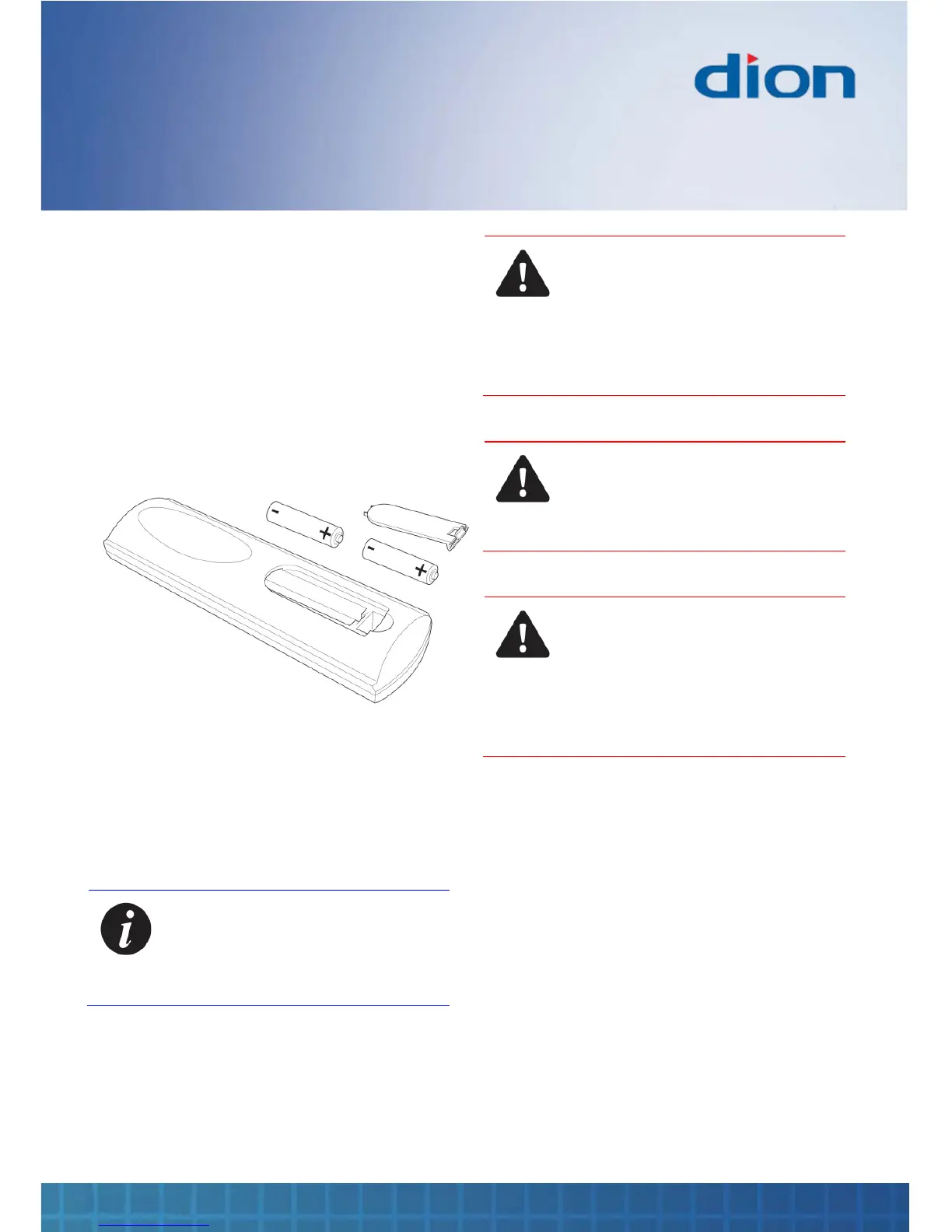
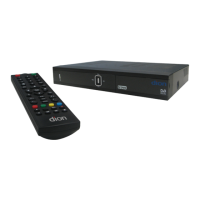
Remote control
DTR250SS10 11
Installing batteries in the remote
control
1. Remove the battery compartment cover at the
rear of the remote control by depressing the
retaining clip
2. Install two AAA batteries as shown, ensuring
the polarity matches that shown in the battery
compartment
3. Replace the battery compartment cover
Using the remote control
To use the remote control, point it at the box and
press the required buttons. You must be within
6 metres and at an angle of less than 30 degrees
from the centre of the box
Note: Sunshine or other strong light
sources may interfere with the signal
from the remote control. In this
situation turn the box away from the
light source
WARNING! DO NOT LEAVE
BATTERIES IN THE REMOTE
CONTROL FOR EXTENDED PERIODS
AS THEY CAN LEAK OR CORRODE
CAUSING DAMAGE TO THE REMOTE
CONTROL. CHECK THEM
PERIODICALLY AND REPLACE THEM
AS REQUIRED
WARNING! DO NOT MIX BATTERY
TYPES. WHEN INSERTING
BATTERIES, REPLACE ALL
BATTERIES AT THE SAME TIME. DO
NOT MIX OLD AND NEW BATTERIES
WARNING! EXHAUSTED BATTERIES
MUST BE TREATED WITH CARE AND
DISPOSED OF ACCORDING TO ANY
SAFETY OR RECYCLING
REGULATIONS IN FORCE IN YOUR
LOCAL AREA. NEVER DISPOSE OF
BATTERIES INTO GENERAL WASTE,
OR FIRE


 To Next Page