Planner
DTR250SS10 21
Playback a recording
To watch a recording:
3. Press the ▲ and ▼ buttons to select the
programme of interest
4. Press the OK button or the Play ► button to
watch the programme
While watching a recording, you can press the
Pause
▌▌
button to freeze playback in case of
interruption. Press the Play ►
button to resume
viewing of the programme. Fast Forward ►► and
Fast Reverse ◄◄ allow you to skip through the
programme at x2, x4, x8, x16 or x32 speed.
Press the Stop button to end playback or watch
the recording until the end to return to the Planner
Keep a recording
Your box will delete the oldest recorded
programme(s) automatically if there is insufficient
memory to record the next programme. To prevent
particular recording(s) from being deleted:
1. Press the ▲ and ▼ buttons to select the
programme of interest
2. Press the GREEN button labelled ‘KEEP’: a
icon appears
To unlock a protected recording, select the
programme and press the GREEN button labelled
‘RELEASE’
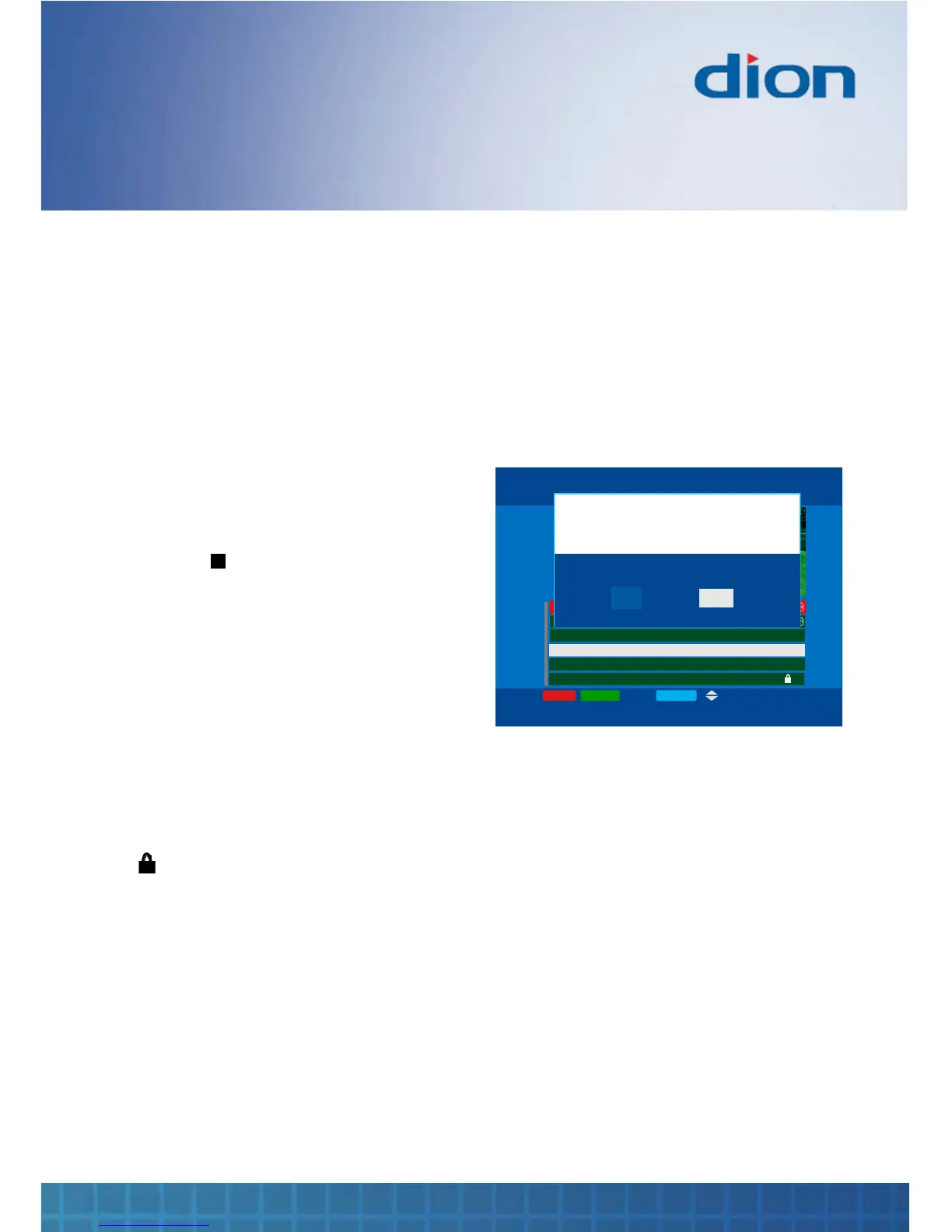
Delete a recording
You can manually delete a recording or cancel it
from being scheduled for recording within Planner:
1. Press the ▲ and ▼ buttons to select the
programme of interest
2. Press the RED button labelled ‘DELETE’.
Press the ► or ◄ buttons to select ‘YES’ and
then press OK to delete the programme.
BACK
TV PLANNER Tue, 15 Aug 15:07
DELETE RELEASE P+/P- OK:Play
SKY AT NIGHT
23:00 - 23:30 (0:30)
Channel Four
Press i for details
Sunny Jim Recorded 1:30 Tue, 15 Aug 06:35
The Gladiator Conflict 0:07 Tue, 15 Aug 15:00
Sky at Night Partial 0:12 Tue, 8 Aug 23:00
Women in Love Memory 0:53 Tue, 15 Aug 15:00



 To Next Page