Operating the box
DTR250SS10 15
Subtitles
1. To turn subtitles on, press the SUB button. A
subtitles ‘ON’ indicator is shown at the top of
the screen with language
2. To turn subtitles off, press the SUB button
again. A subtitles ‘OFF’ indicator is shown at
the top of the screen
Note: See
Language on page 27 to change the
subtitle language within the Settings
section in Menu
Digital text
Digital text is an information service that displays
text on your TV screen. You can view pages of
information on a variety of topics which are listed in
the Digital text menu
Note: Digital text may not be available
for all channels
1. Press the TEXT button to display Digital text
2. Press the ▲ and ▼ buttons to select a topic
such as weather or news
3. Press the OK button to select a topic
4. Press the ▼ / ▲ / ► and ◄ buttons to
navigate around the topic pages
5. Press the COLOUR buttons to use the Digital
Text shortcuts
6. Press the TEXT button to exit Digital text
Channel list
The Channel list provides a complete listing of all
the available TV and Radio channels
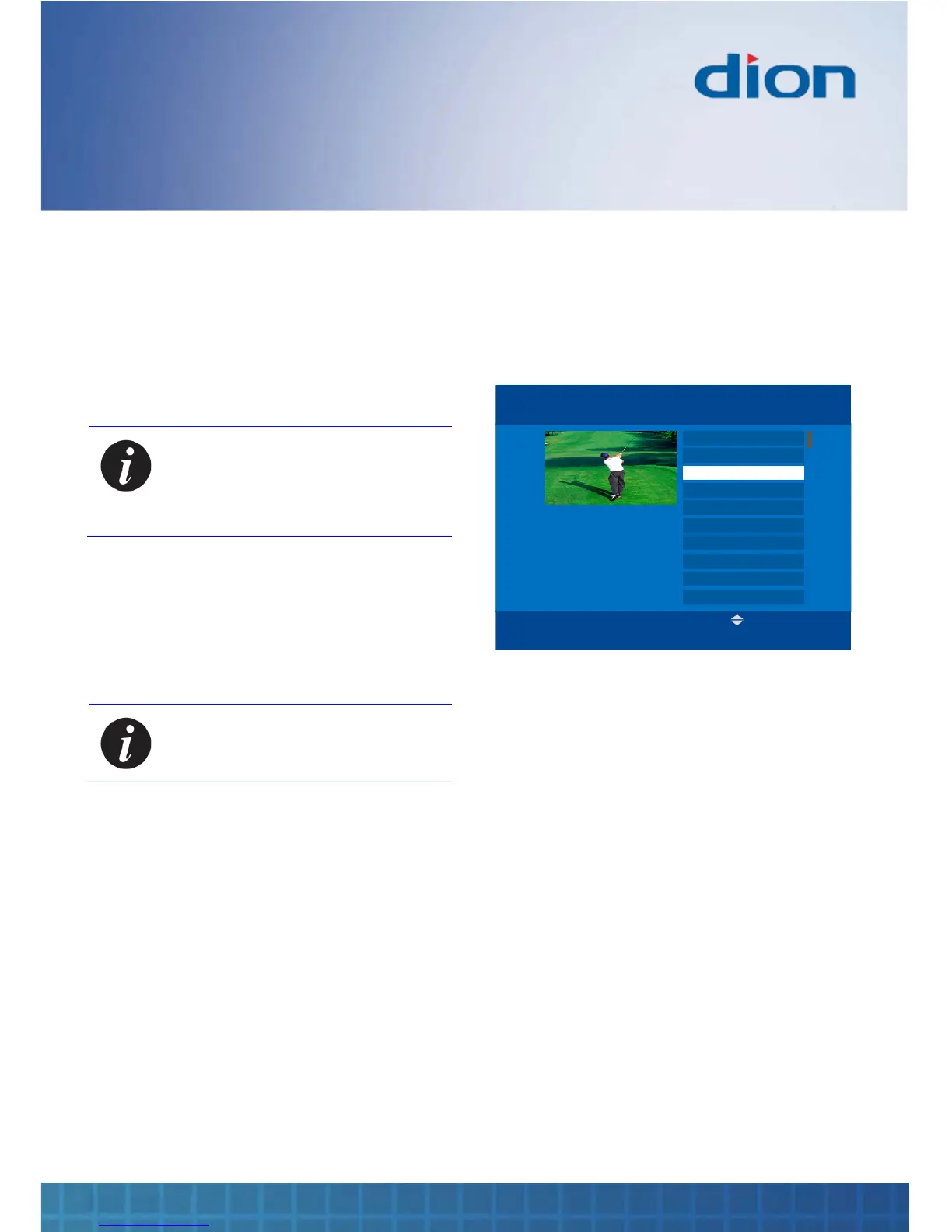
1. Press the OK button to display the Channel
List
CHANNEL LIST Tue, 15 Aug 15:07
ITV
1 BBC One
2 BBC Two
4 Channel Four
5 Five
6 ITV2
7 BBC Three
8 Sky News
9 E4
10 Dave
Press MENU to group channels
by theme or user.
3 ITV
GUIDE BACKOK:Tune
2. Press the ▲ or ▼ buttons to select a channel.
Also, you can press the P+ and P- buttons to
scroll up and down a page of channels at a
time
3. Press the OK button to tune to the selected
channel in the Channel list
4. Press the BACK button to exit the Channel
list without retuning
If groups of channels have been created, you can
press a COLOUR button corresponding to the
desired group to display only the channels that
belong to the group


 To Next Page