Operating the box
DTR250SS10 13
Basic operating instructions
Switching on for the first time
The unit will perform automatic channel tuning
when you turn the box on for the first time
To perform automatic tuning:
1. Make sure your box is connected to the mains
and that it is connected to the aerial
2. Press to turn the box on. After a short
time, a welcome menu appears
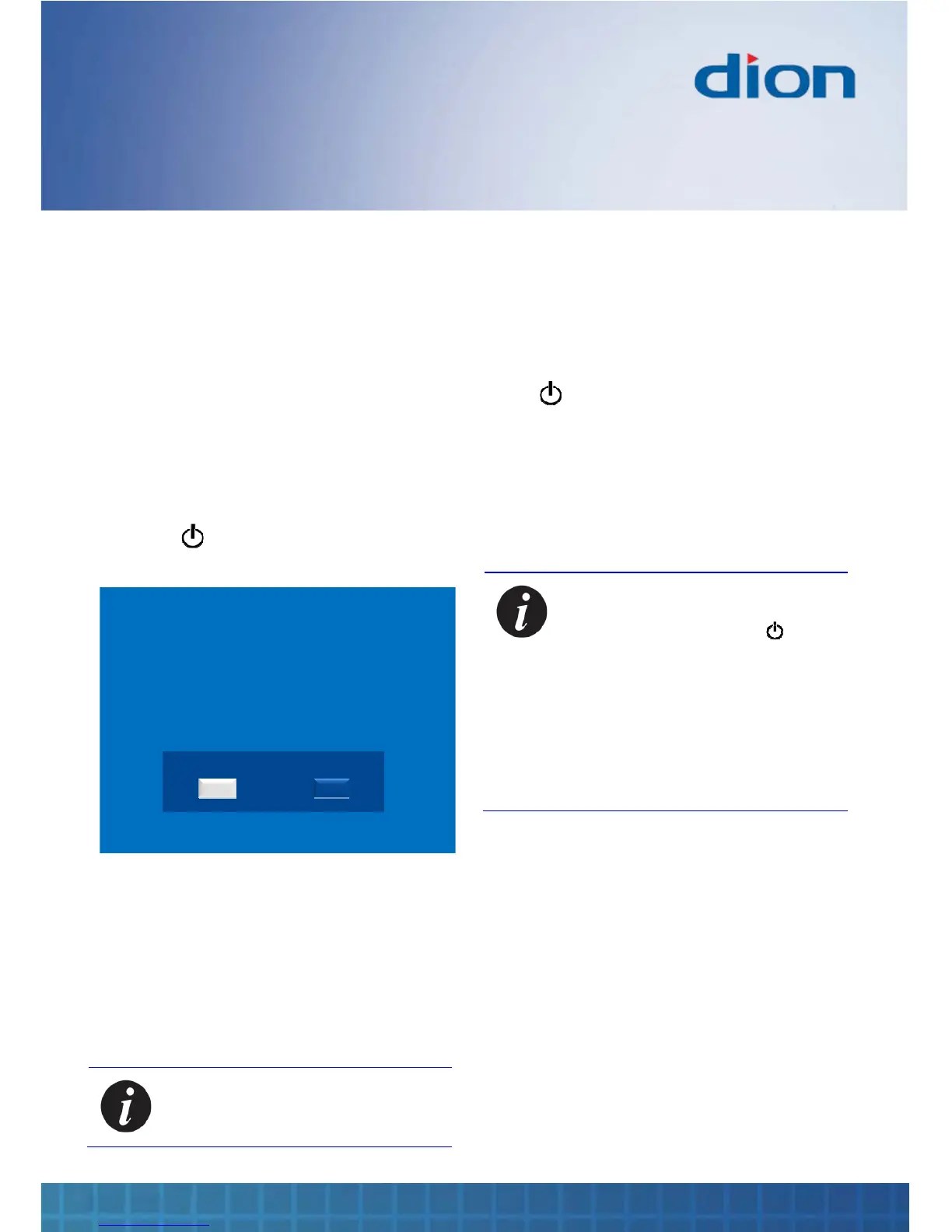
Welcome!
You are using your receiver for the first time.
Please ensure the aerial is connected.
Channel tuning will commence.
Are you ready?
YES NO
3. Press OK to begin the automatic tune
4. The box searches for and displays all the
available TV and radio channels
5. Once the automatic search has been
completed, you will be prompted to select
‘Yes’ to see the list of channels or ‘No’ to start
watching TV
Note: You can re-tune your box again
at any time. See Channel tune on
page 24
Standby
Press to put the box into standby
Channel Zero’s services and content are loaded in
standby. See Channel Zero on page 29.
The box automatically goes into standby after
5 hours if you do not use the remote control. You
can adjust this time by changing the TV settings,
see page 27
Note: You can minimise power
consumption to less than 3 Watts by
holding your finger on for 3
seconds.
However, this will cause any
scheduled recordings to be missed
and also Channel Zero’s content to be
lost. The box will have to be re-loaded
according to the basic operating
instructions – see Accessing
Channel Zero services on page 29
Source selection
Press the TV / RADIO button to switch between TV
and Radio channels


 To Next Page