Menus
DTR250SS10 25
OK BACK
MENU Tue, 15 Aug 15:07
Install
Settings
Channels
Version
Factory reset
Your receiver is not tuned
Tune
Format hard drive
Are you sure?
NO
YES
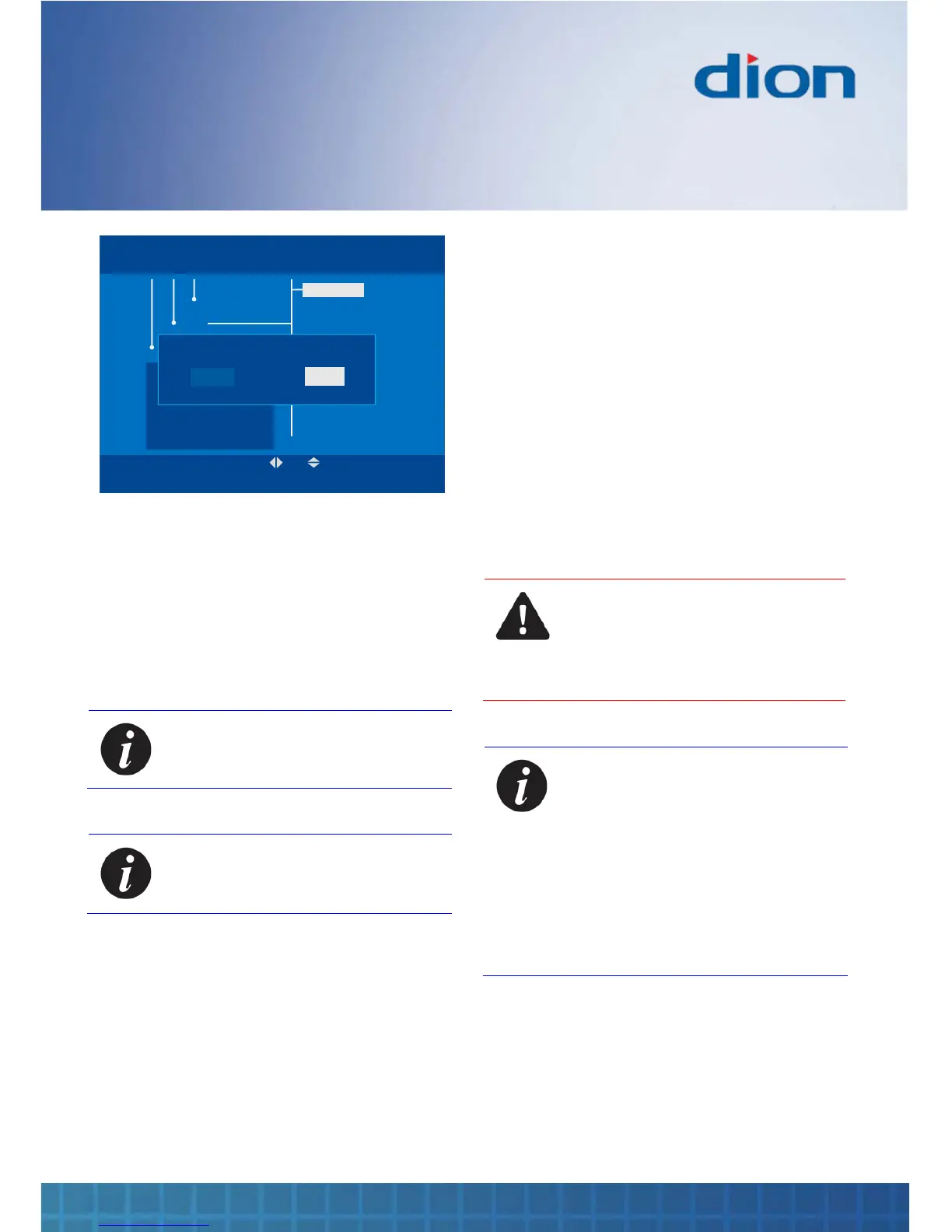
4. You are asked to confirm whether you want to
proceed. Press the ◄ and OK buttons to
confirm
5. The box searches for and displays all the
available TV and radio channels
6. Once the automatic search has been
completed, all channels are stored and the
first available channel is shown
Note: You should re-tune your box if
you move home
Note: You should re-tune your box
periodically because new channels
may become available
Factory reset
You can restore the default settings for your box to
their values when it was new:
1. Press the MENU button
2. Press the ▼ button to select the ‘Install’
option
3. Press the ► and ▼ buttons to select the
‘Factory Reset’ option
4. Press OK to begin
5. You are asked to confirm that you want to
proceed. Press the ◄ and OK buttons to
confirm
CAUTION: RETURNING THE BOX TO
ITS FACTORY DEFAULT CLEARS
ALL SETTINGS
THE PIN IS RESTORED TO THE
DEFAULT ‘0000’ VALUE
Note: To prevent accidental erasure,
factory reset does not erase your
recordings or reset the Channel Zero
settings in your box
To perform a full reset that includes
all recordings as well as the
Channel Zero settings, press the
following sequence of buttons:
MENU, 2, 7, 1, 8, 2, 8, 4, 5, 9, 0
The box will restart automatically


 To Next Page