Quick Reference Guide
DBALL2 TL6-
© 201 Directed.7 All rights reserved.
Vehicle Takeover
1
2
3
Stop the vehicle in a safe parking spot
and the gear in Park (P).put
Press
remote start
*button
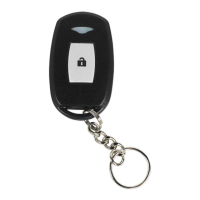
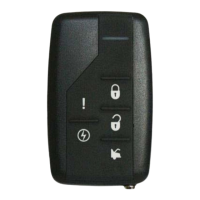
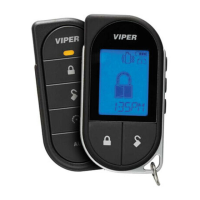
* Your aftermarket remote may differ from the model shown in the illustrations.
Stop & put vehicle in Park (P)
P
&
E vehicle withxit
Smart Key
Pit Stop Mode
The Mode feature is practical when you need to stop and run an errand,Pit Stop
but wish to keep the engine running.
Note: lockWe recommend that you always the doors
of your vehicle when leaving it unattended.
It is now safe to theleave exitengine running and the
vehicle with the Smart Key in hand.
Press the button to remote start the vehicle.*
The parking lights will flash once to indicate the
vehicle is now in Pit Stop mode.
Note: There is no vehicle takeover in this firmware. The vehicle will
shut down as soon as a door is opened.
HOLD
Actions
Press & hold for 1 second to lock.
Press & hold for 1 second to unlock.
Press & hold for 1 second to remote
start.
Press & hold for 5 seconds to activate
the trunk release (optional).
Press once, then to activate the
right sliding door.
Press 3 times, then to activate
the left sliding door.
Press once, then to reset the
remote starter runtime.
List of Available Commands
x1 +
x3 +
x1 +
Note that the information below is for Viper, Clifford and Python models. Icons and
commands may differ depending on the remote brand and model purchased. Refer
to your authorized installation center for more information.




 To Previous Page