32
DIRECTV PLUS
®
DVR USER GUIDE
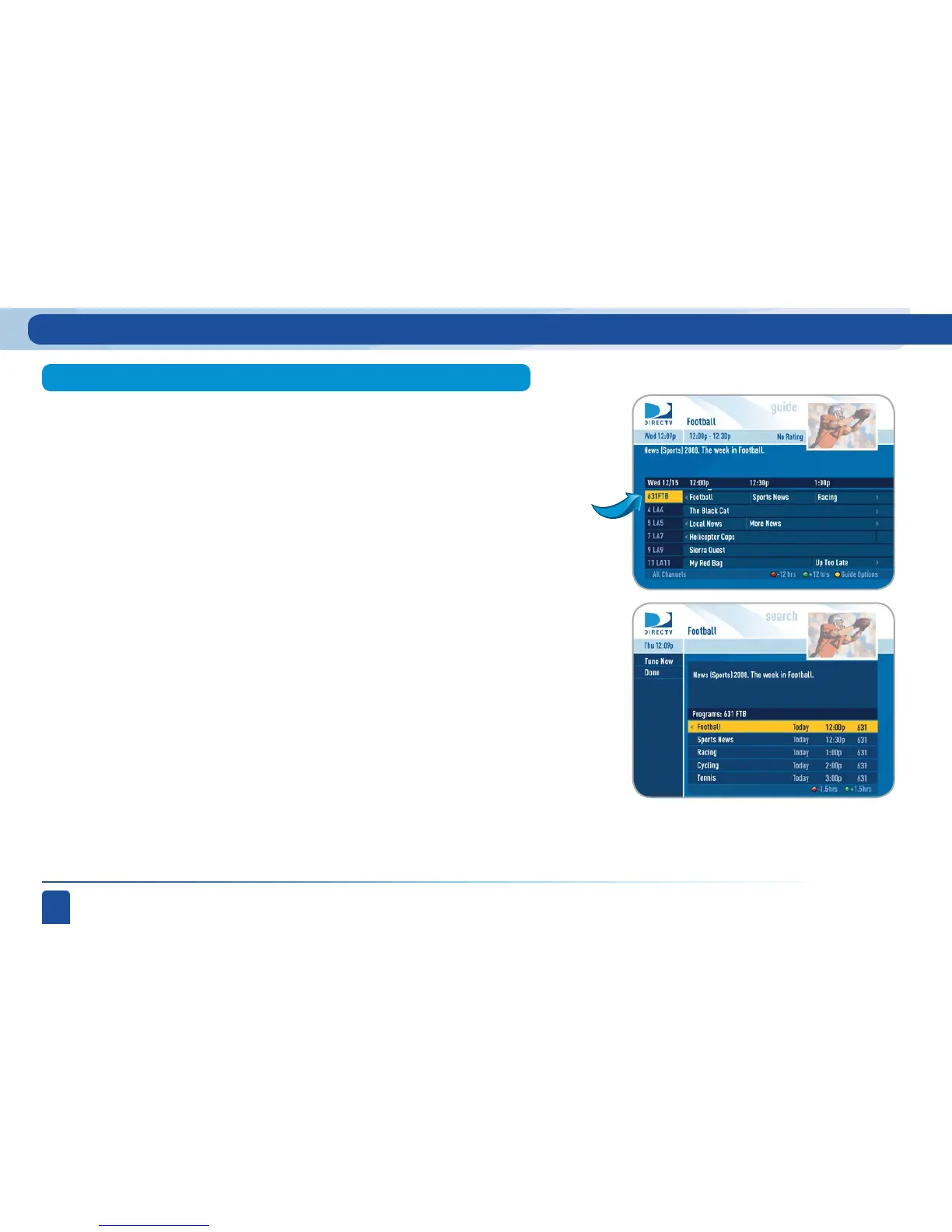
You can see all of the programs that are coming on a particular channel
listed in chronological order. Press GUIDE, then move the highlight to the
channel of interest and press INFO.
The receiver will then sort through the guide and give you two weeks of
programs in chronological order for that channel. Use the ARROW buttons
to navigate up or down the list or use the CHAN UP/DOWN button to page
through the list. If desired, press RECORD once to record a single show or
press RECORD twice to record the series. You can return to the guide by
selecting Done or pressing GUIDE or using the LEFT ARROW button.
Special feature: Channel Program List
Program Guide Features and Options
Highlight the
channel



 To Next Page