60
DIRECTV PLUS
®
DVR USER GUIDE
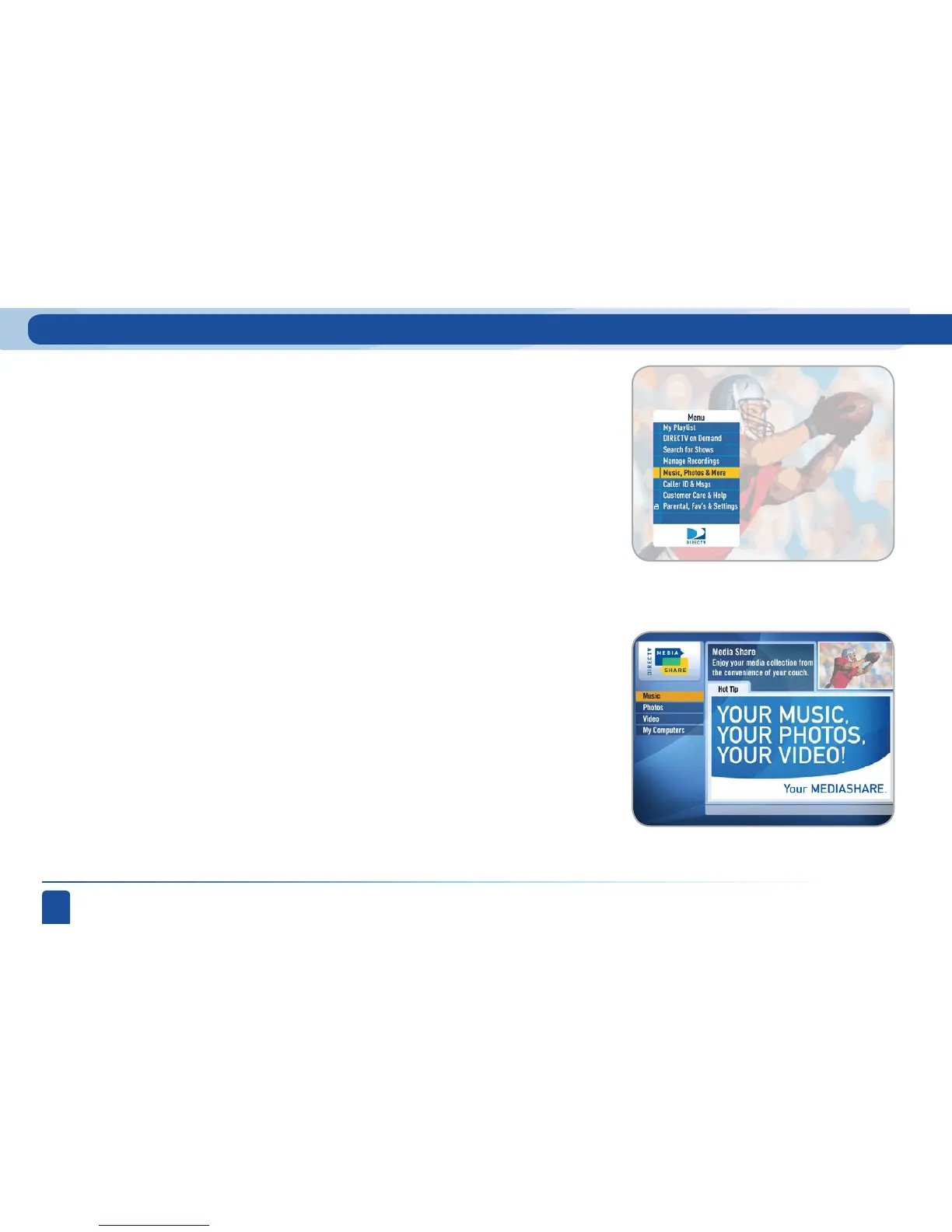
Main Menu - Music, Photos and More
(Optional menu item, only seen if your DVR is connected to your home
network, see explanation below).
Your DIRECTV Plus
®
DVR can be connected to a media server on your home
network to show photos and play music and videos that you have saved on
your PC. You must have at least one PC running a media server (e.g. TVersity,
Windows Media Player, Intel VIIV) in your network for this service to work.
The setup is similar to that used for the DIRECTV on Demand service. See
Appendix 2 for details on how to connect our DVR to your home network.
Please visit directv.com/mediashare and the related Technical Forum for
help and hints from other DIRECTV subscribers that have used this new
feature we call Media Share.
Once your DVR is properly connected to the media server on your home
network, a new item will appear in the main menu: “Music, Photos and
More”. When selected, the DIRECTV Media Share screen will display.



 To Next Page