Chapter 1
Chapter 2 Chapter 3 Chapter 4 Chapter 5
55
CHAPTER 2 - DETAILED INFORMATION
55
To Do List
Main Menu - Manage Recordings
“Manage Recordings” is where you go to find the status of your past, present
and future recordings. Press MENU and select “Manage Recordings” to see the
following sections:
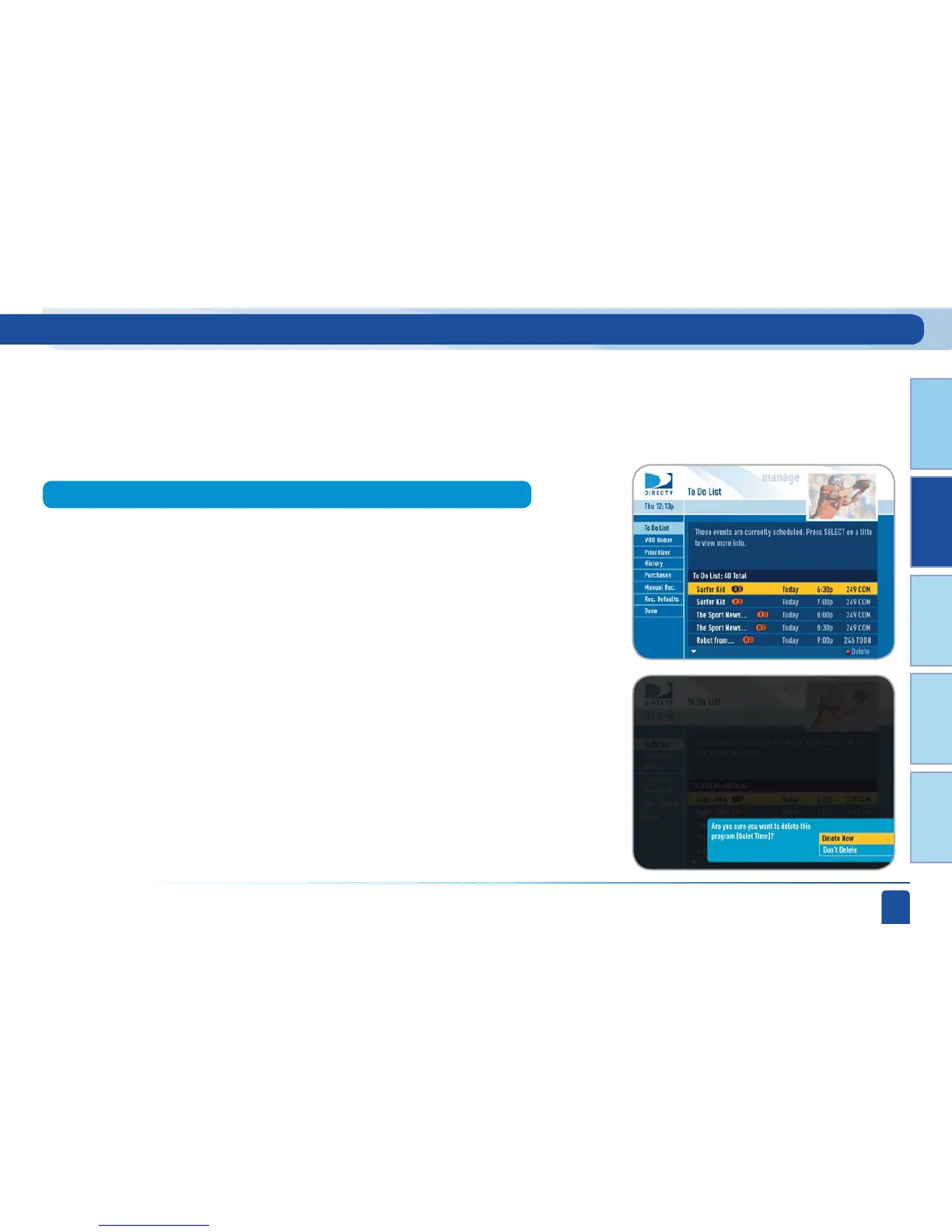
“To Do List” contains all of the satellite-delivered recordings your DVR
is set to make in the future. The icons next to the titles indicate whether
the recording is a single event, or part of a series, or an autorecord based
on a person or keyword search. The list is ordered by time with the next
recordings at the top and the furthest in the future at the bottom. You can use
this screen to make sure your recordings are properly scheduled or to delete
future scheduled recordings you no longer want to record.
Deleting single shows is easy, simply highlight the show you want to delete
and press the RED button on the remote. A confirmation message will
appear before you can delete the show.



 To Next Page