64
DIRECTV PLUS
®
DVR USER GUIDE
Main Menu - Caller ID & Messages
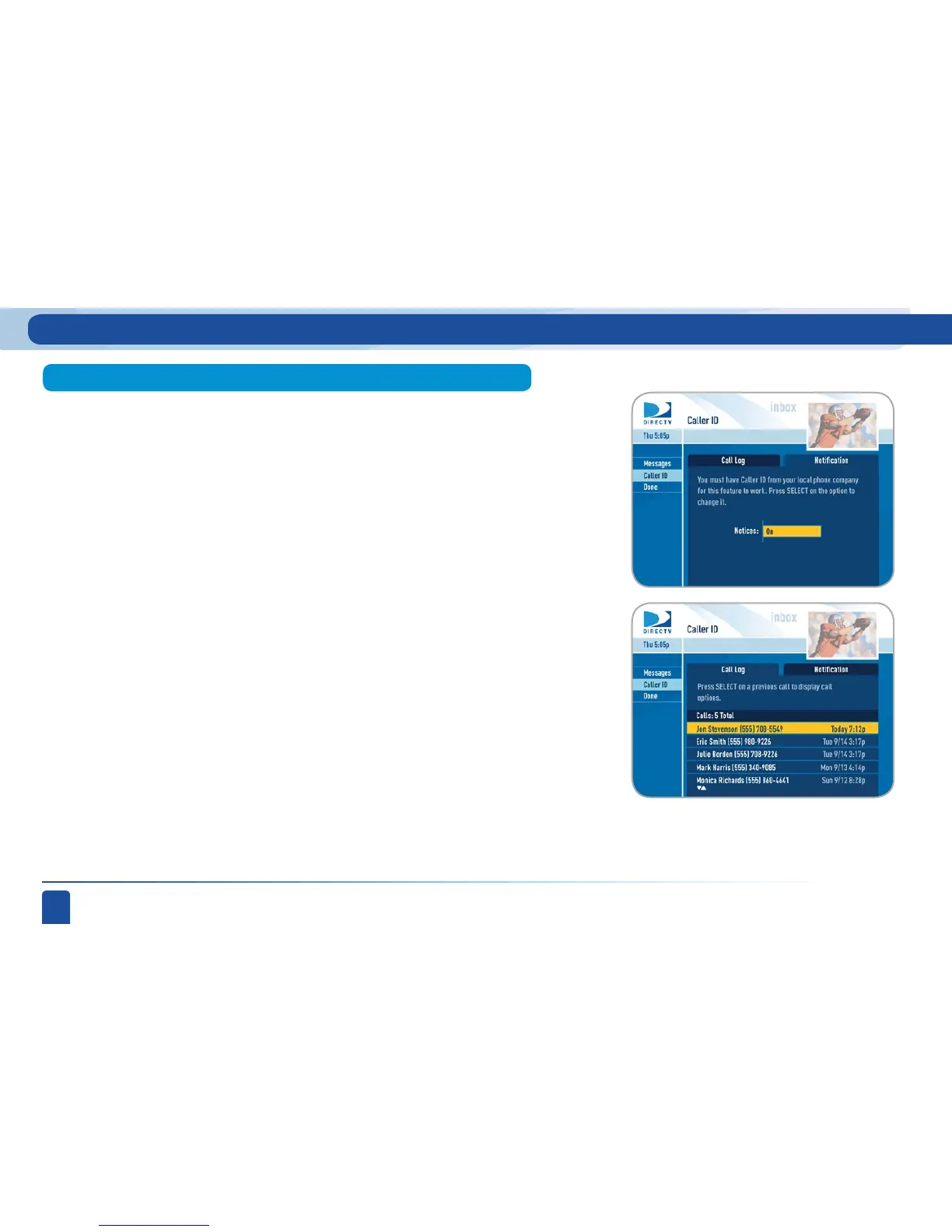
This section allows you to configure and review your Caller ID (if you have
that phone service and your receiver is connected to the phone line). Set up
your receiver to display Caller ID by selecting Caller ID & Messages from the
main menu, then Caller ID, then navigate over to the Notification tab (or press
the GREEN button for the shortcut), and select Notices: ON.
When the Notification option is on, you’ll see a notice on your TV screen
whenever a call comes in. You can review your 25 most recent calls in the call
log at any time. Highlight and select a name to delete that listing from your
log.
Caller ID



 To Next Page