Chapter 1
Chapter 2 Chapter 3 Chapter 4 Chapter 5
65
CHAPTER 2 - DETAILED INFORMATION
65
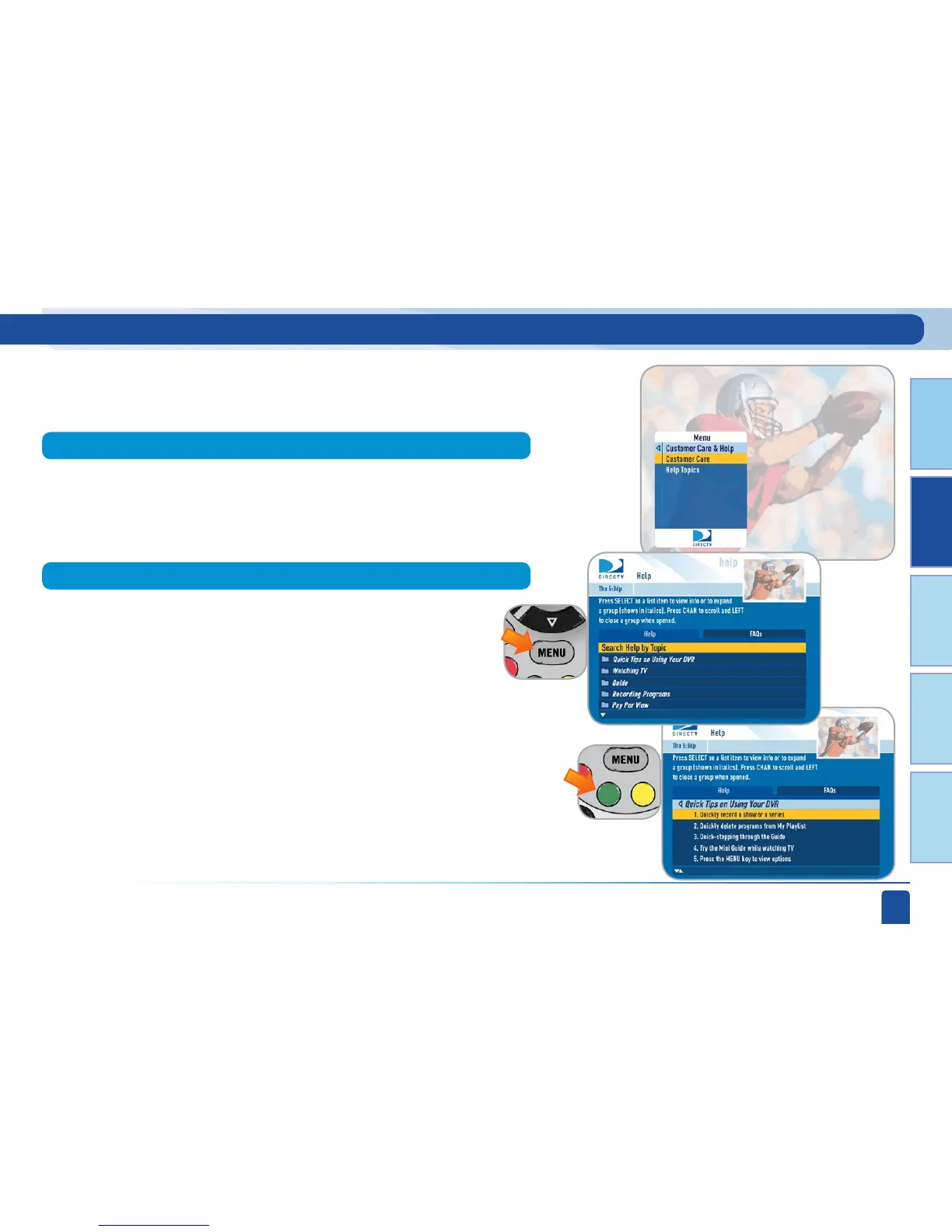
Main Menu - Customer Care & Help
Press MENU and select Customer Care & Help to access an instructional
video or a list of Help topics and FAQs that explain how to use your DVR.
Press SELECT on a folder to open it and press SELECT on the topic of
your choice. If you want to go to the FAQ tab, press the GREEN button.
To access the written Help Topics and FAQs, press MENU, then select
“Customer Care & Help”, then select “Help Topics”.
Select “Customer Care” to go to the instructional video channel.
Customer Care
Help Topics and FAQs



 To Next Page