58
DIRECTV PLUS
®
DVR USER GUIDE
Main Menu - Manage Recordings
Provides status information for every recording made, including those that
were cancelled or deleted. If you think something should have been recorded,
but wasn’t, check here to look for an explanation.
Provides status information for all Pay Per View programs that were bought
and the date and time they were viewed.
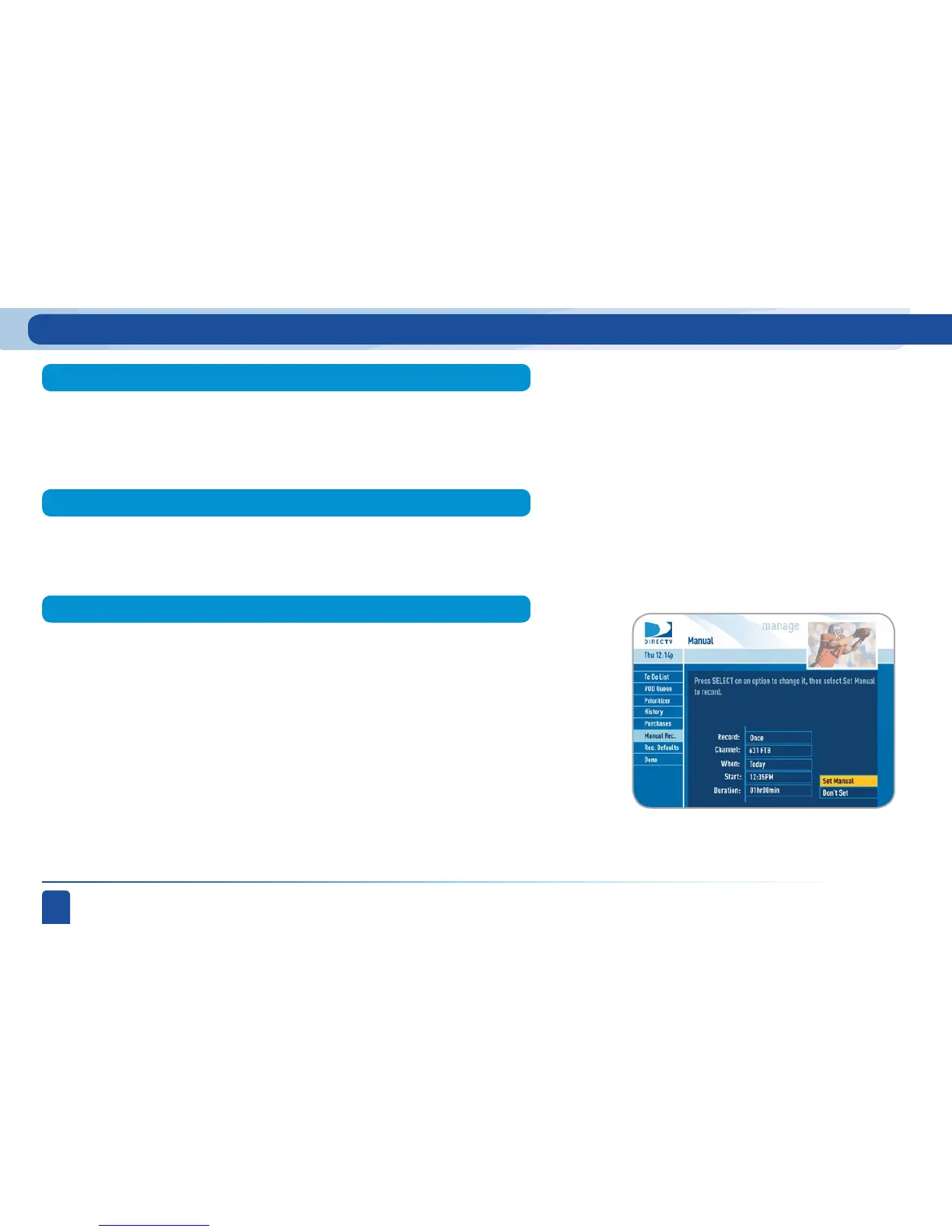
Almost all of your recordings can be done automatically by your DVR, but
there may be times when you want to set up a completely manual recording.
In that case, select Manual Rec. and enter all of the options as you wish
including whether you want this to be a one-time or recurring recording
(i.e. every Tuesday), channel, day and date, start time and duration. You can
schedule a manual recording up to 14 days in advance.
History
Purchases
Manual Recording



 To Next Page