Chapter 1
Chapter 2 Chapter 3 Chapter 4 Chapter 5
61
CHAPTER 2 - DETAILED INFORMATION
61
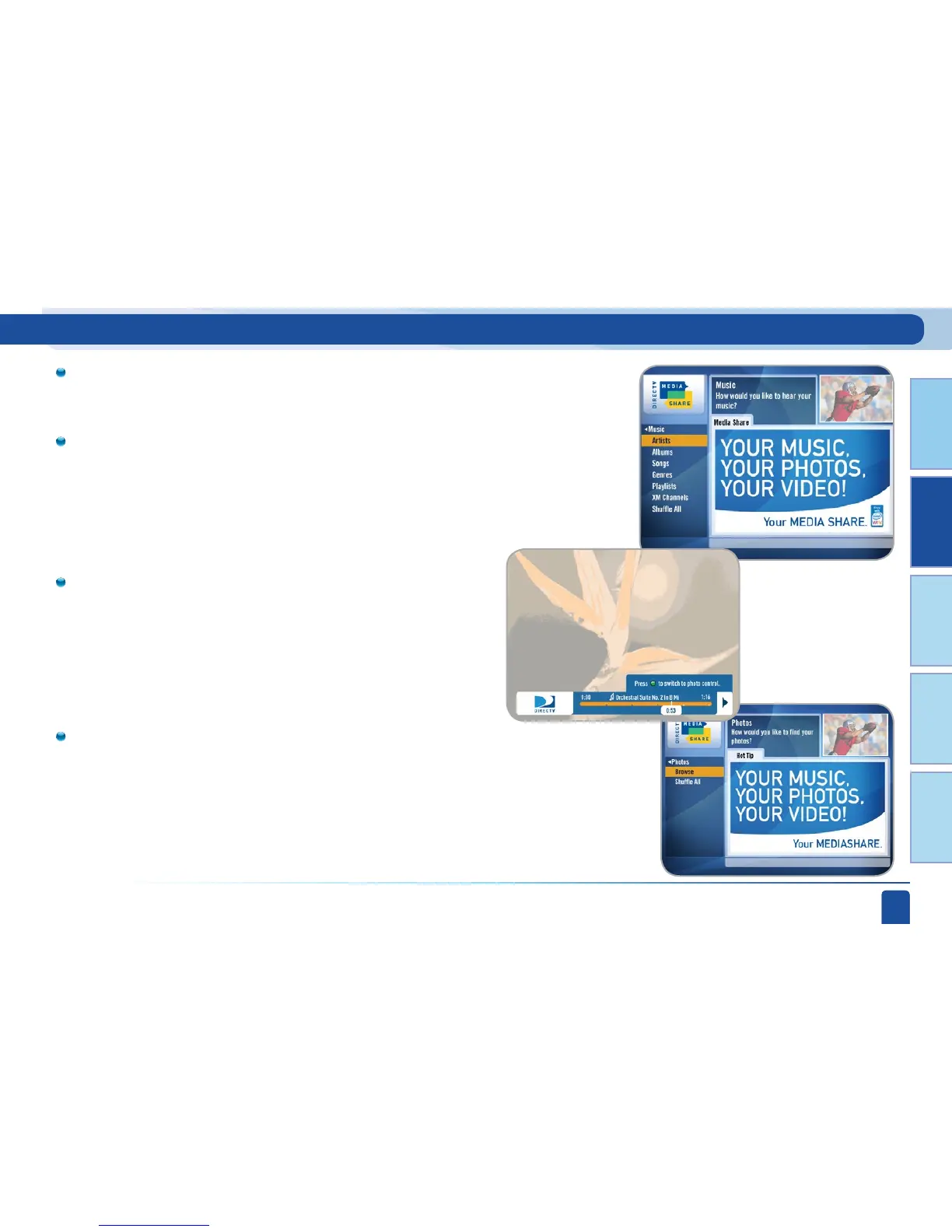
Main Menu - Music, Photos and More
Select Music to go to the Music submenu. Access music by Artist,
Album, Song and even Playlists! You can also select your favorite
XM Music Channel.
Your favorite music will play as you watch your TV or view photos
from your PC.
Once the desired songs are selected from the Music submenu, the
song’s information will display on the Progress bar.
If you want to view photos, go to the Photos submenu.
Select Browse and you can see several photos at once!



 To Next Page