Chapter 1
Chapter 2 Chapter 3 Chapter 4 Chapter 5
37
CHAPTER 2 - DETAILED INFORMATION
37
Note:
Remote connections vary. In rare instances, scheduled recording(s) may not be
recognized.
Recorded TV Special Features
From a Mobile Phone
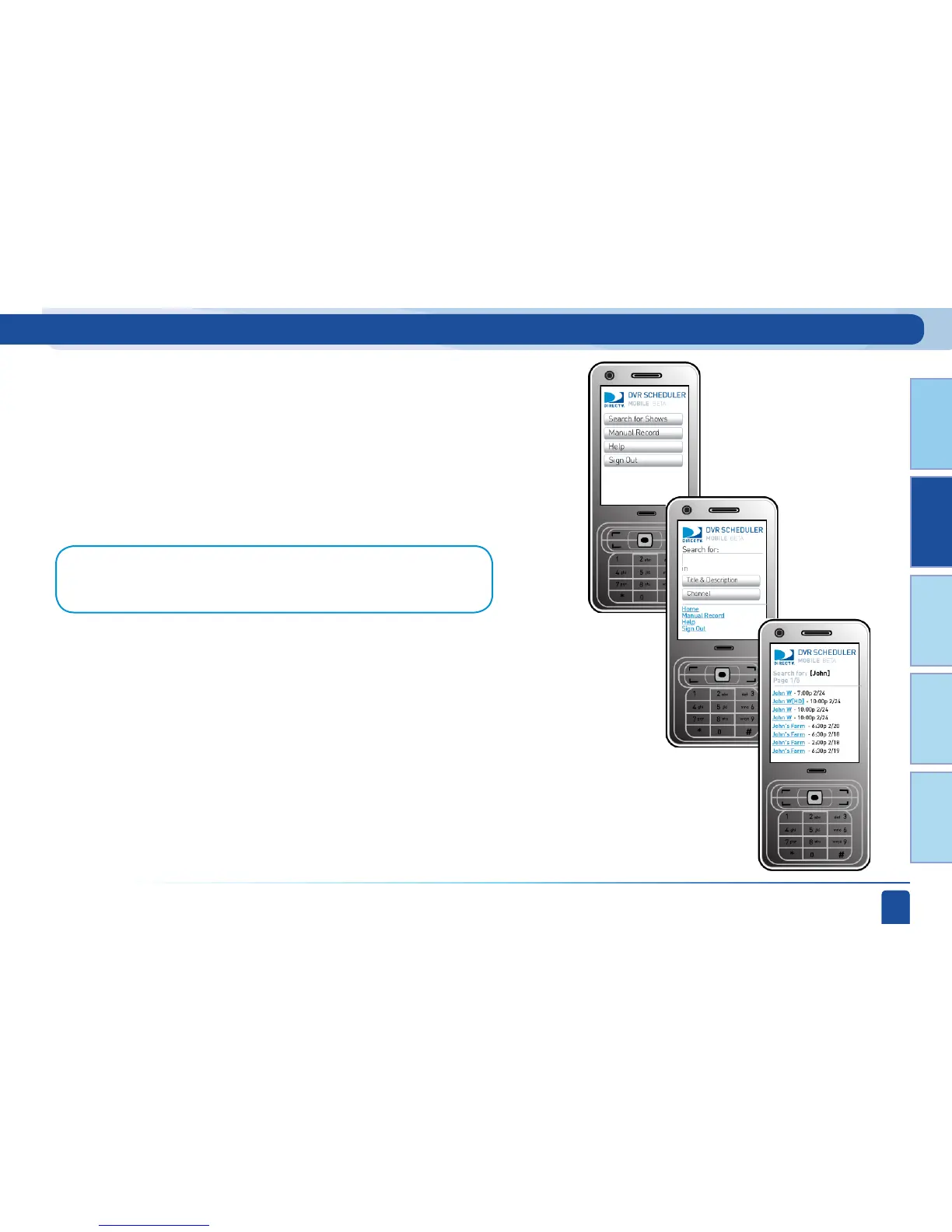
To schedule a recording from a mobile phone use your Internet browser
to go to m.directv.com. Sign in with your user name and password. For
mobile-generated recordings you will use a search engine to find your
program based on title or description. Pick your title from the search
results and follow the step by step instructions to set the recording.



 To Next Page