24
Dirtywave M8 Operation Manual
Mixer View
MIXER
VOLUME:LIMIT E0:00
DJFILT:PEAK 80:80
12345678
E0 E0 E0 E0 E0 E0 E0 E0
CHO DEL REV INPUT USB MIX
E0 E0 E0 00 00
CHO 00 00
DEL 00 00
REV 00 00
T>120
1 E-3
2 ---
3 ---
4 ---
5 ---
6 ---
7 ---
8 ---
G
SCPIT
M
X
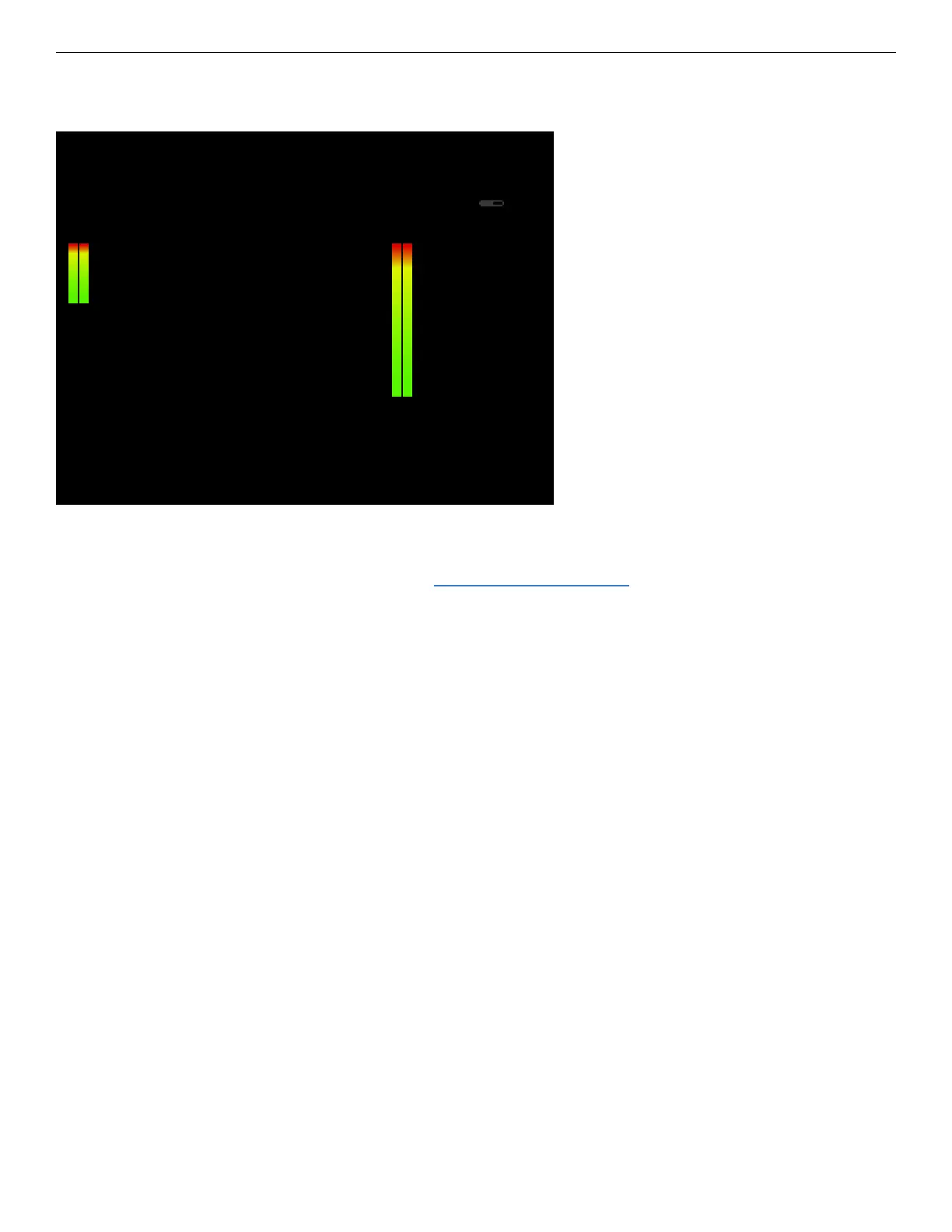
The mixer allows you to view and adjust the volume of each of the 8 tracks, the 3 send
eects (chorus, delay, and reverb, see Eect Settings View), analog and USB input for
monitoring; control the global DJ lter eect; and overall song volume and limiter. When
an instrument is triggered on a given track, its volume parameters are applied to the
given track’s outputs. The track’s volume in the mixer also adjusts its eect send levels.
The eect volumes of the 3 send eects can be adjusted under “CHO”, “DEL”, and
“REV”. The analog and USB inputs can be mixed in for live monitoring as well as routed
to the 3 send eects. “INPUT” refers to the analog input and “USB” refers to anything
the USB host computer is sending to the M8.
All of the tracks, inputs, and eects are mixed together and routed through the limiter,
DJ lter, and nally though the main song volume. Any clipping will appear as a red bar
on the graphical meter.
The DJ lter is a mixed low-pass / high-pass lter. When the value is above “80” it
sweeps upward removing the bass frequencies. Below 80 it sweeps downward remov-
ing high frequencies. This is useful in a live setting when it is mapped to the touchscreen
or an external controller, or automated in the song using the “DJF” FX command.
The limiter is engaged when its value is above 00. There is a white line drawn on the
“MIX” graphical indicator to show the limiters compression activity.



 To Next Page