40
Dirtywave M8 Operation Manual
Sampler
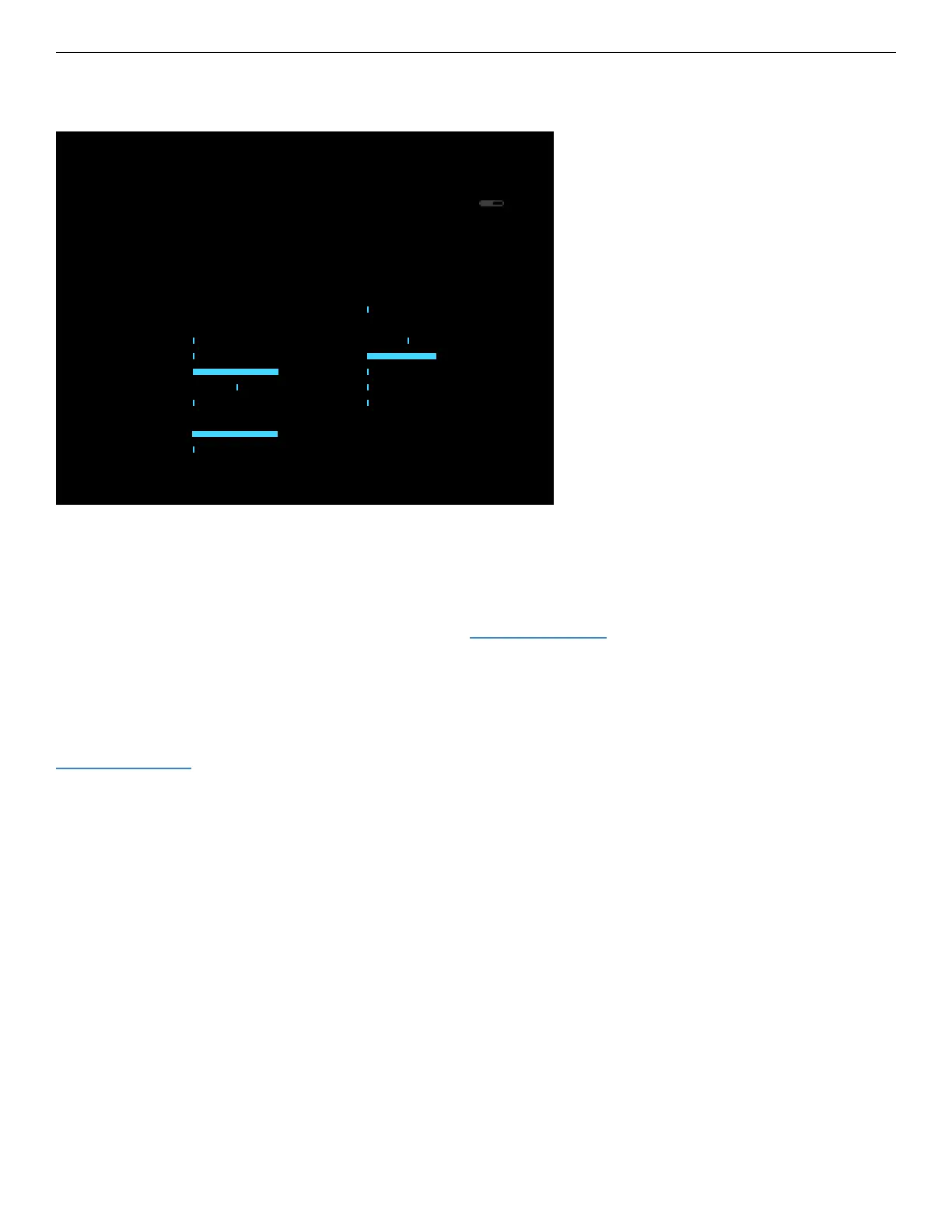
INST. 00
TYPE SAMPLER LOAD SAVE
NAME ------------
SAMPLE TEST-SAMPL-TACOS EDIT
SLICE 00OFF
PLAY 00FWD-PP
START 00
LOOP ST 00
LENGTH FF
DETUNE 80
DEGRADE 00
FILTER 00LOWPASS
CUTOFF FF
RES 00
PAN 00
DRY C0
CHO 00
DEL 00
REV 00
T>120
1 ---
2 ---
3 ---
4 ---
5 ---
6 ---
7 ---
8 ---
P
SCPI T
M
TRANSP. ON
TABLE TIC 01
AMP 00
LIM 00CLIP
Sampler is a sample player, editor and recorder. Only 1 or 2 channel (stereo) PCM 8,
16, or 24-bit “.wav” les are supported. When a sample is not present, to the right of
“SAMPLE” press [EDIT] on “LOAD” to browse for a sample to load, or “REC.” to record
a new sample. See the next section on the Sample Editor for sampling and editing les.
Samples are streamed from SD. To prevent issues with playback there is an upper-pitch
limitation enforced based on bit-depth and mono/stereo samples. You can reduce this
limitation by either converting to mono, dropping the bit depth, or downsampling via the
Sample Editor.
Sampler Parameters
• SLICE - “slices” the sample into equal length sections and maps each slice starting
from the lowest octave (C-1). Ex: “02” would map C-1 to the rst half of the sample
and C#1 to the second.
• PLAY - Sets the play direction and loop mode.
• FWD - Forward playback with no loop.
• REV - Reverse playback with no loop.
• FWDLOOP - Looping forward playback.
• REVLOOP - Looping reverse playback.
• FWD PP - Ping-pong looping forward - Plays forward and reverse back and forth.
• REV PP - Ping-pong looping reverse - Plays reverse and forward back and forth.
• OSC - Oscillator forward mode - “Oscillator” modes ignore start position and do
not start from the beginning when retriggered.



 To Next Page