30
Dirtywave M8 Operation Manual
Theme View
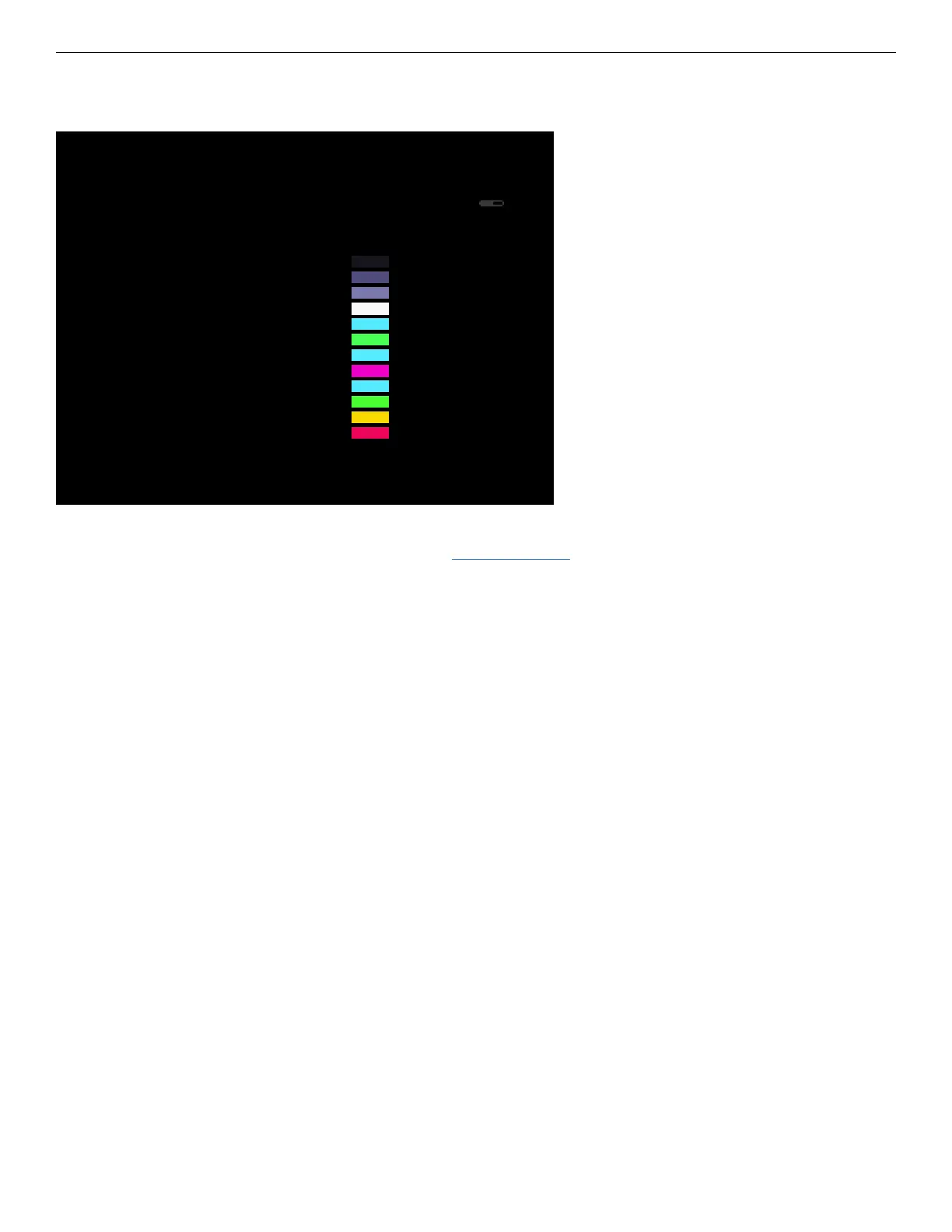
THEME SETTINGS
BACKLIGHT 80
RGB
BACKGROUND 00 00 00
TEXT:EMPTY 1E 1E 28
TEXT:INFO 60 60 8E
TEXT:DEFAULT 8C 8C BA
TEXT:VALUE FA FA FA
TEXT:TITLES 32 EC FF
PLAY MARKERS 00 FF 70
CURSOR 32 EC FF
SELECTION FF 00 D2
SCOPE/SLIDER 32 EC FF
METER LOW 00 FF 50
METER MID FF E0 00
METER HIGH FF 30 70
NAME ------------
LOAD SAVE RESET
T>120
1 ---
2 ---
3 ---
4 ---
5 ---
6 ---
7 ---
8 ---
P
SCPIT
M
The theme view is accessible from the project view. Adjust brightness and interface
colors, load presets, and save preset themes for sharing.
Brightness aects battery life as it physically changes the brightness of the backlight
LEDs on the display. The recommended default setting is 80 which is still bright in mod-
est settings while still remaining usable.
Adjust the colors of each property in real time to understand what each value controls.
The values are in RGB for convenience however the display uses colors in 16-bit (565)
and thus not a true 24-bit display, so minor adjustments may not produce any change.
The M8 rmware has a handful of default themes which are also located on the SD card.
Try out a few by selecting “LOAD” at the bottom of the screen.
Theme View Shortcuts
Navigating
• [DIRECTION] Move cursor
• [OPTION] Exits view
Editing
• [EDIT]+[UP or DOWN] Edits the selected value incrementing by large steps
• [EDIT]+[LEFT or RIGHT] Edits the selected value incrementing by small steps.
• [EDIT]+[OPTION] Set selected parameter to its default value.



 To Next Page