SK3000 Operator’s Manual Controls - 41
Display
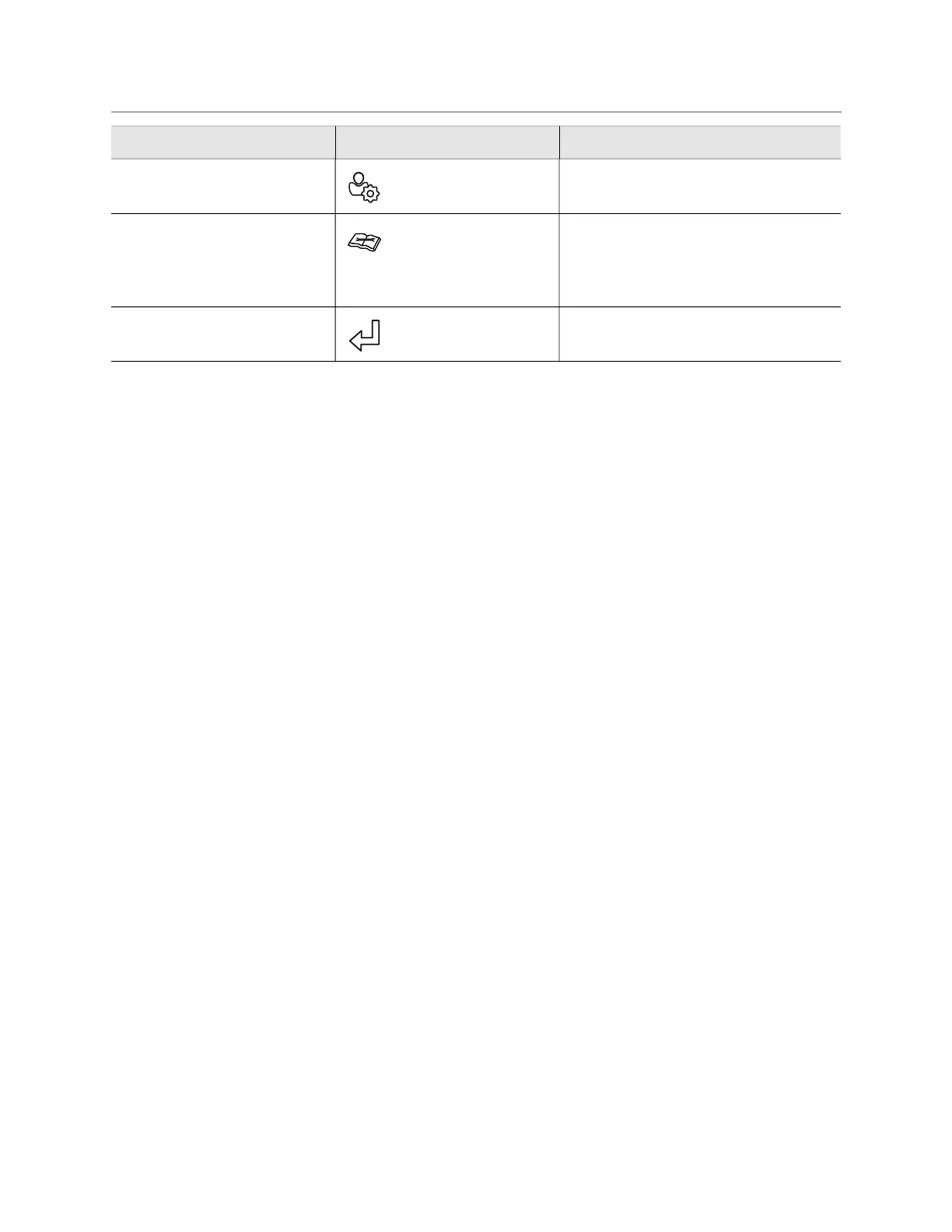
6. User settings menu key To customize settings,
press.
See “User Settings Menu” on page 44.
7. Service menu key To display service
menu, press.
Total hours for engine, pump and
attachment can be viewed and
service intervals can be reset in this
screen.
8. Return key To return to main
screen, press.
Item Description IMPORTANT


 To Next Page