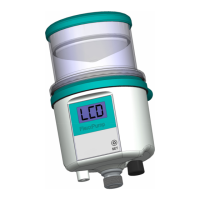
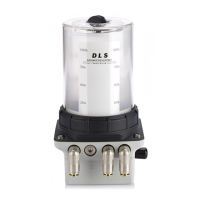
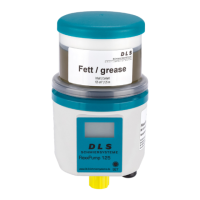
BA FlexxPump 125 - 24 V_20181121_EN de 201811 17
Operation
5.4 Switching FlexxPump 125 On/O
3x
Switching on
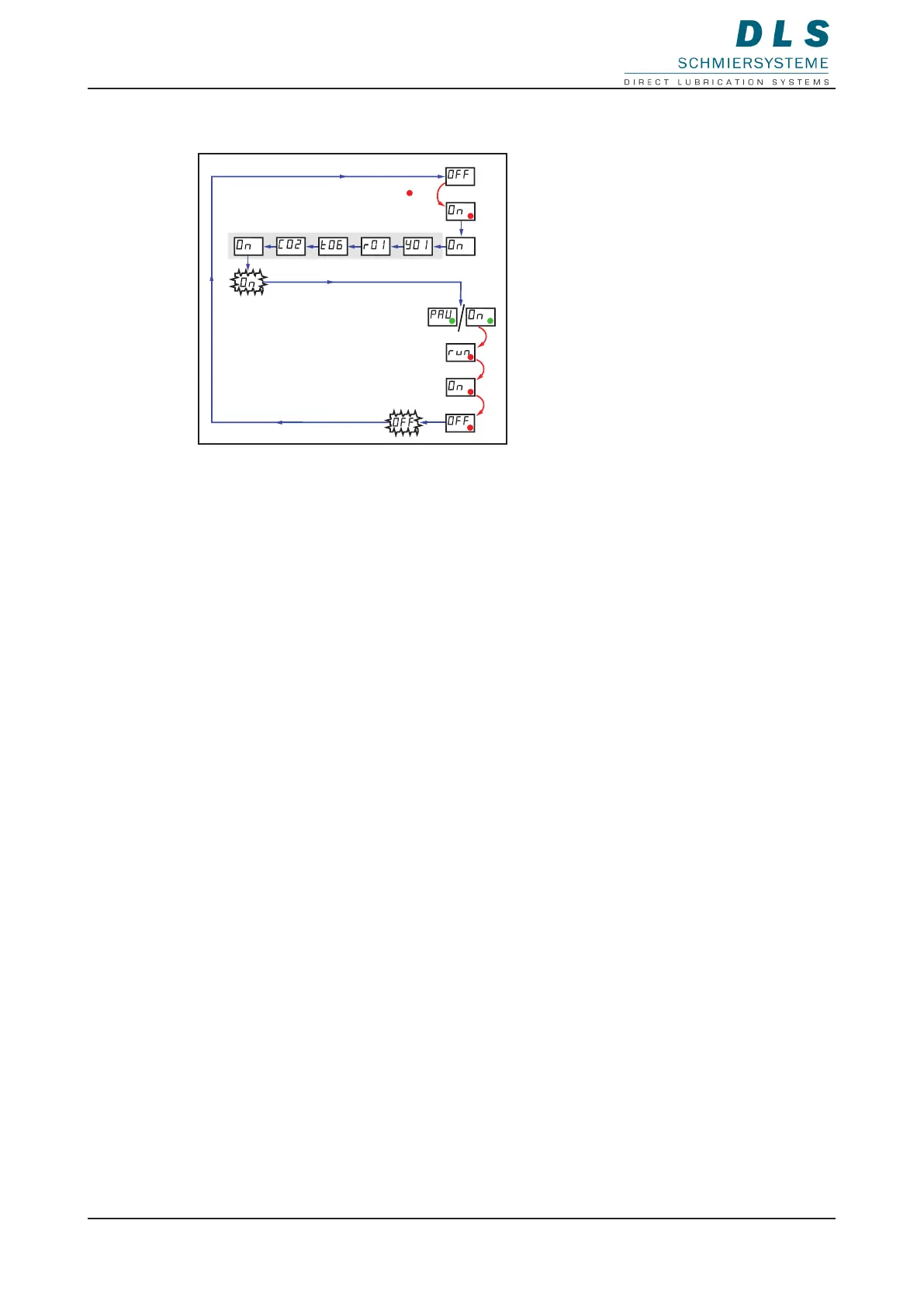
1. Hold the magnetic pin against the area of activity.
The LED ashes red three times.
2. Remove the magnetic pin when ON is displayed.
3. The rmware information and settings for emptying time (t) and number of cycles (C)
are displayed.
On ashes twice in the LCD.
The green LED ashes, the FlexxPump 125 is in operation
The FlexxPump 125 feeds lubricant according to the presettings for t and C. If the LCD
displays PAU, the FlexxPump 125 receives no signal from an external controller.
Switching o
1. Hold the magnetic pin against the area of activity.
The LED ashes red and run, On, OFF are displayed one after another in the
LCD.
2. Remove the magnetic pin when OFF is displayed. OFF ashes twice in the LCD.
The FlexxPump 125 is switched o.


 To Next Page