BA FlexxPump 125 - 24 V_20181121_EN de 201811 23
Operation
5.9 Changing the Cartridge
Note
A broken cartridge may not be screwed back on. Only full cartridges may be screwed on
because the counter is reset after removing a cartridge.
Note
Only use original cartridges.
A cartridge can be changed during normal operation. The LCD displays E1 and the LED
ashes red when the cartridge is empty. If a dosing process is interrupted, it resumes auto-
matically after screwing on a new cartridge.
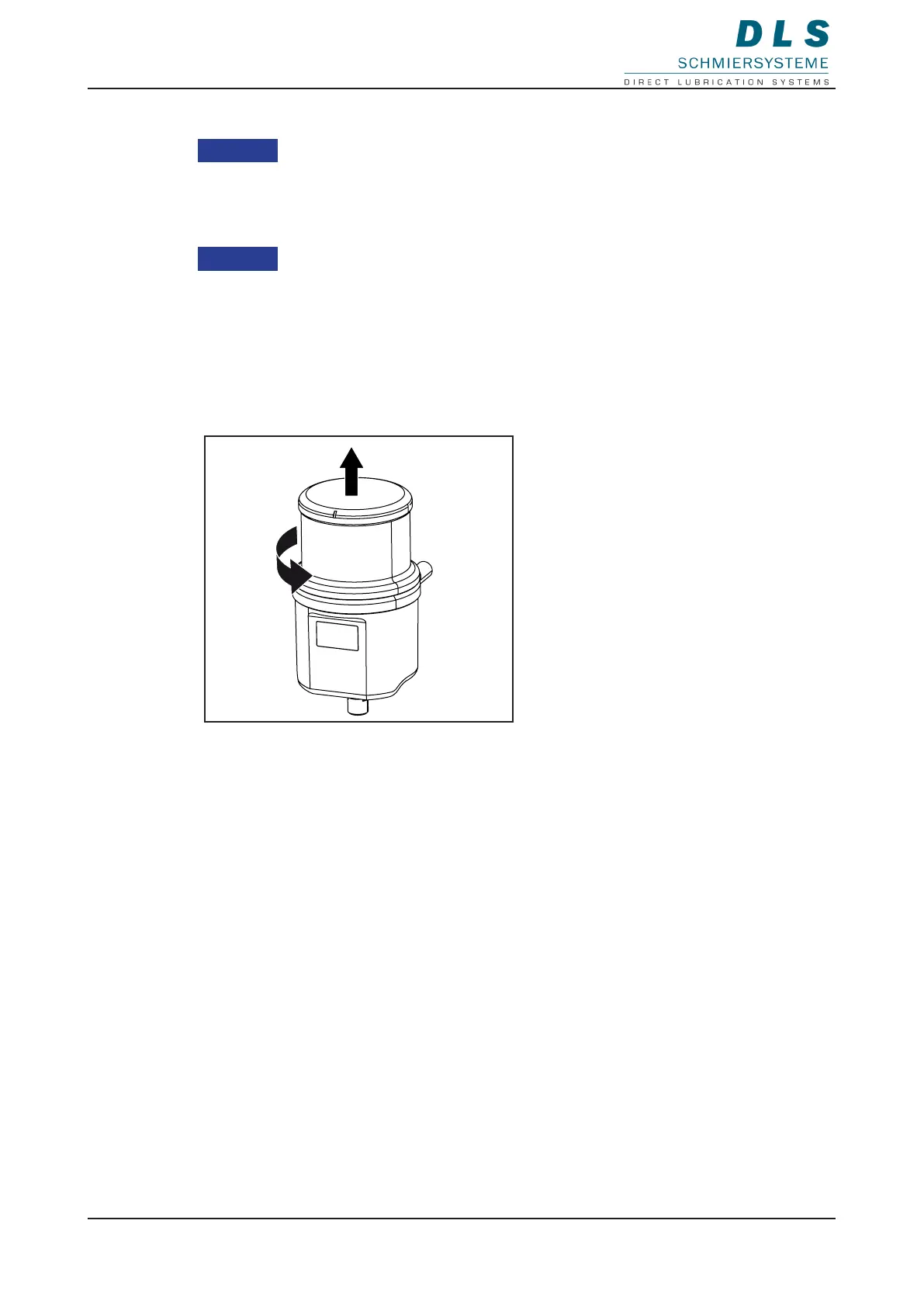
1. Unscrew the empty cartridge and
dispose of it properly.
The display in the LCD changes from
E1 to E2.
The LED ashes red.
2. Screw on a new, full cartridge until
the label faces forward.
An interrupted dosing process is
continued.
The LED ashes green.


 To Next Page