25
4.
Enter the control command from the host
computer to print cards.
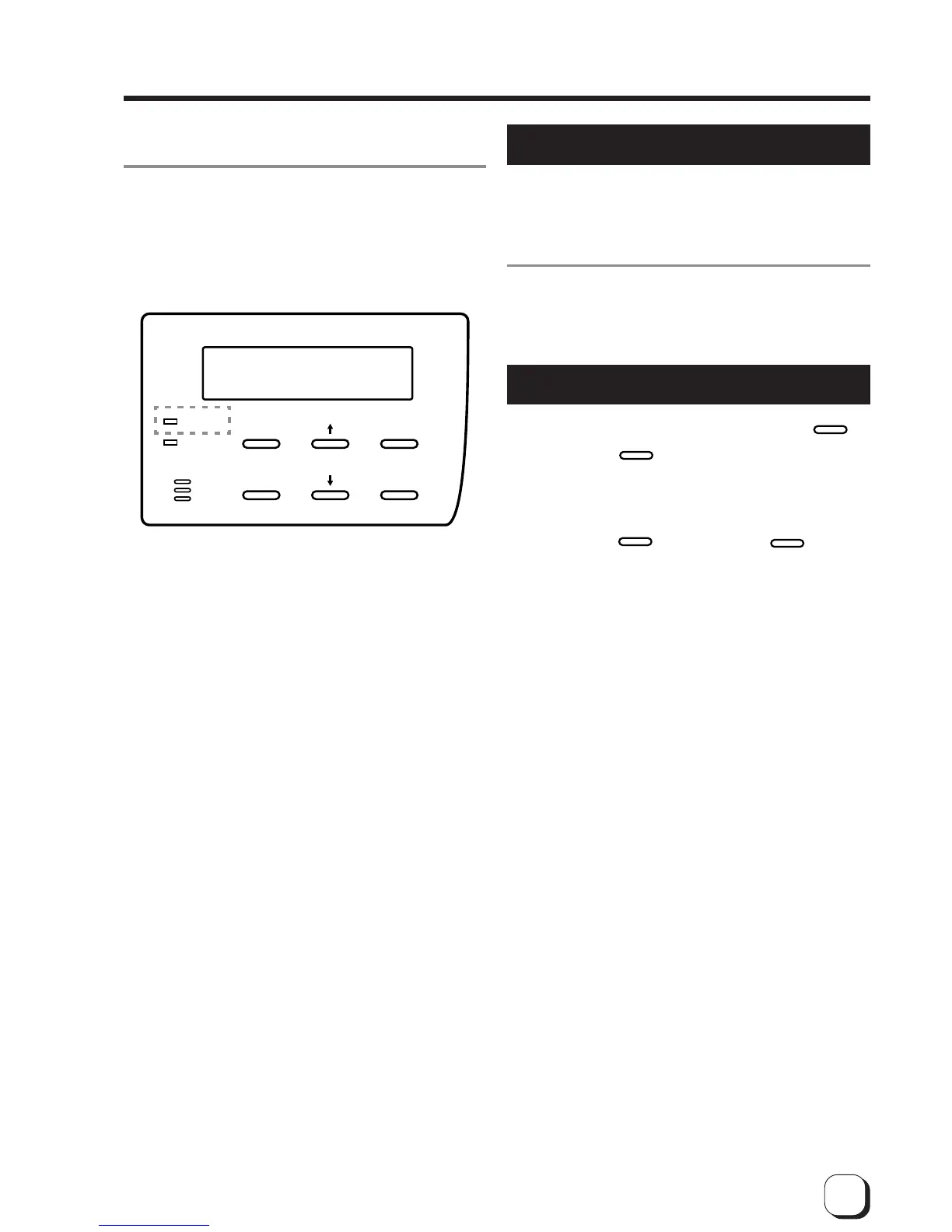
The operation display LED (READY LED) will flash
while the unit is receiving image data from the host
computer.
Be sure NOT to do any of the following during printing
operations:
Do not open the printer door.
Do not open the card tray.
(while the LCD panel displays ‘Loading’)
Do not turn off the power supply.
Do not unplug the unit.
Do not pull out the connection cable.
Failure to observe the above points will cause printing
to be aborted and may result in a malfunction of the
unit.
RESET
EXIT
MENU
ENTER
READY
ERROR
Turning off the power
1.
Check the printer status.
In ready, preheat or error status, check that printer
operations are suspended.
2.
Turn off the printer’s power.
Always wait 10 seconds or more before turning the
power back on again.
About the RESET button
When an error occurs in the printer, press the
RESET
button, then the
ENTER
button.
The printer is initialized with this operation.
If the error still persists, see p.41 and take the
appropriate actions.
Then, press the
RESET
button, and the
ENTER
button
again. The printer is initialized, and returns to the
“Ready” state.
(When you turn off the power, these procedures are not
necessary.)



 To Next Page