29
(to the next page)
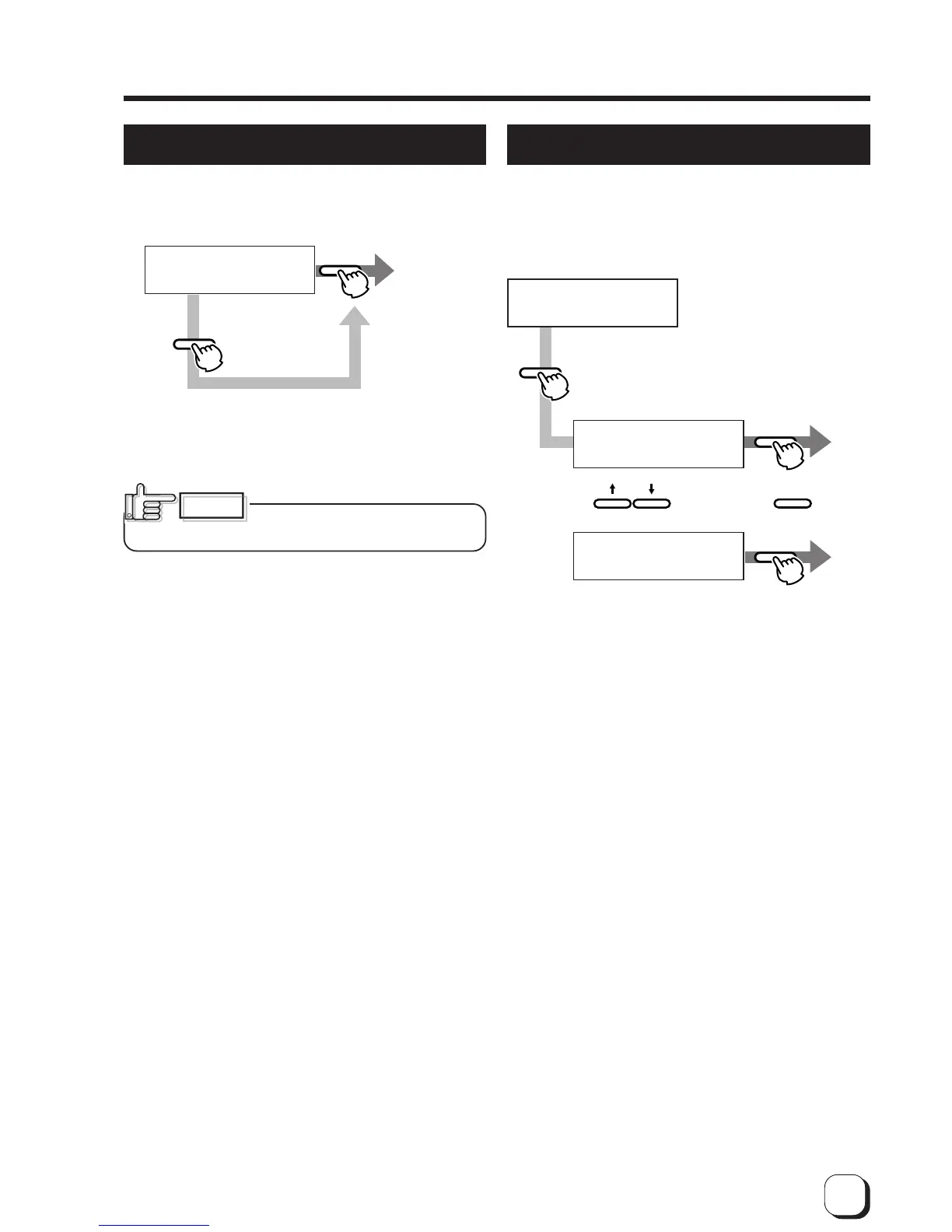
Clearing the free counter
Reset the free counter.
The [Total] counter and [Head] counter cannot be
reset.
Cleaning mode
The printer is provided with an operation mode for
cleaning the magnetic head and card feed roller to
keep the printer in the best condition.
See p.38 and p.39 for executing the cleaning mode.
>Counter Reset
OK?
EXIT
ENTER
Exit user
mode.
Press
to reset.
(The electronic
beep sounds .)
To check that the counter is reset to zero, select “Free
Counter” in “Setting the counter type” on p.28.
CAUTION
The head counter is cleared to zero
each time the thermal head is replaced.
>Cleaning>
>>Rollers
OK?
>>MGHead
OK?
ENTER
ENTER
ENTER
ENTER
Execution
(The electronic
beep sounds.)
and press
Select the
cleaning item with
To exit the cleaning mode, turn off the power after
cleaning.
for
execution.
(The electronic
beep sounds .)



 To Next Page