37
(to the next page)
4.
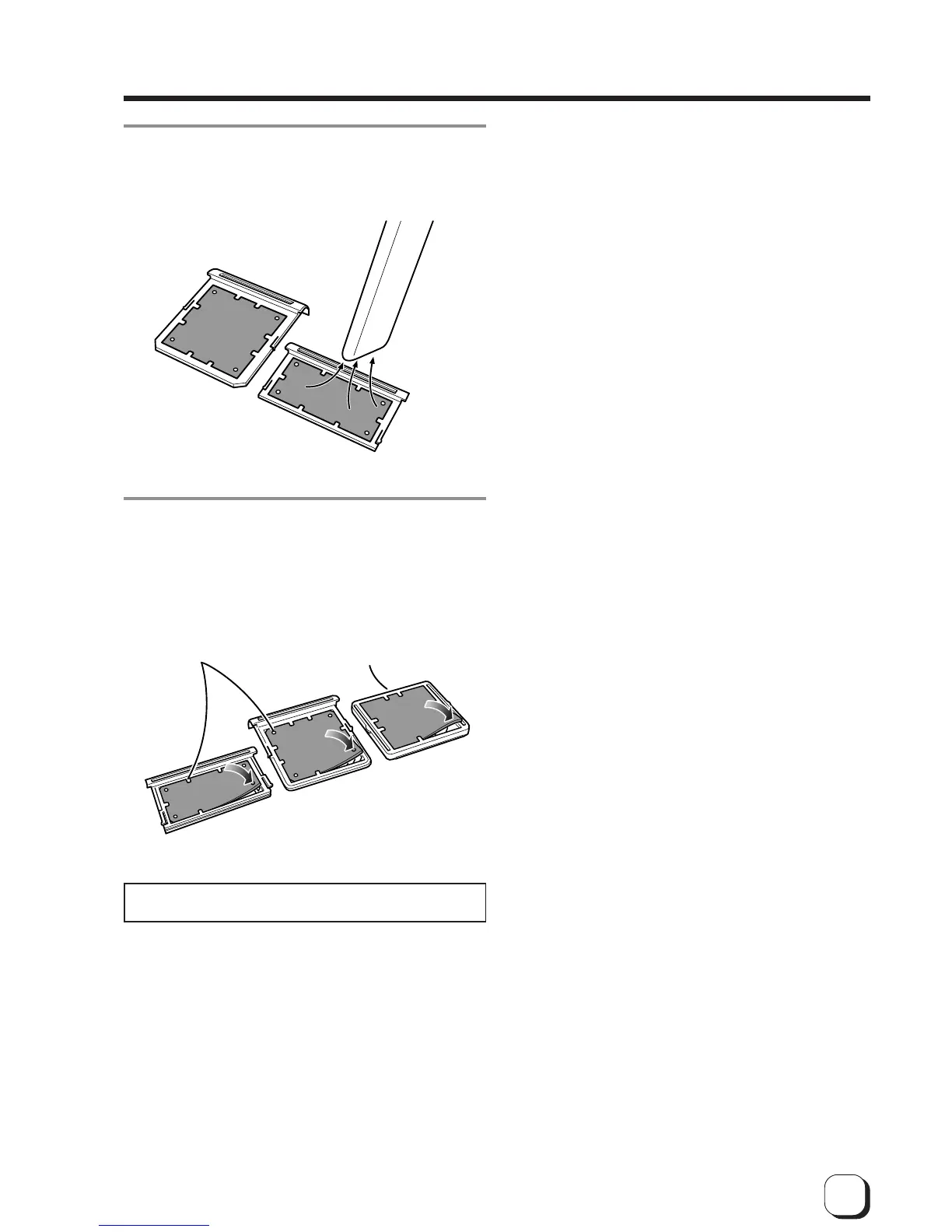
Remove dirt on the fan filter using a vacuum
cleaner or other cleaning equipment.
Hold the sponge with your hand so that it is not sucked
into the cleaner.
5.
How to attach the sponge
Side filter
Press down the sponge into
the dents at four corners, and
set it under the tabs on the
frame.
Replace the fan filter when it begins to deteriorate. Contact
your dealer for details of replacing the filter.
Bottom filter
Place the sponge
under the tabs on the
frame.



 To Next Page