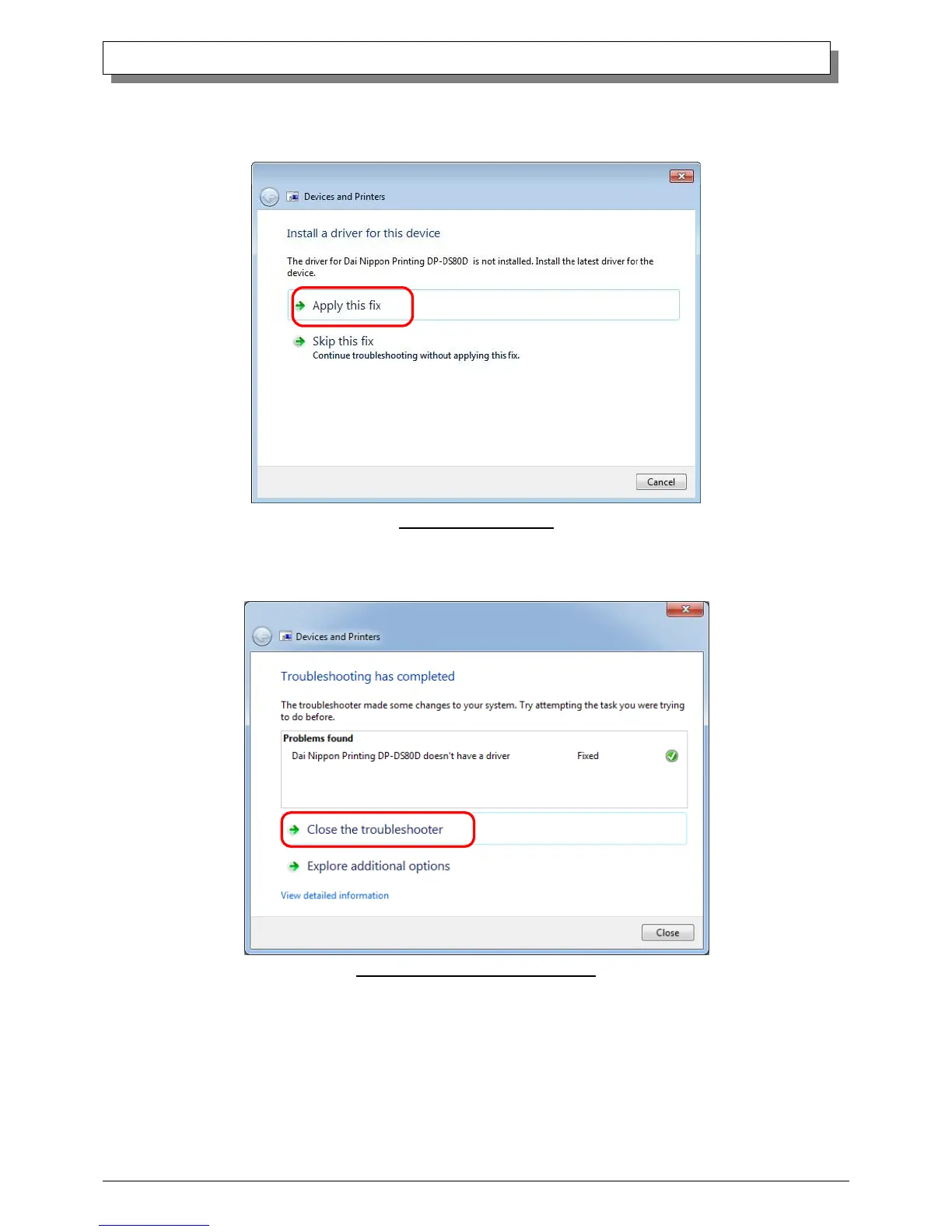
When the “Install a driver for this device” window appears, click on “Apply this fix”.
It will automatically search for the driver and installation is started.
Fig 1.18 Applying the Fix
When the driver has been installed, “Troubleshooting has completed” will appear. Click on “Close the troubleshooter” to end the
troubleshooting.
Fig 1.19 Completion of Troubleshooting



 To Next Page