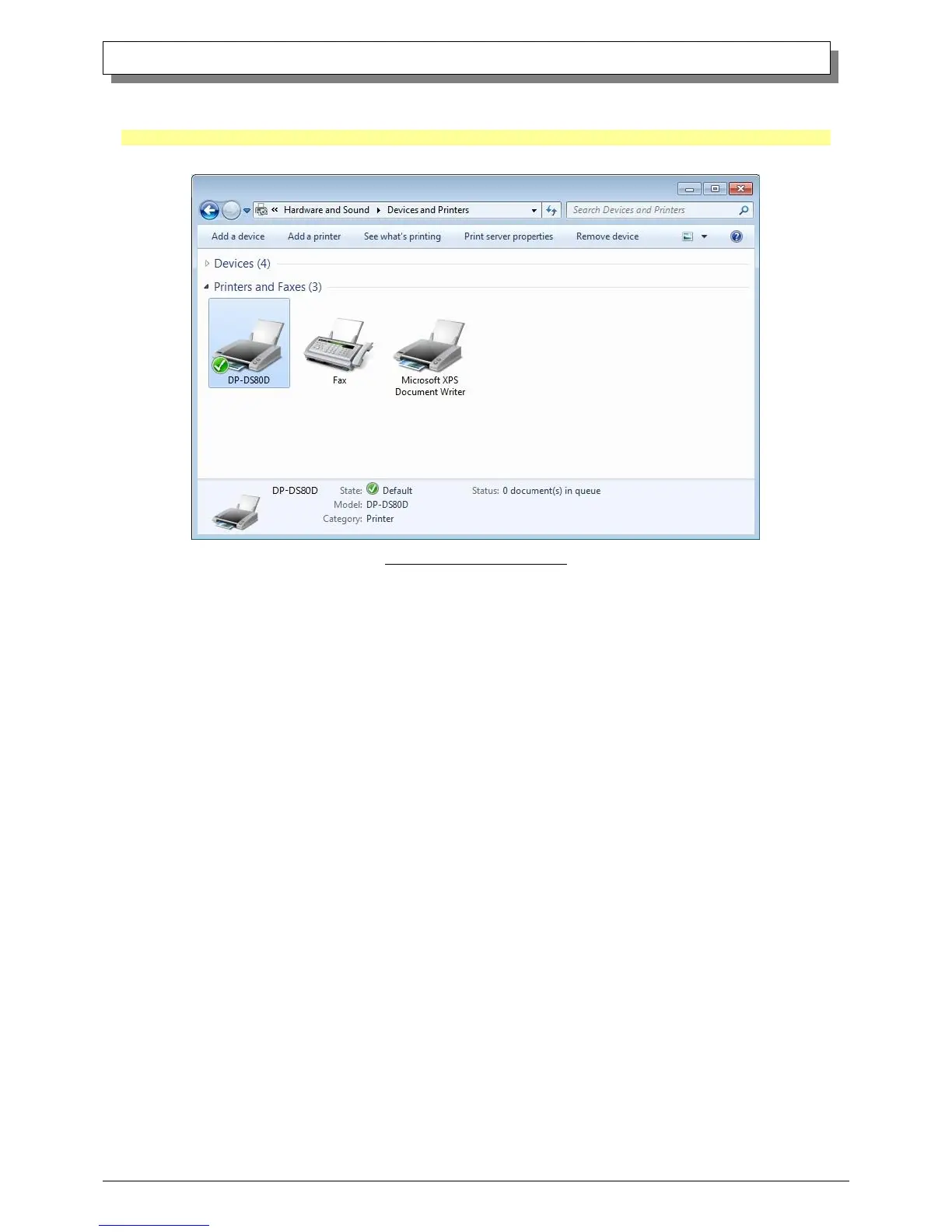
Check that the DP-DS80D is displayed in the “Devices and Printers” window.
Note: In Windows 8, DP-DS80D icon does not appear if the printer is offline (if the printer with the power on is not connected).
Now, the DP-DS80D Printer Driver installation is complete.
Fig 1.20 Devices and Printers
After installation of the printer-driver is complete, be sure to reboot the computer.



 To Next Page