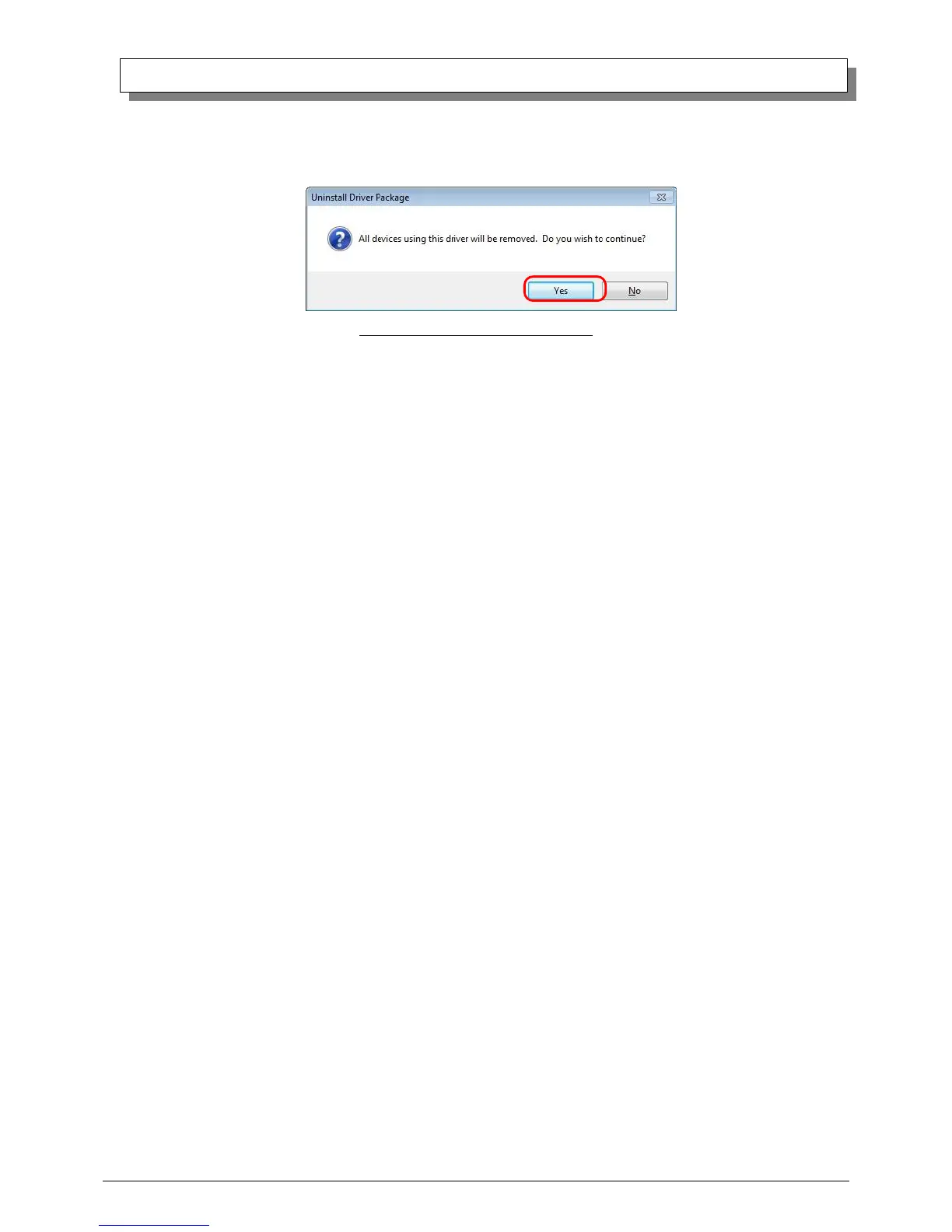
(3) When the “Uninstall Driver Package” window appears, click on “Yes”.
The Uninstall will be completed.
After finished with uninstalling the driver package, reboot the computer.
Fig 3.11 Uninstall confirmation window
3. Installing the printer-driver upgrade
After removing the printer and printer-driver, install the new printer-driver. For installation steps, please refer to Chapter 1
“Install”.
4. Rebooting the computer
After installation of the printer-driver is complete, be sure to reboot the computer.
(Do not print immediately after installation. First reboot the computer.)



 To Next Page