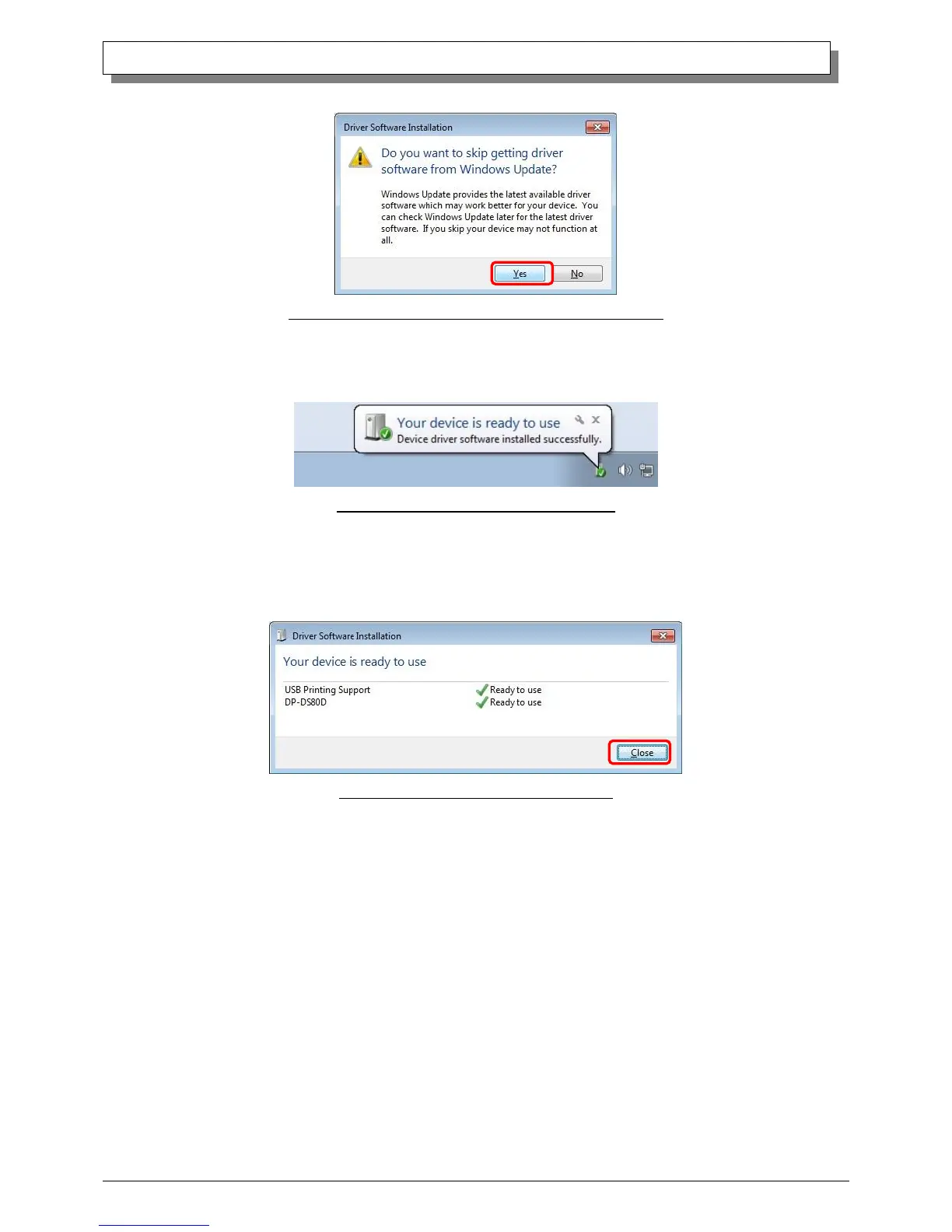
When the confirmation window appears, click on “Yes”.
Fig 1.10 Skip getting the driver software from Windows Update
From a beginning of installation after a while, the message “Your device is ready to use” will appear above the task bar, and the
printer driver installation will be complete.
Fig 1.11 Driver Installation Complete message
By clicking on this message, the “Driver Software Installation” window will be opened, and “Your device is ready to use” will be
shown. Click on “Close” to close the window.
(If the “Driver Software Installation” window is shown from the start of installation, the message above will not be shown.)
Fig 1.12 Driver Software installation complete



 To Next Page