<Multiple layout>
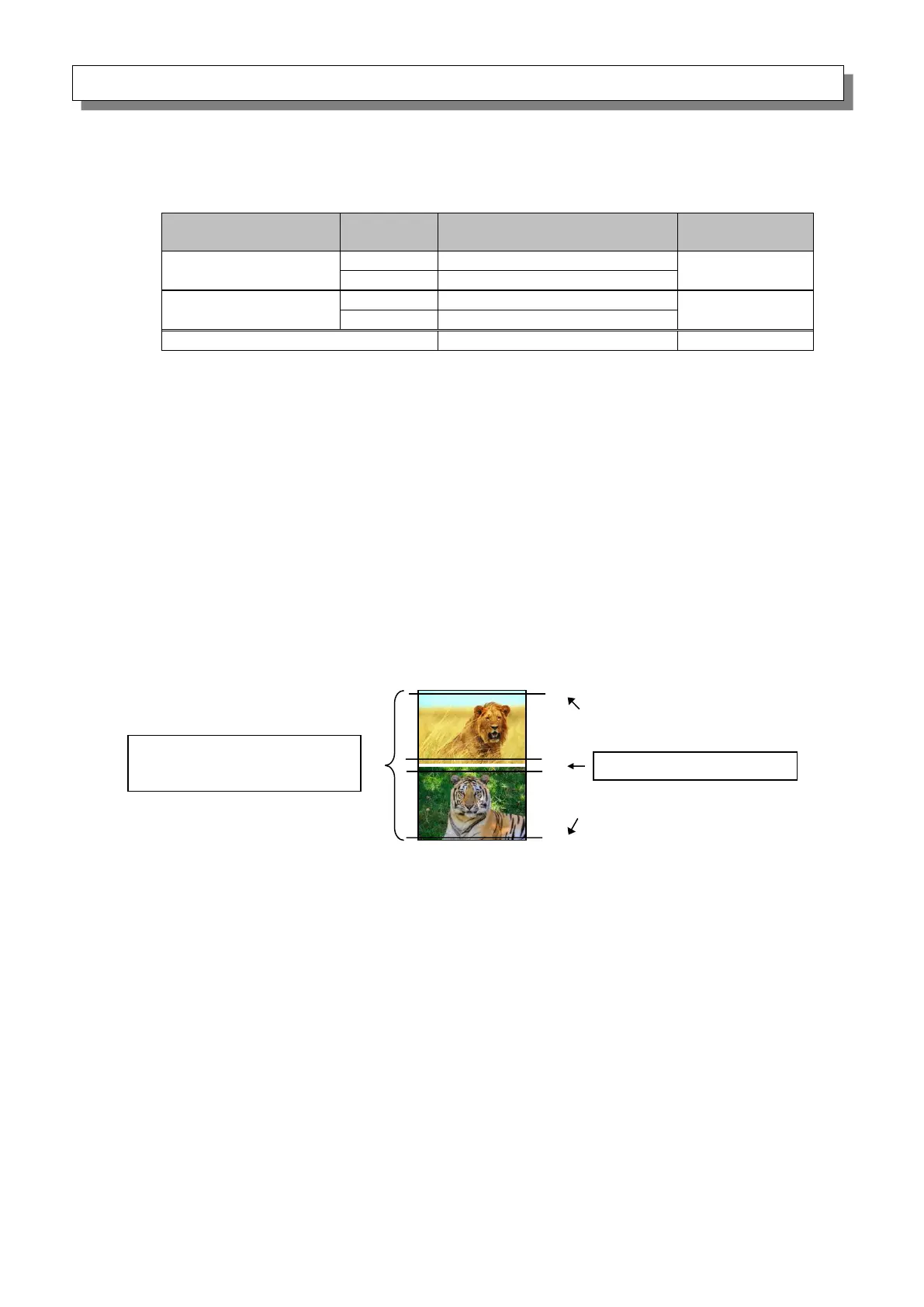
When the DS-RX1 is using 6x8 size media, 2 image layout is possible.
With the printer driver paper setting, multi-image layout is made possible, and the image sizes are as
follows.
Layout designation
Multiple layout is possible under the following conditions.
1.The printer is using 6x8 size media.
2.The printer driver paper size is set to one of the above sizes.
3.Multiple images are sent from the application.
Note) Because the multi-image layout occurs on a per job basis, this works when there are multiple
images for 1 job. If you want to print the same image, be sure to send the image data for
each copy to be printed. The printer prints 2 images in one operation, and the paper is cut
as it is fed out.
<Multi-image layout patterns>
The following is possible for the multi-image layout pattern.



 To Next Page